En esta sección
Importing items from file
HioPOS Cloud allows importing items using a CSV data file (files that can be generated from a program like Excel). During the initial setup, the application itself prompts us to perform the import.
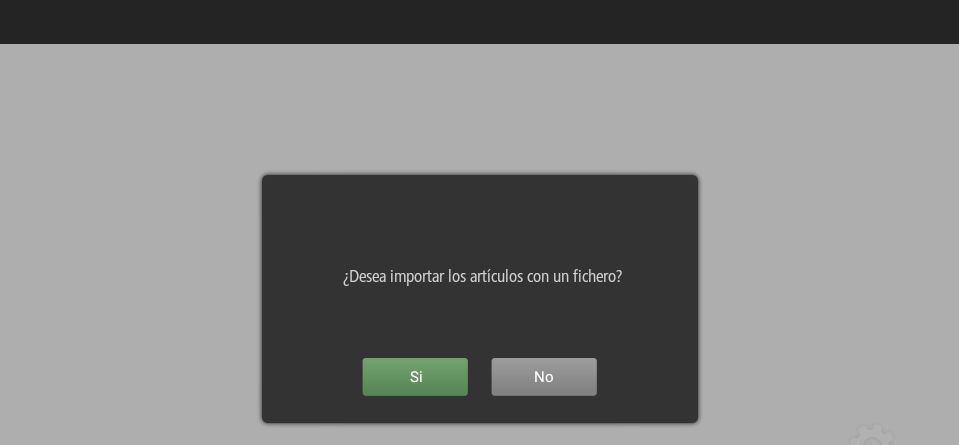
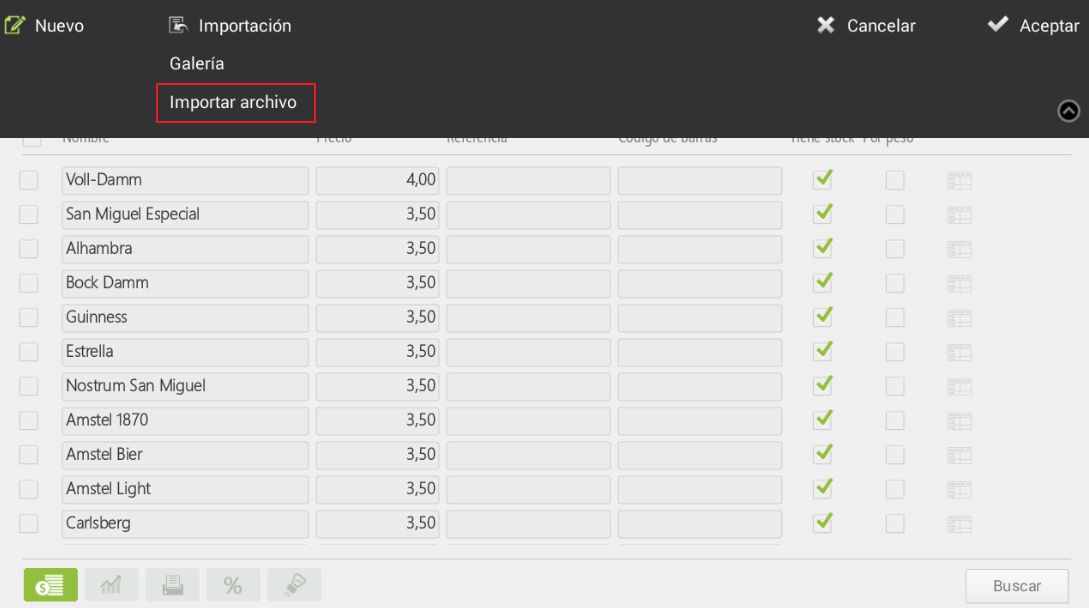
In the event that the user's initial response is negative, the initial setup process will continue. We will be able to import items from a file. To do this, we will need to navigate to Configuration, Article, and Edit articles. We will select Import, in the upper left margin and in the dropdown Import file.
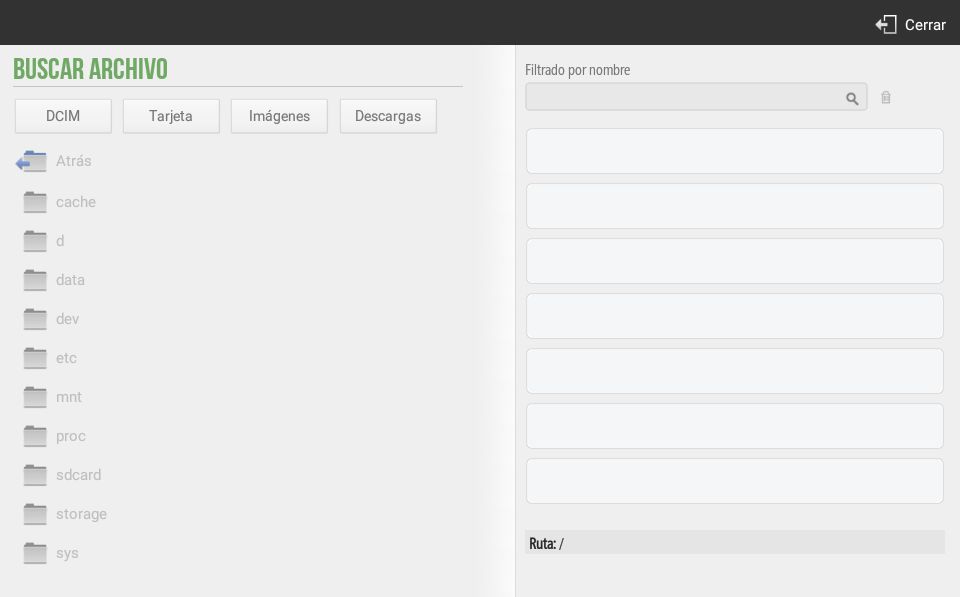
A file browser will now appear. We can select a file from DCIM, Card, Images, or Downloads. If items are imported via a HioPOS, the user has, among many alternatives, the option to connect a USB with the aforementioned file.
AI Assistant
Section summary
AI can generate inaccurate information; verify the results.