En esta sección
1.1
HIOPOS Point of Sale
Introduction
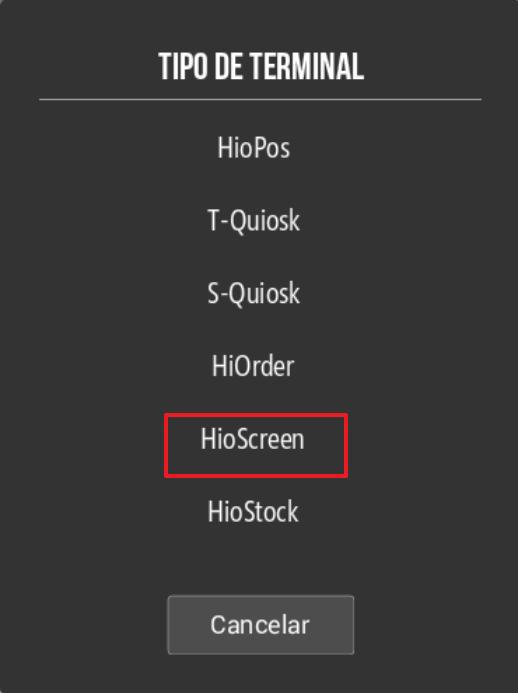
To configure a kitchen display, first we must create it, for this we have to go to terminal and select New and select HioScreen.
Next, it will ask us for a password for the new HioScreen terminal and the distributor code.
Next, we will need to go to the HioScreen and download the HioPOS Cloud apk via the download link:
apk.icg.eu/hioscreen/XXXX
XXXX: refers to the client's database number.
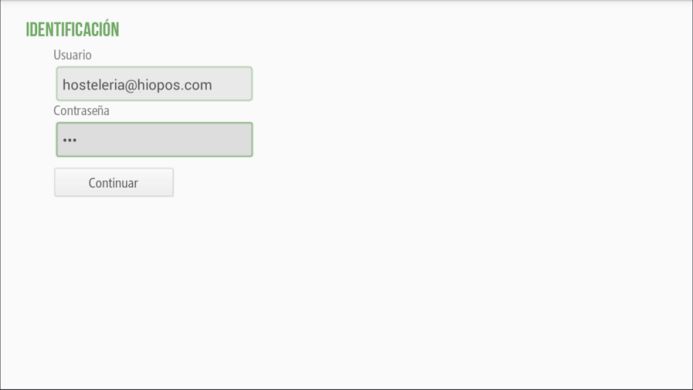
Once the app is open, we will need to enter the access credentials, the email we have configured in CloudLicense, and the access key we have specified for the device.
AI Assistant
Section summary
AI can generate inaccurate information; verify the results.