En esta sección
CallScreen
The CallScreen provides the end customer with information about the status of their orders. Through a screen placed at a strategic point in the establishment, the customer will be able to see the status of their order at all times, thus avoiding queues and crowds in the pick-up area.
To use CallScreen, HioScreen must be installed. Once HioScreen has been installed and configured, we will proceed to configure CallScreen. To configure CallScreen, it will be necessary to enter the HioScreen Configuration section explained in the previous point. Once inside, we will navigate to the tab of CallScreen.
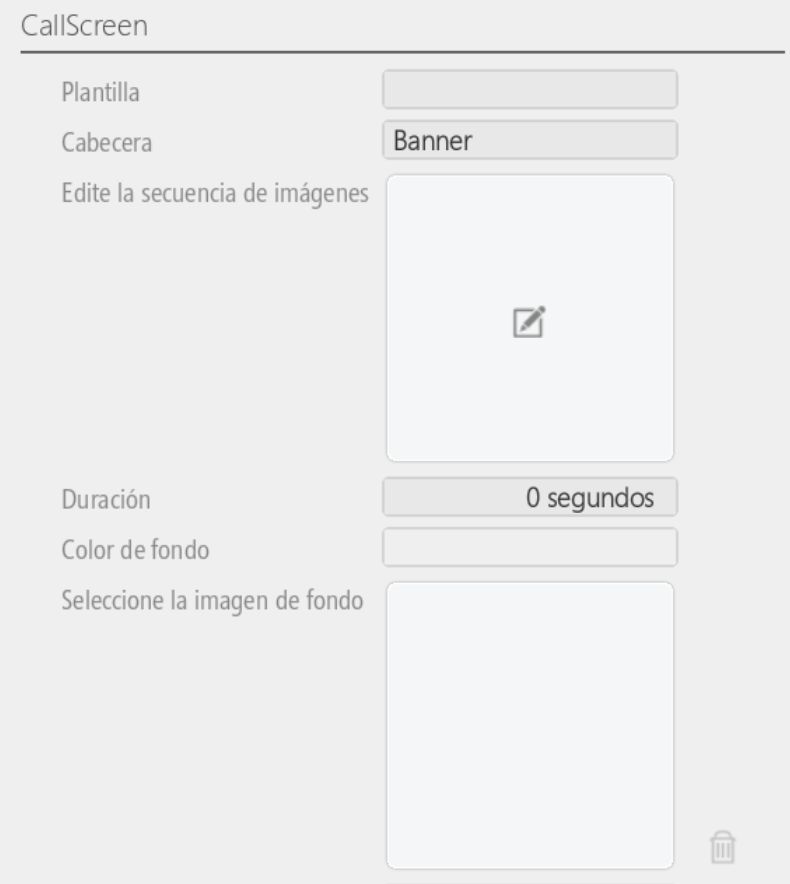
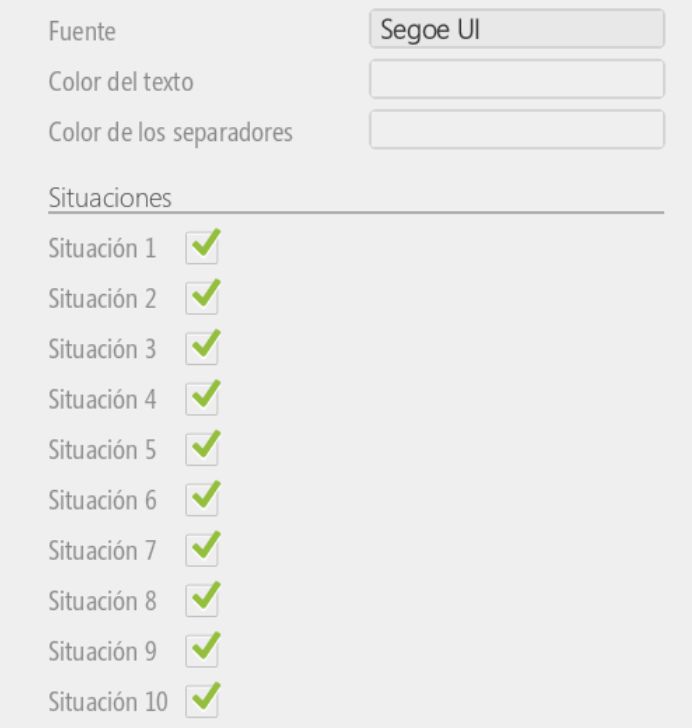
We will be able to configure different templates available in CallScreen, our business's Banner, the option to display our establishment's logo and title, background image or color, the font for the order status, as well as the text color and the color of the separators.
Finally, once the configuration is complete, we will check the "Is CallScreen" option so that the next time it is accessed, it will already show us the CallScreen with the order information.
Once the configuration is complete, we will then see the CallScreen exactly as we configured it.

With no orders in preparation, we see the CallScreen without orders.
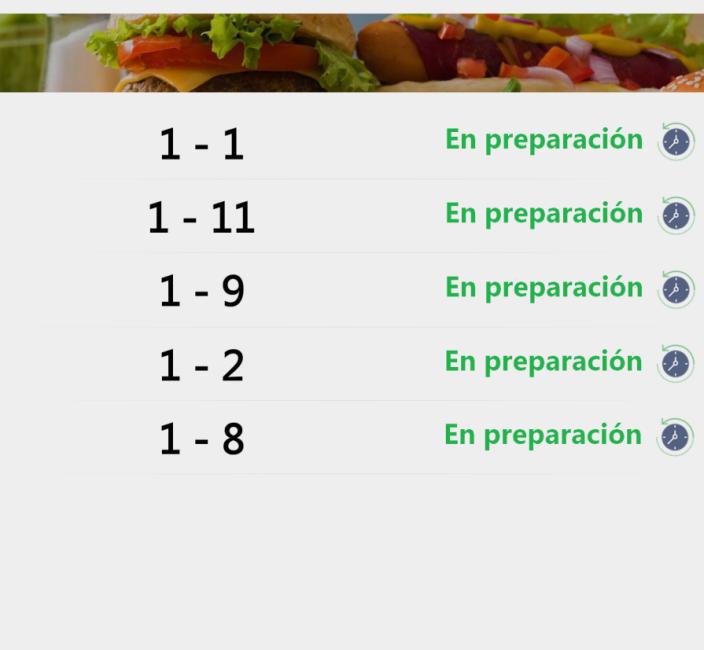
The sales procedure would be as follows. The sale is made from HIOPOS and then the sale arrives at the HioScreen and its preparation begins. On the CallScreen, it will already show that the order is in preparation.
Once the order is prepared, we will mark it via the HioScreen. Automatically, on the CallScreen, it will show that the order is ready for pickup.
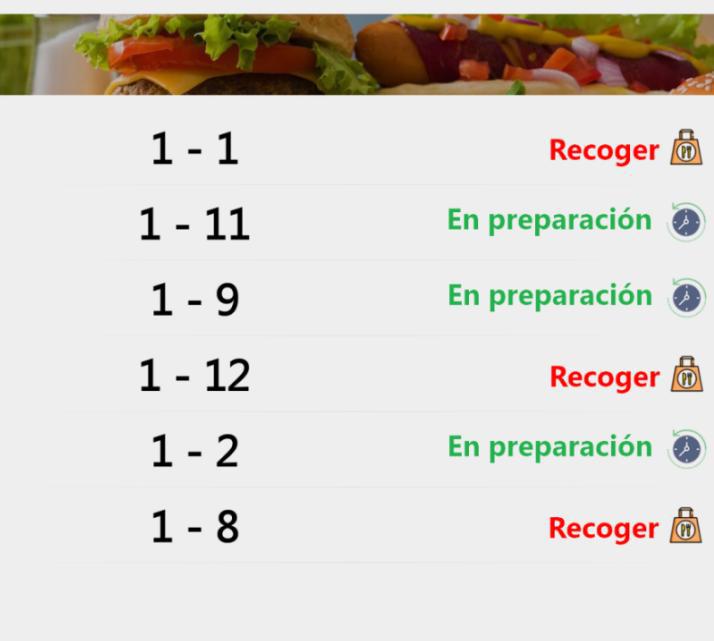
Once all orders are prepared, they will all be displayed for pickup.
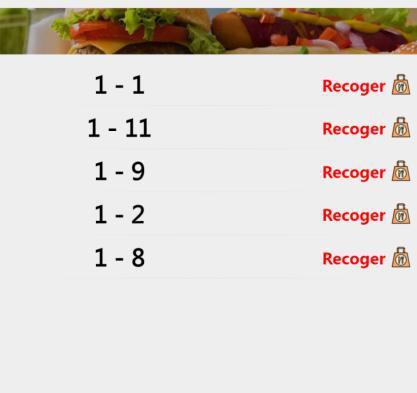
Once the delivery has been made, from HioScreen, the order will be marked as complete.
AI Assistant
Section summary
AI can generate inaccurate information; verify the results.