Shifts
HioPOS Cloud allows using the option Shifts which is found in the Settings section.
There are two types of configurations. First, we will configure the establishment's shifts, and then its holidays and exceptions. A very interesting option we will have is to assign rates by shift, as many businesses apply different rates depending on the work shift.
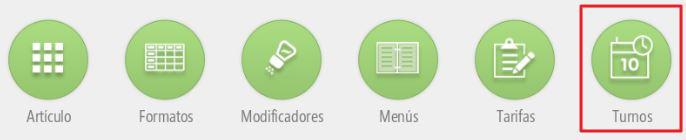
Holidays and establishment exceptions
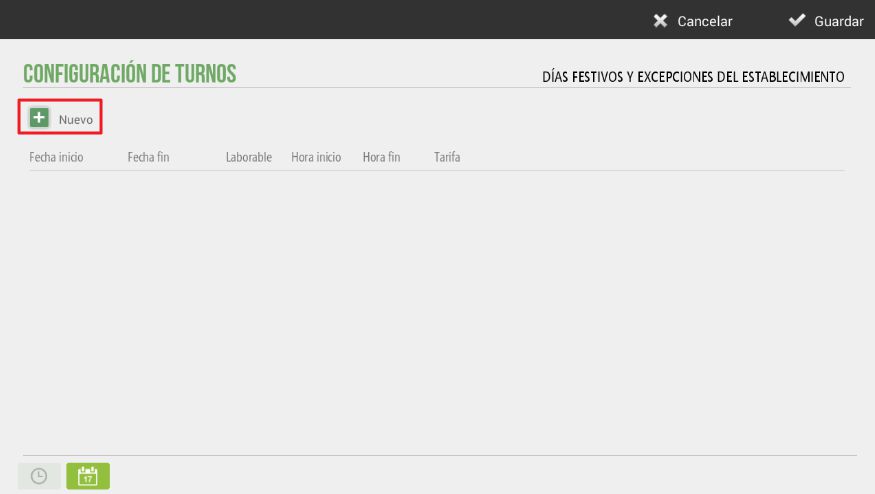
In this section, we can configure the establishment's holidays, taking into account national, local, regional days, etc. You can also indicate, for example, the establishment's vacation period, as well as the working hours for those days.
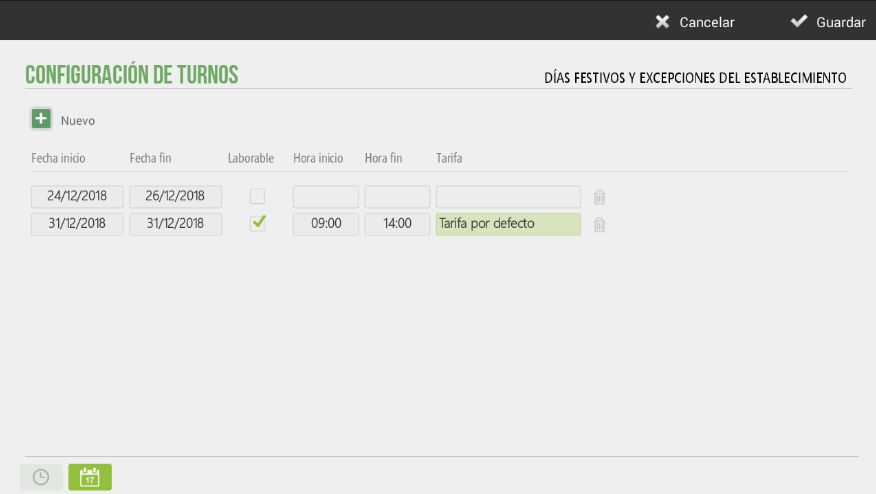
In the following example, we have configured the Christmas holidays. If the day is selected as non-working, it no longer allows the selection of a rate. It can also be seen that on December 31st, work will only be done in the morning, even if it is not a public holiday.
This setting will be very useful in the Hairdressing vertical, as holidays or establishment exceptions will be displayed in a different color on the Calendar screen, as non-working days or hours.
AI Assistant
Section summary
AI can generate inaccurate information; verify the results.