En esta sección
Multi-store configuration
To access the configuration options of the store the terminal is working on, go to the tab Administration and then select Configuration. In the settings menu, go to Stores

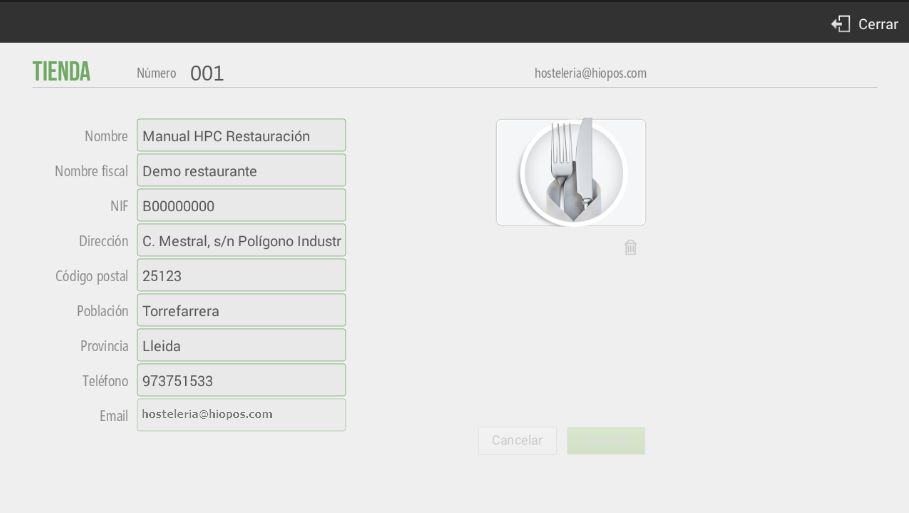
Within the parameters you can configure are those we added during the installation process, press the button Edit next to the store name
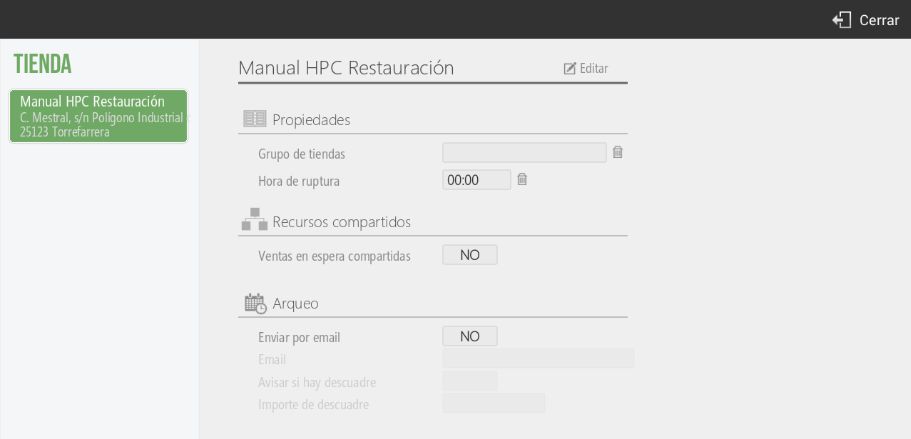
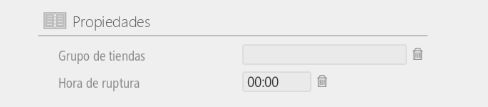
The Properties It allows you to select the group of stores that will be affected by the modifications you make. Grouping stores by groups will help you in creating user profiles, as in that section you can select which store that profile has access to: the seller's store, the seller's group of stores, or all stores. This option is beneficial for businesses such as franchises.
Also, we will be able to configure our establishment's cutoff time, so that if we set it to 3:00 AM, all sales from 00:00 to 03:00 will be accounted for on the previous day.
The option
The option Resources Shared features allow you to share data such as pending sales between terminals on the same local network. If the establishment only has one terminal, it is recommended to deactivate this option; however, if it has more than one, it is recommended to activate it.

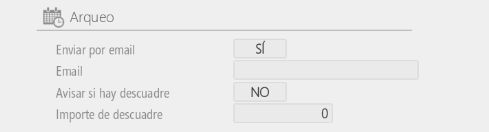
The option Cash count It allows us to configure an email to send the cash reconciliation. We can also configure an email to be sent automatically when there is a discrepancy in the cash reconciliation exceeding the configured threshold.
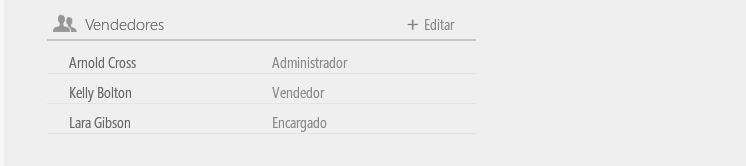
The option Vendors It will allow you to share vendors between the terminal groups you have created. Press Edit to select the stores you want to share it with.
The option Rates They allow you to select the default rate that will be used at the establishment. Press Edit to select the stores you want to share it with.

The option Coins it allows you to select the currency that will be used by default in the establishment. Press Edit to select the stores with which you want to share the currency.

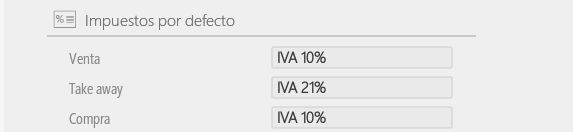
The option Taxes by default It allows you to select from the list of taxes you have created the tax that will be applied in each type of transaction.
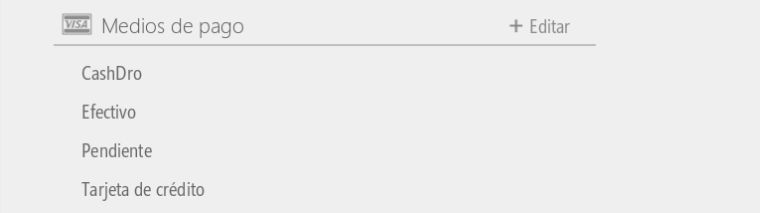
The option Payment methods It allows you to share the payment methods you have available in the store with the group of stores you select. Press Edit to select the stores you want to share them with.
The option Reasons A discount allows you to share the available discount reasons in the store with the group of stores you select.

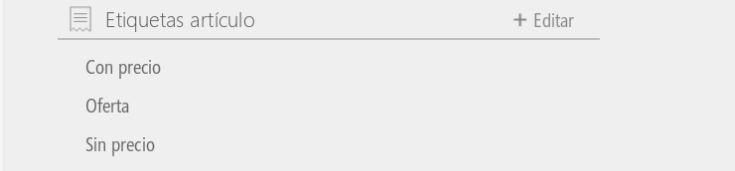
The option Article tags It allows you to select which types of labels you want available for each specific store.
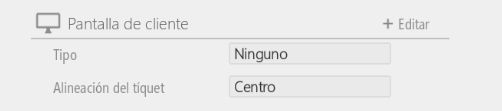
The option of Customer screen It allows you to select whether to display a video, or a sequence of images (with the option to select a single image, which would then appear), or a video on the second screen of the Android device. It also allows you to choose the alignment of the sales receipt, whether it should be displayed in the center, left margin, or right margin of the second screen.
AI Assistant
Section summary
AI can generate inaccurate information; verify the results.