En esta sección
Taxes
HioPOS Cloud comes with the taxes for your country and region already configured. You can modify them once the installation is complete in the section of Settings - Taxes.
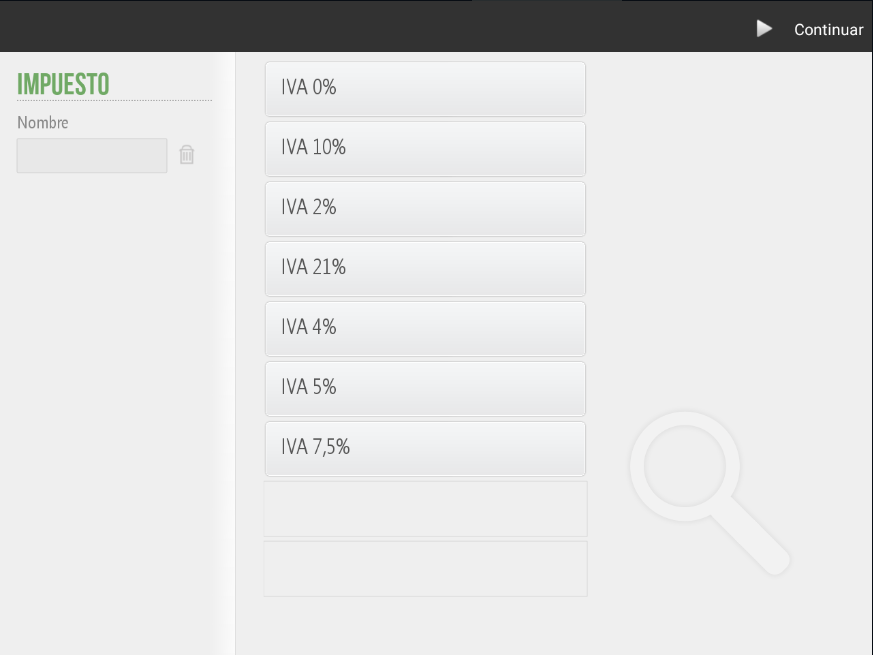
The legal framework of each country is different, which is why the HioPOS Cloud application allows setting different types of taxes.
In the case of Spain, the tax that applies to the purchase and sale of goods is VAT. Companies have the legal obligation to provide sales receipts with VAT to the final consumer and to integrate copies of these into the company's accounting.
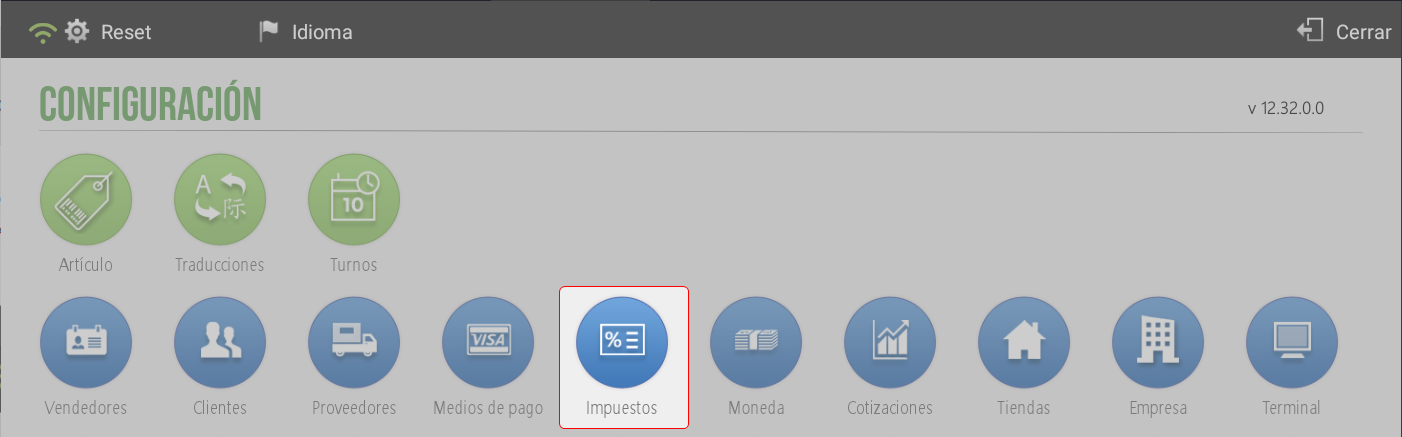
In addition to the default taxes offered by the software, you have the option to create a New tax, this The option is found in Administration > Settings > Taxes.
He/She will be given a Name to the new tax and a percentage will be assigned to it.
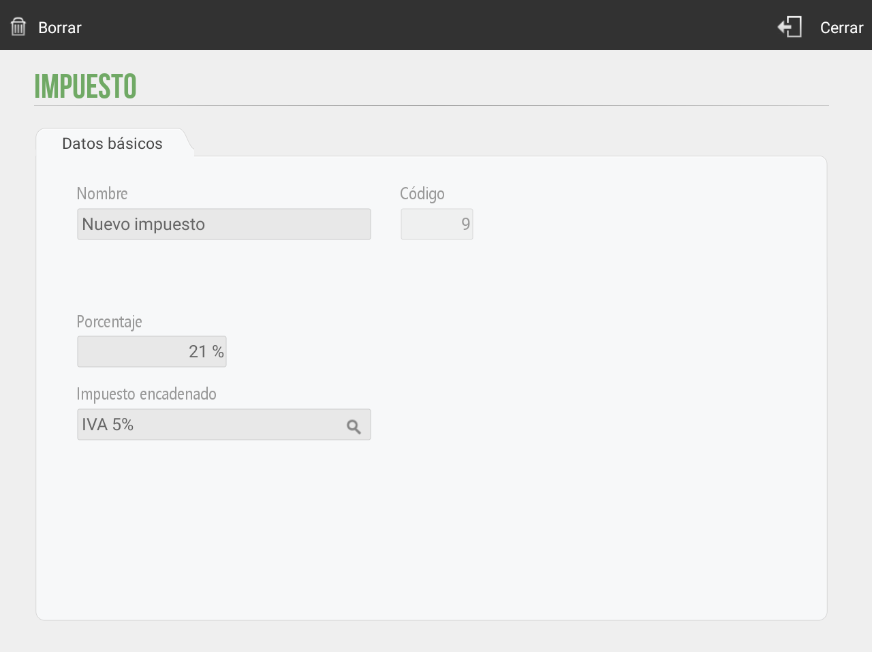
TIP: It is possible to add a cascading tax on the new tax. This is calculated on the tax base resulting from applying the first one. In this way, instead of both taxes being applied independently to the initial amount, the second is added, already considering the value increased by the first.
AI Assistant
Section summary
AI can generate inaccurate information; verify the results.