En esta sección
Selling with Total quickly
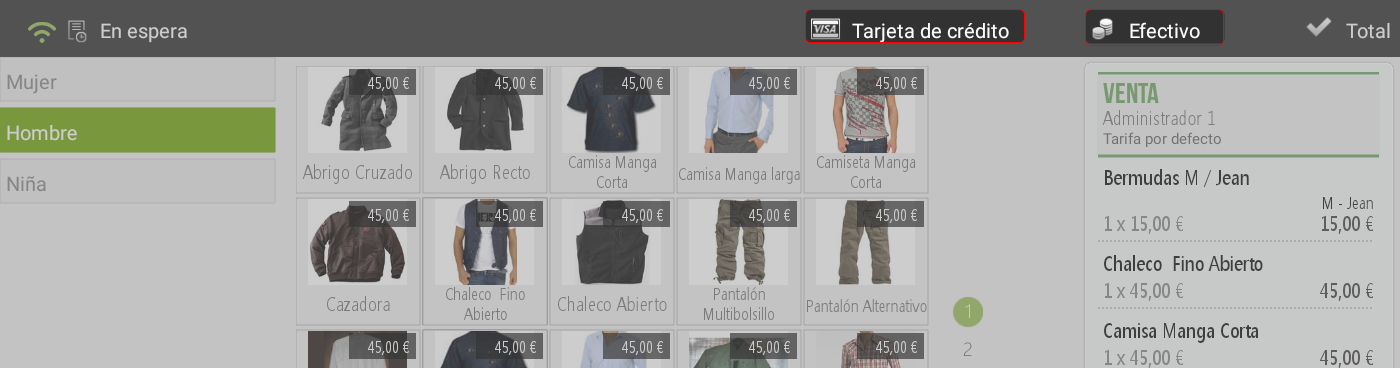
Hiopos allows you to finalize a sale with up to two payment methods using a quick total, typically the most common ones such as Cash and Credit Card. There's no need to go to the total screen; simply pressing the payment method assigns it to the sale and automatically prints the receipt.
When you add at least one item for sale, the buttons for the configured quick payment methods become active at the top of the screen.
Upon entering the amount tendered by the customer, the system displays the change due on screen.
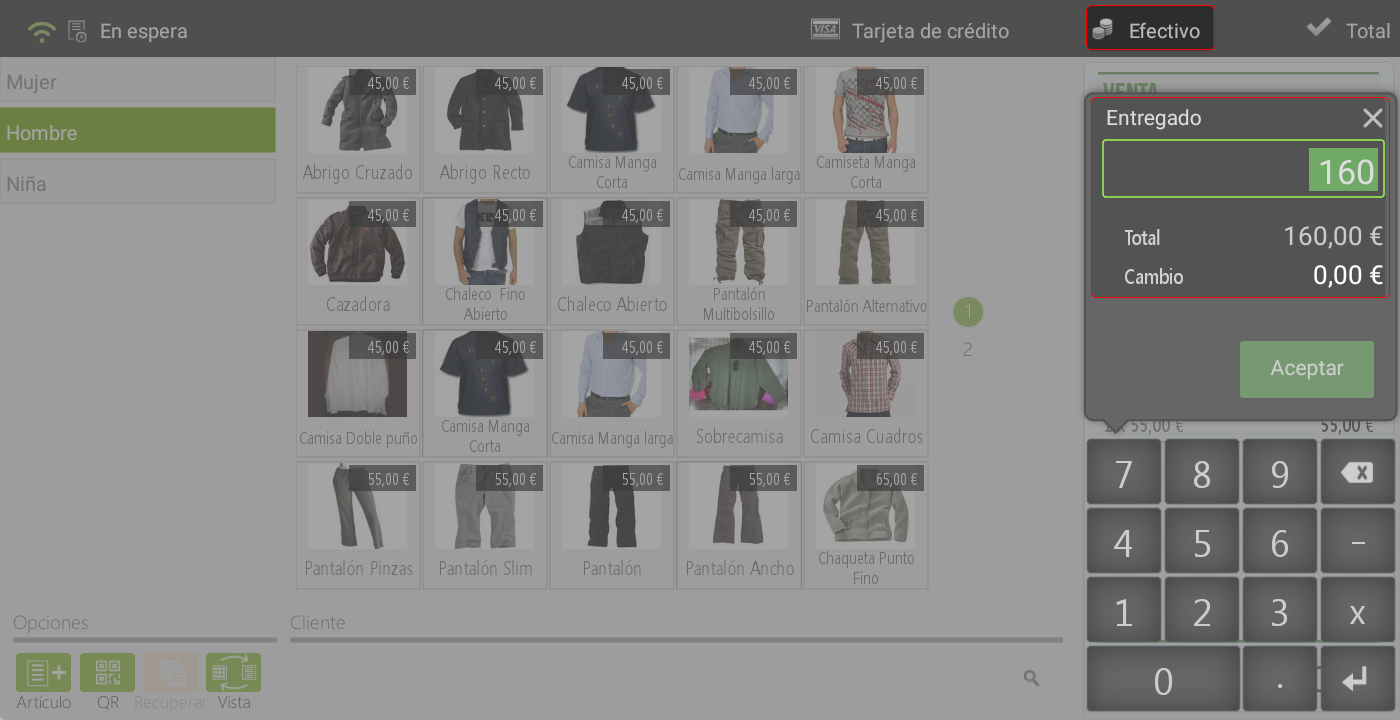
Pressing Accept finalizes the sale and prints the ticket.
When the quick total is 'Credit card', the receipt prints directly upon its validation.
If you had a configured CashDro, it can be set up as a cash payment method for fast checkout.

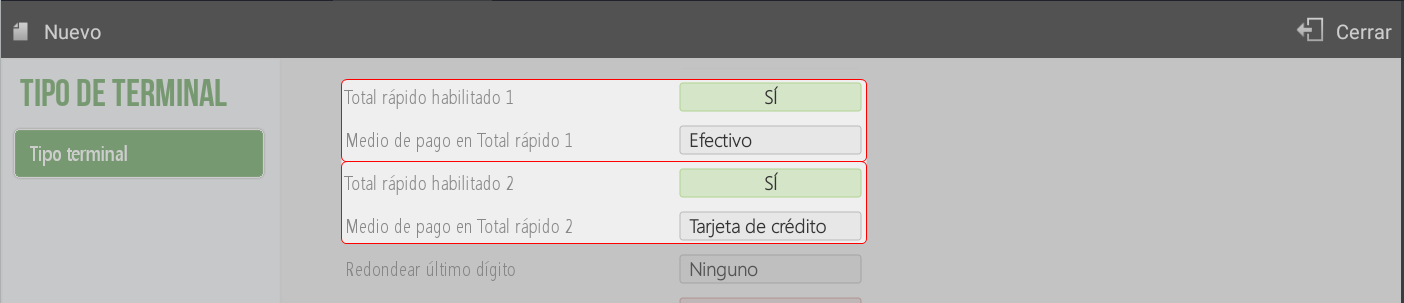
TIP: To define the payment methods for quick checkout, you must access from Administration > Configuration > Terminal type and select the payment method for each one.
AI Assistant
Section summary
AI can generate inaccurate information; verify the results.