En esta sección
Cash reconciliation inquiry
This screen shows the full history of cash counts for the establishment.
Top bar:
At the top are the following buttons:
Refresh: update the displayed information.
Send email: email the selected reconciliation.
Print: Generate a printed copy of the selected reconciliation.

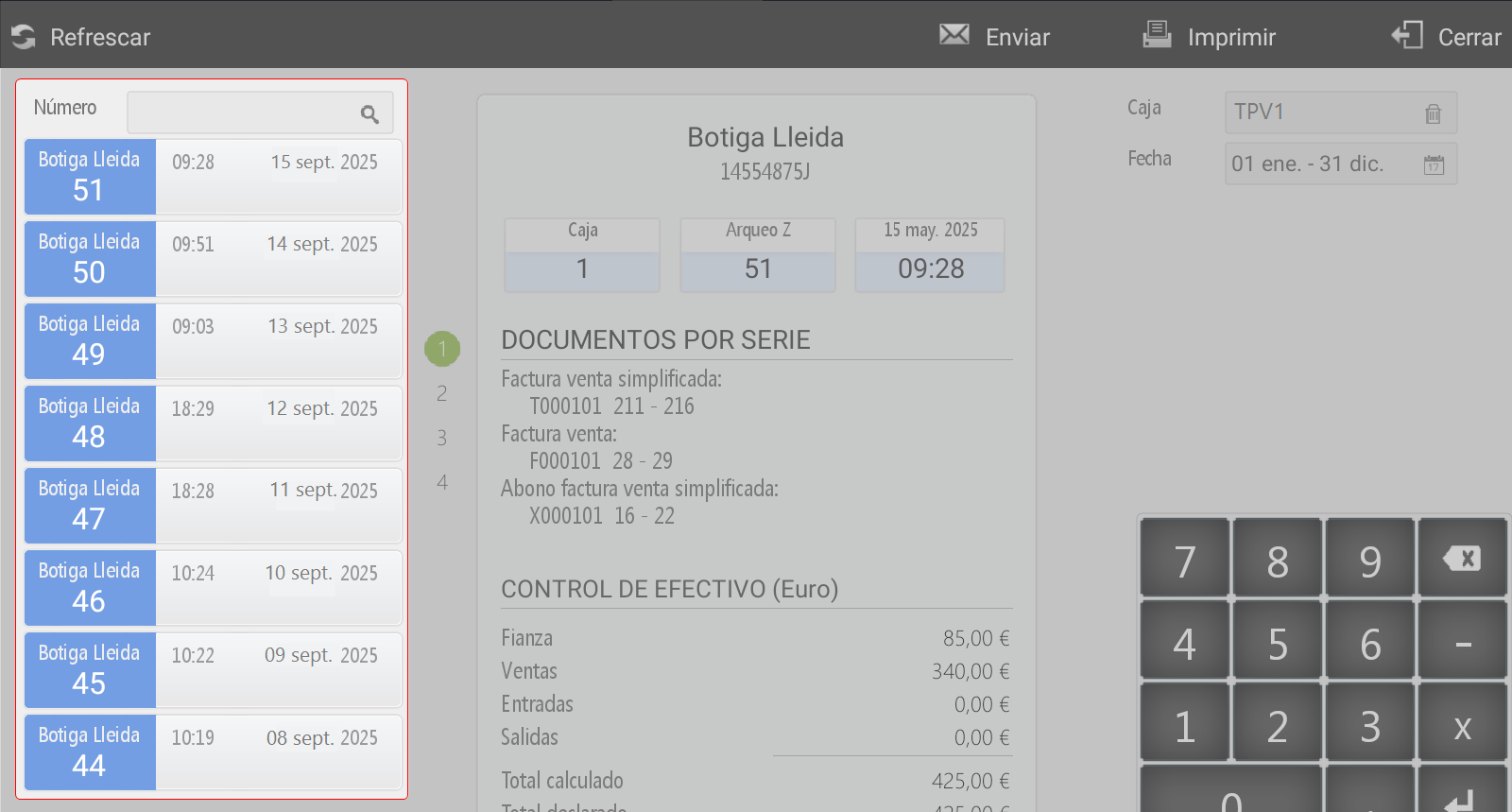
Left panelleft.
Displays the list of cash counts performed within the period defined in the date filter.
By default, the cash count for the current date is displayed.
It is also possible to apply additional filters, such as the Count number.
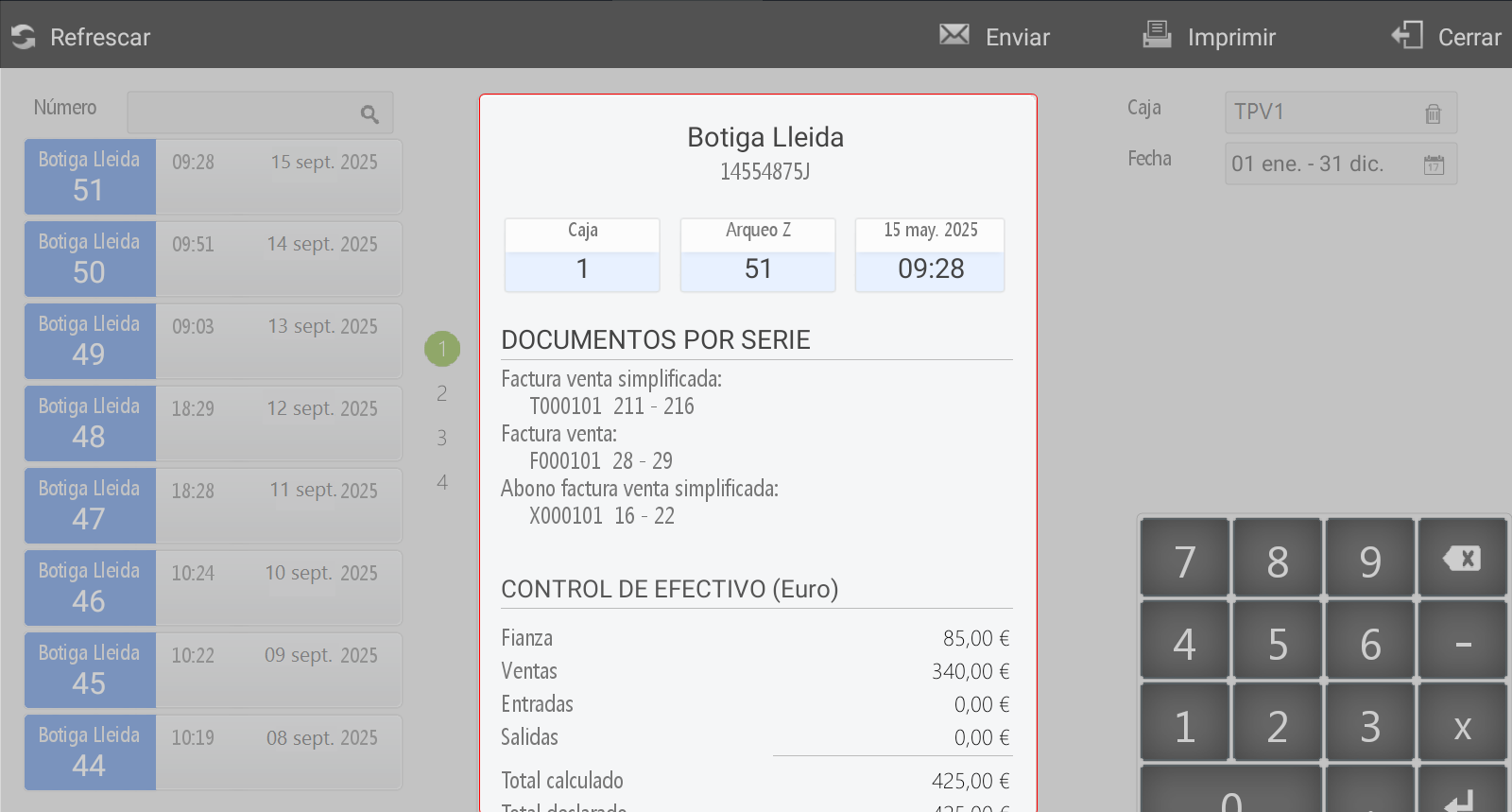
Central panel
Show in detail the selected cash count, including all associated information.
If the user has the necessary permissions, upon selecting a cash reconciliation, they can Repeat the declaration amounts.
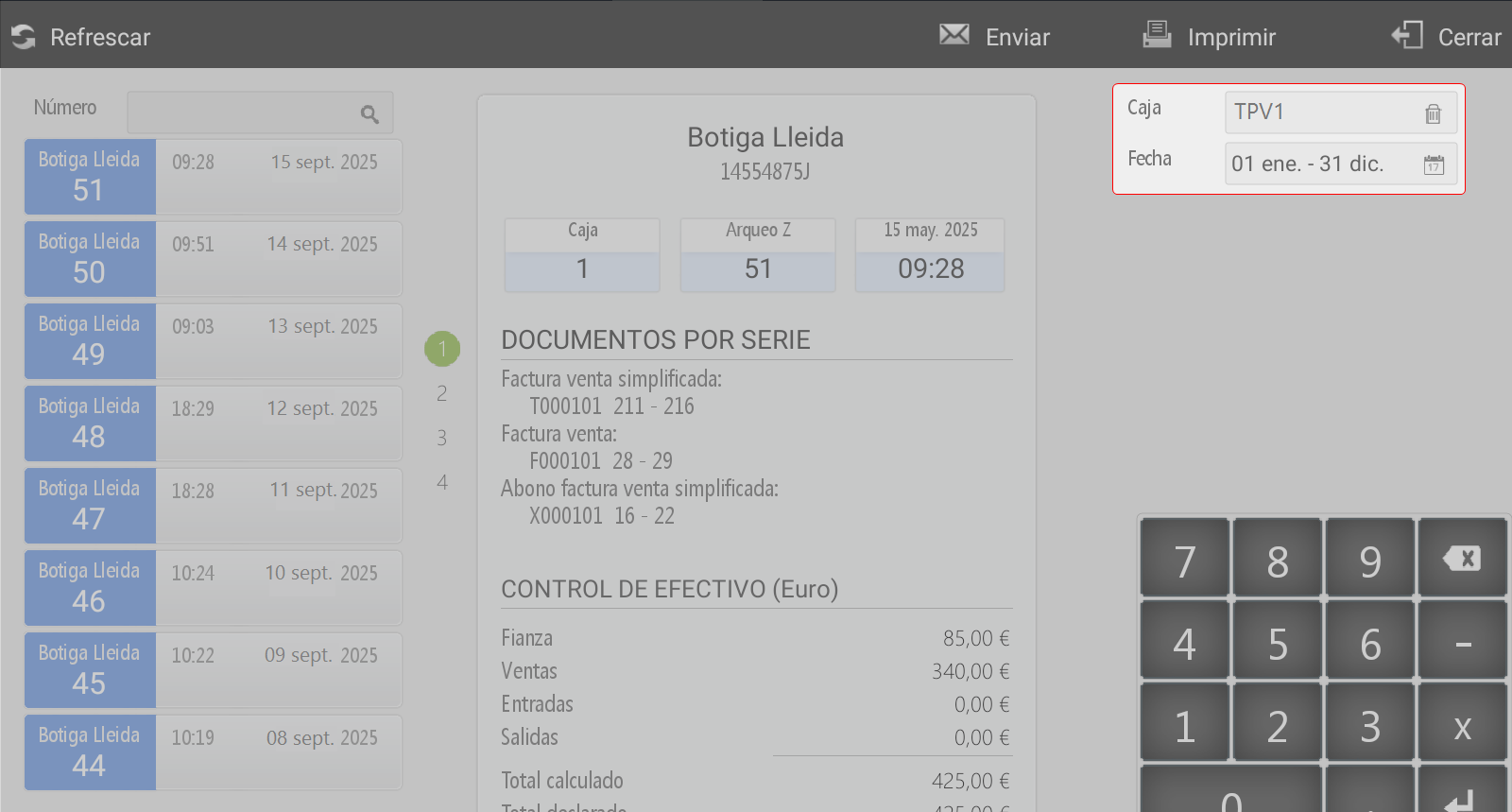
Right panel:
Includes additional search filters by:
Box
Date
AI Assistant
Section summary
AI can generate inaccurate information; verify the results.