En esta sección
Vendors
This section manages the data of vendors using the system.
Search filters
To locate a seller within the list, filters can be applied by:
Name
Profile
Store
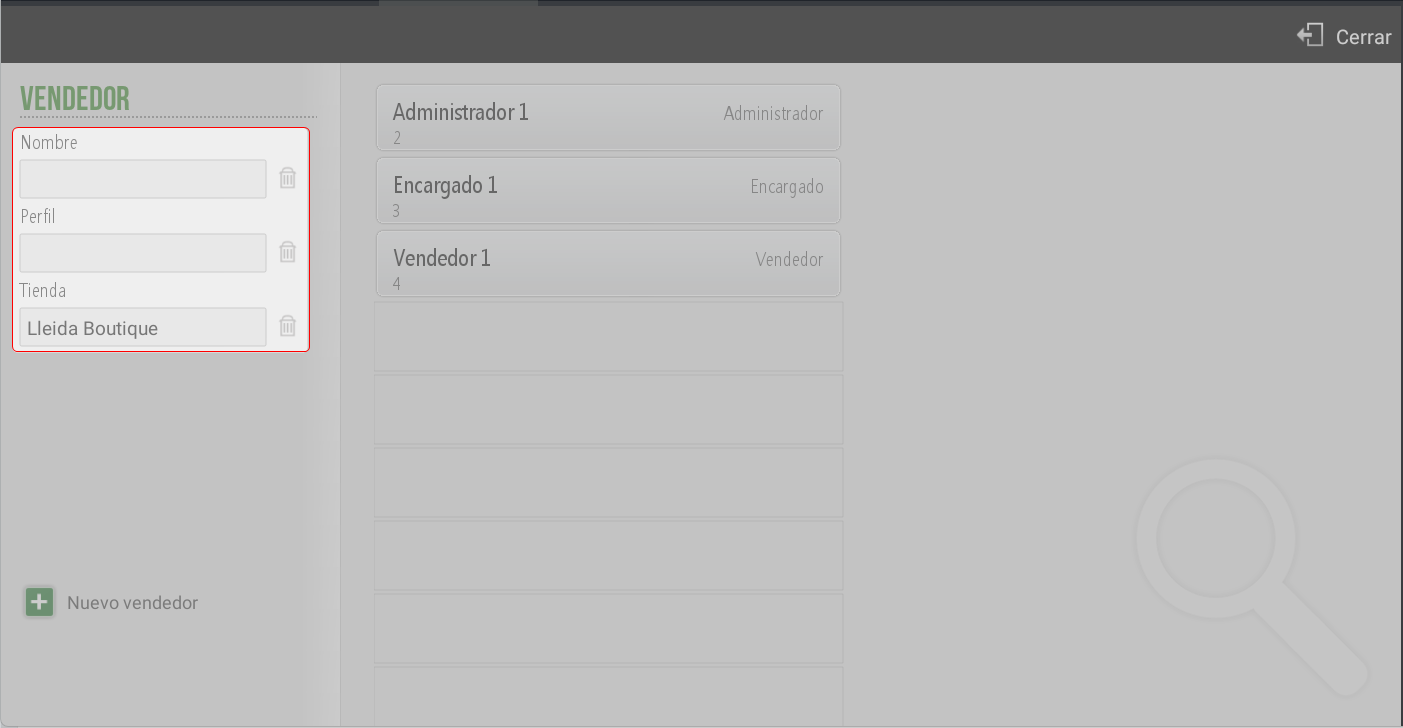
Store
Creation of a new seller
From this screen, it is also possible to add a new vendor, by completing the same information described above.
Seller Edition
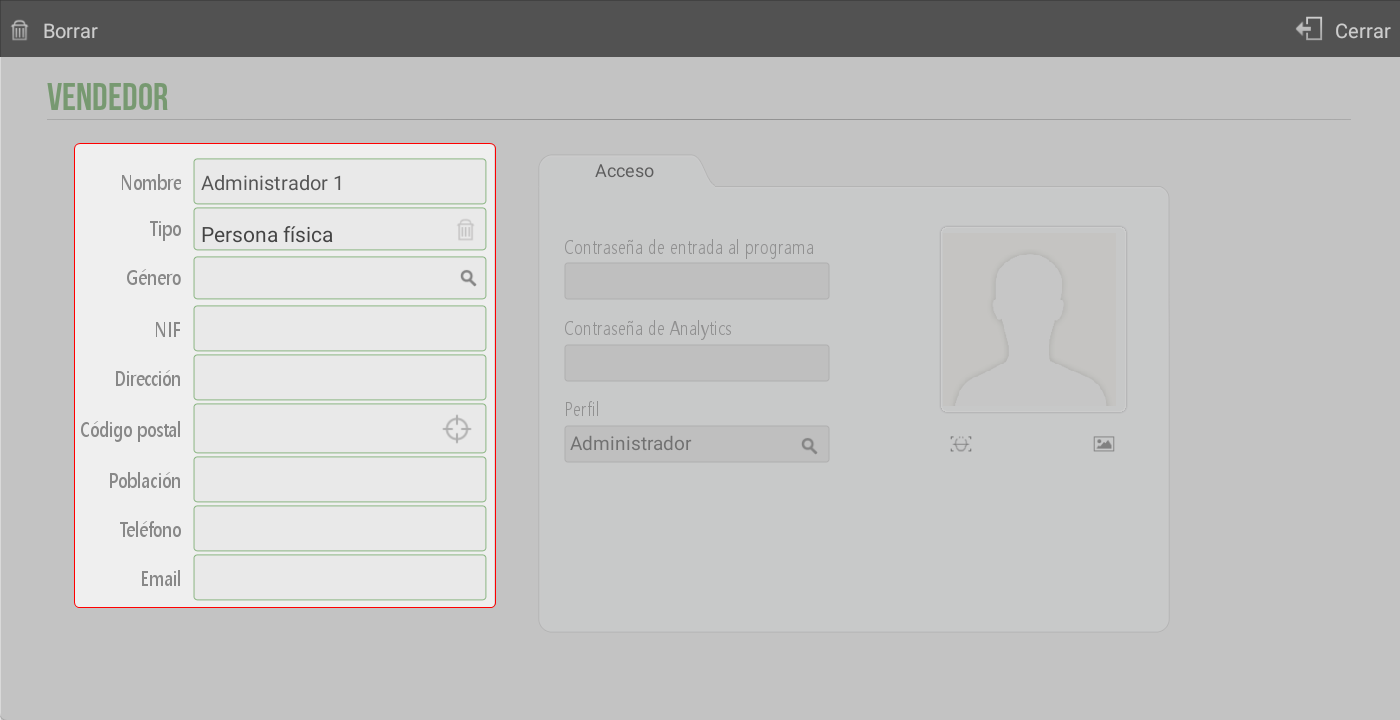
Clicking on a seller opens their profile with the following fields:
Personal and contact information (left panel):
Full name
Type (individual or legal entity)
Genre
Tax Identification Number
Address, postal code, and city
Phone
Email
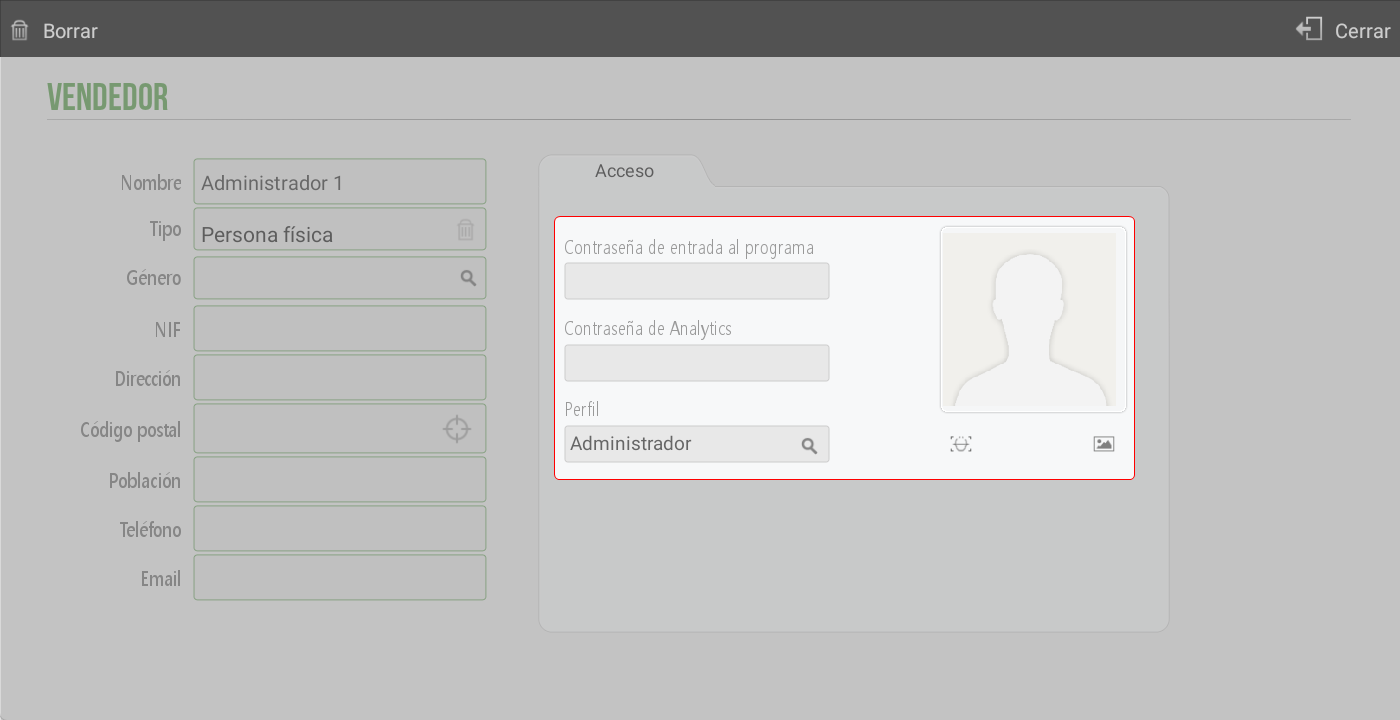
Access details (right panel):
Program entry password
Presence control password (visible only if the presence control module is activated)
Password for Analytics
Assigned user profile
Image or photograph of the employee
AI Assistant
Section summary
AI can generate inaccurate information; verify the results.