En esta sección
Cash outflows
Upon selecting the option Cash → Cash Outflows, the system will display a screen composed of different sections that allow registering a new exit of cash
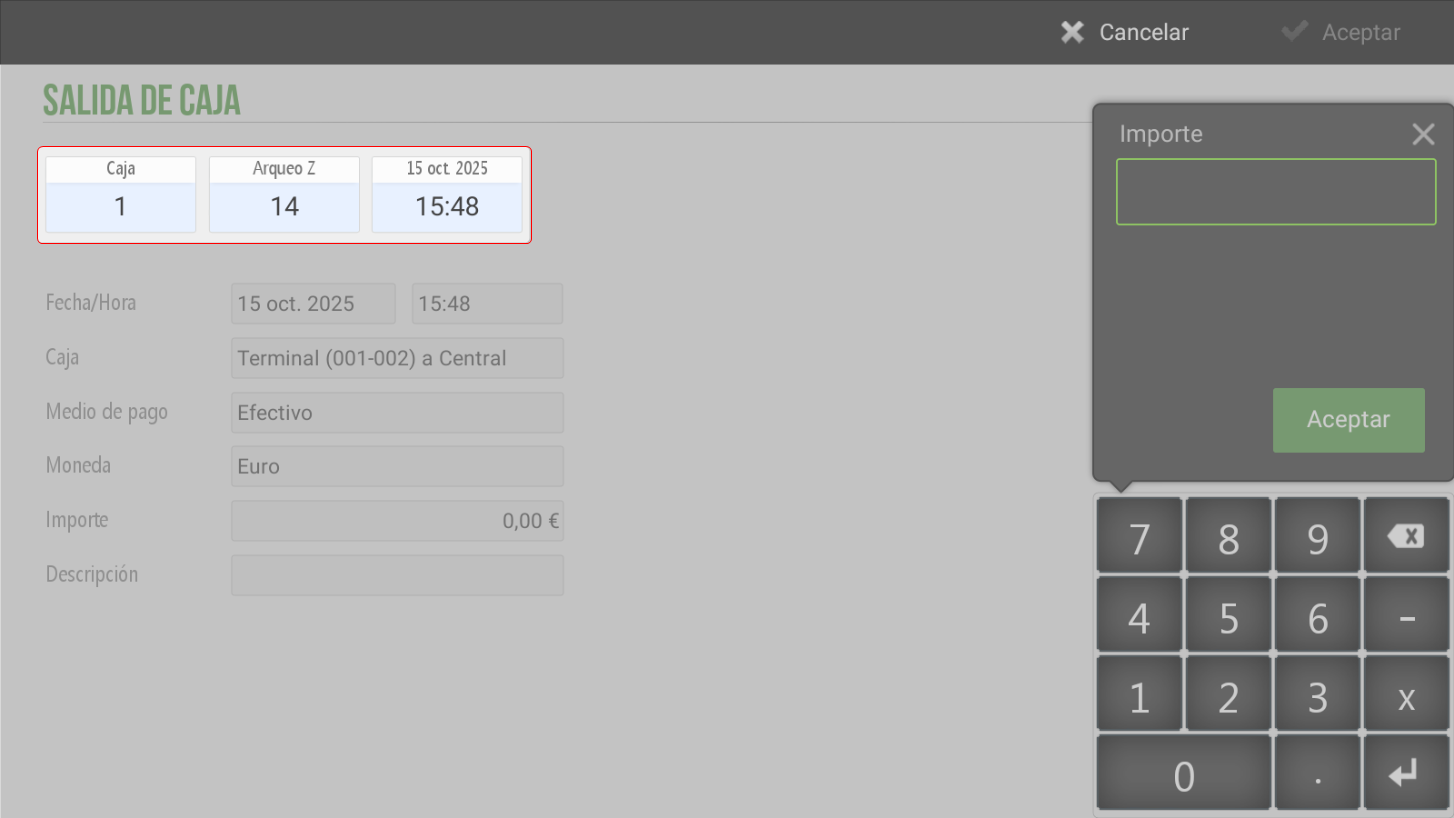
Top of the screen
Box: Indicate from which Terminal the operation is being performed. Each terminal has a cash register number.
Archaeology Z: Show the cash count to which the cash outflow will be assigned.
Date and time: They indicate the time the operation was recorded.
Bottom section of the screen
Date/Time: Allows modifying the date and time of the cash-out.
Cashier: Define the box of origin and destination of the movement.
For example:Terminal → Central, when a cash withdrawal is made to the central till.
Central → External box, when cash is replenished from the central cash box to the external cash box.
Payment method: Select the type of payment method, Cash, with which the cash disbursement will be made.
Currency: Upon clicking this field, a pop-up window will open (Pop-Up) with the available currencies. The currency corresponding to the operation will be selected.
Amount:The amount of cash withdrawn from the till must be entered.
Description: Optional field to add an observation or concept to identify the reason for leaving (for example: External cash box replenishment or cash withdrawal from terminal to central).
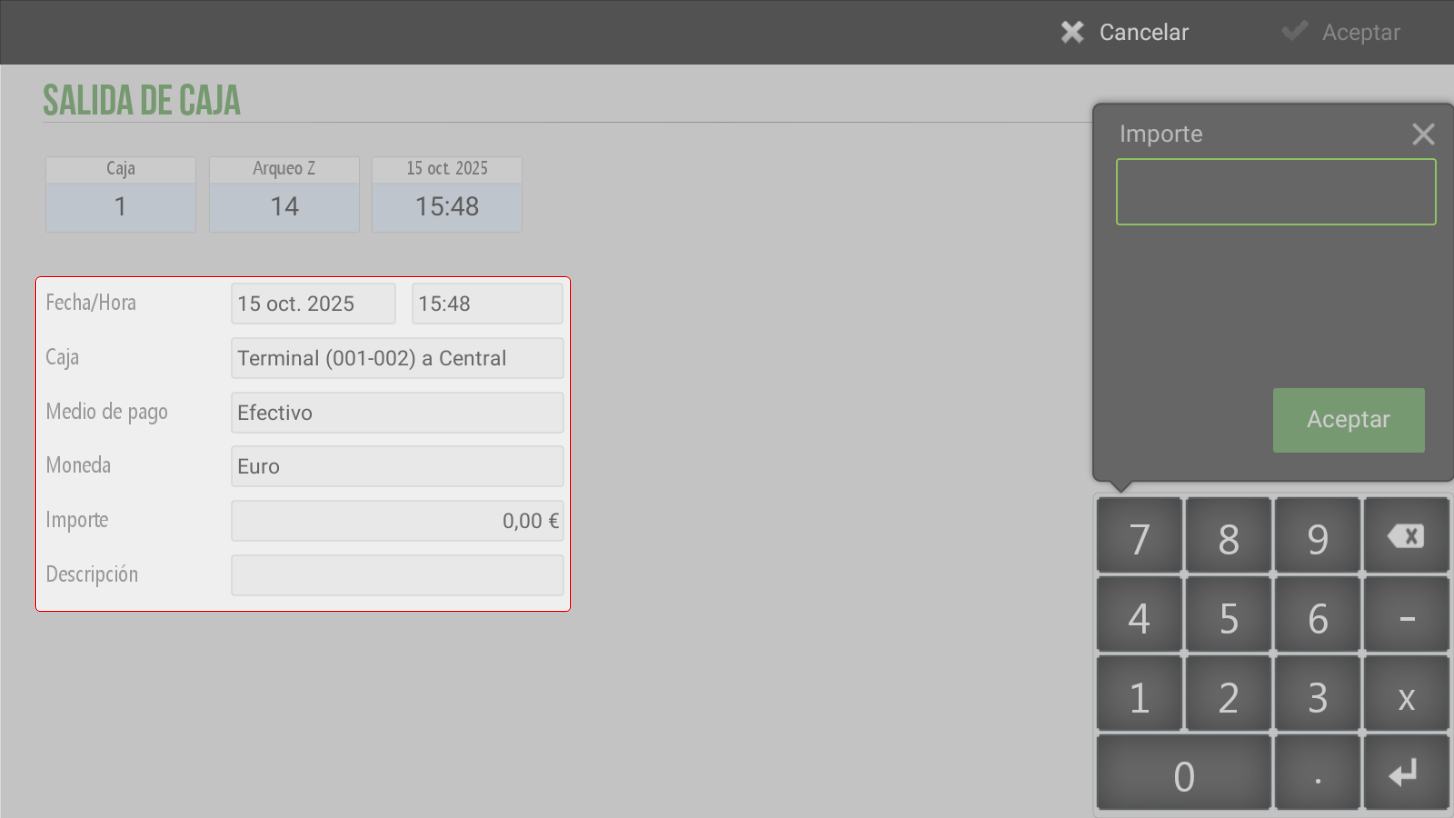
Note: Although the transaction can be viewed according to the date entered by the employee, the outflow will be accounted for in the current reconciliation.
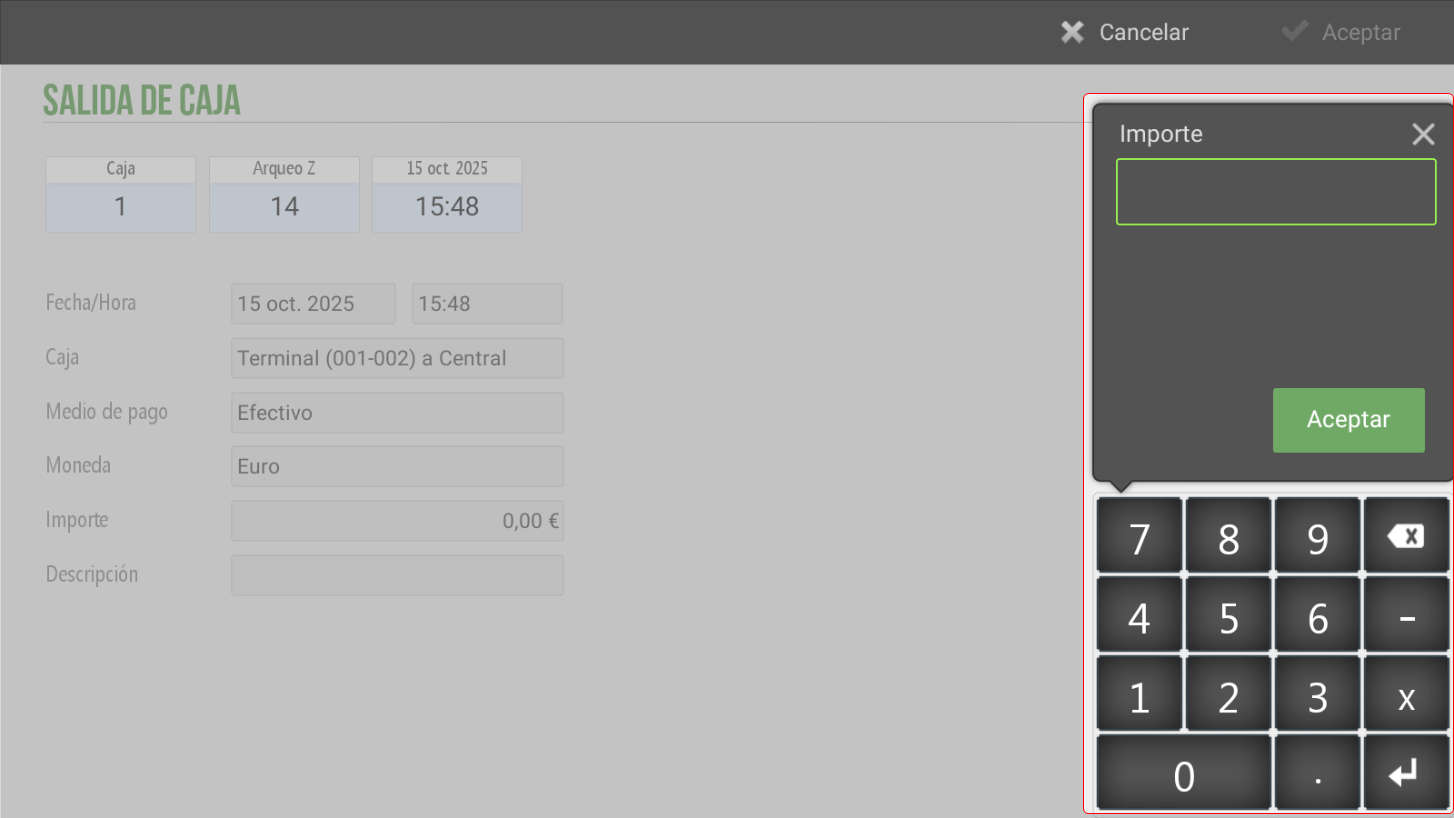
Left side of the screen
A is available numeric keypad which facilitates the introduction of the value into the field Amount.
AI Assistant
Section summary
AI can generate inaccurate information; verify the results.