En esta sección
Cash Register Inquiries
Upon selecting the option Consultation → Box You can review, filter, and manage the cash movements recorded in the system.
Top bar
At the top are the following buttons:
Refresh: update the displayed information.
Print: prints the selected document.
Send Email: allows sending the selected document by email.

Left Panel
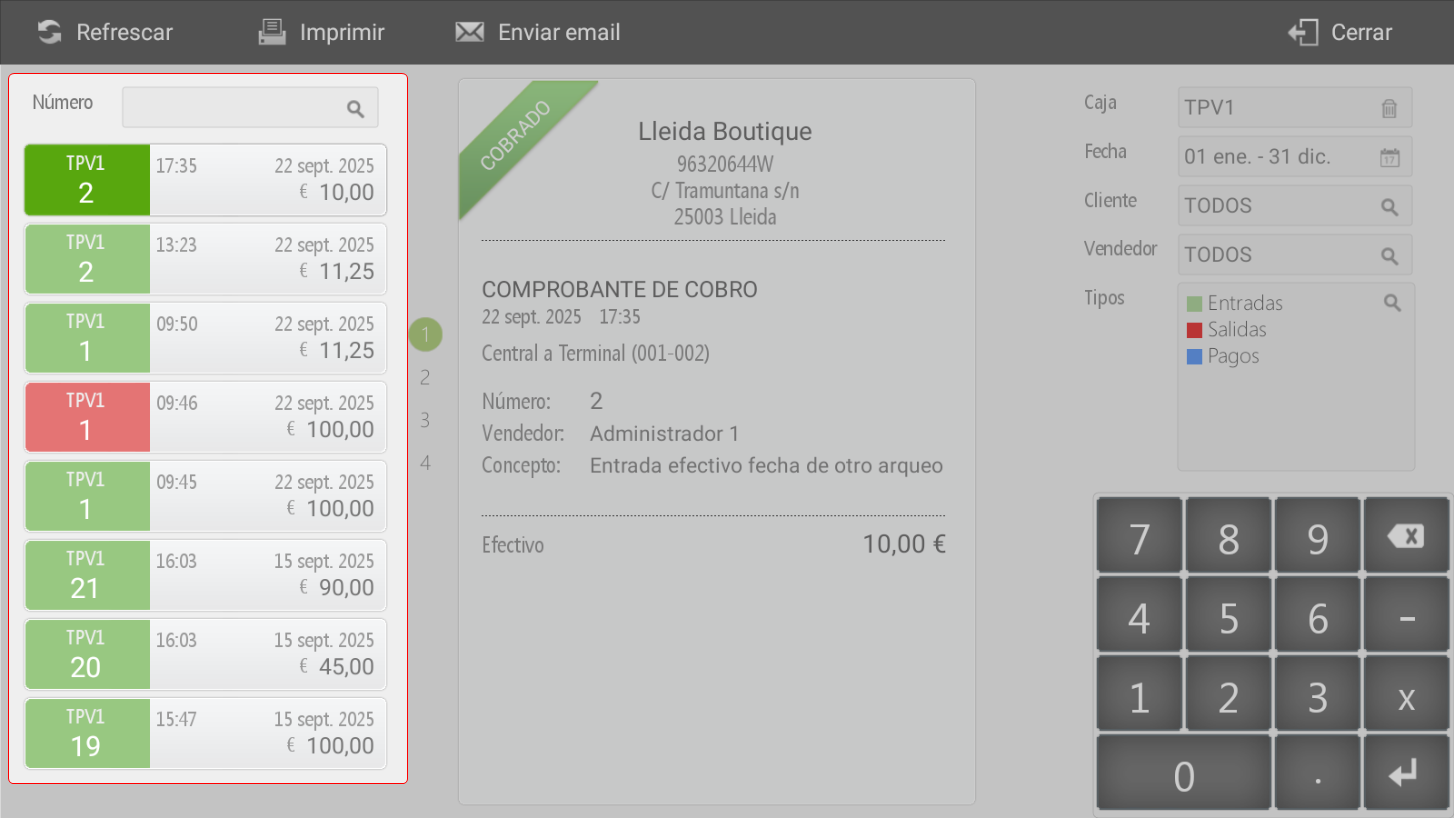
Displays the list of documents related to cash inflows and outflows.
It is possible to apply filters by Document number.
Cash inflows are highlighted in green for easy identification, while cash outflows and payments are highlighted in red.
Central panel
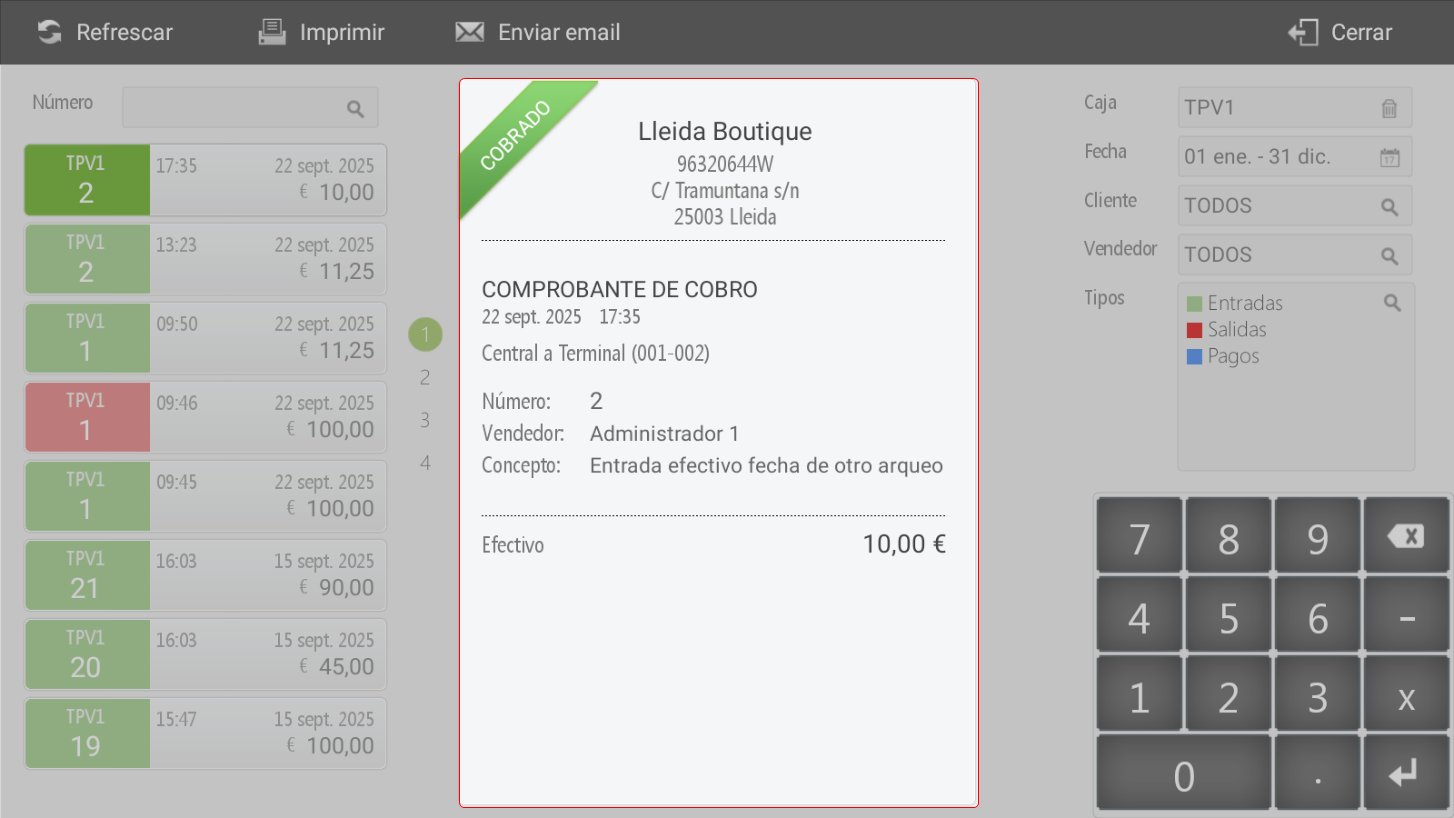
Here the selected document is displayed in detail, including all associated information.
Cash receipts: direct cash receipts in the till or tax-free payments on account (collection receipts).
Cash Outflows: Cash outflows, for example, payments for services such as electricity, rent, or others made directly from cash.
Payments: cash disbursements to suppliers
Right panel
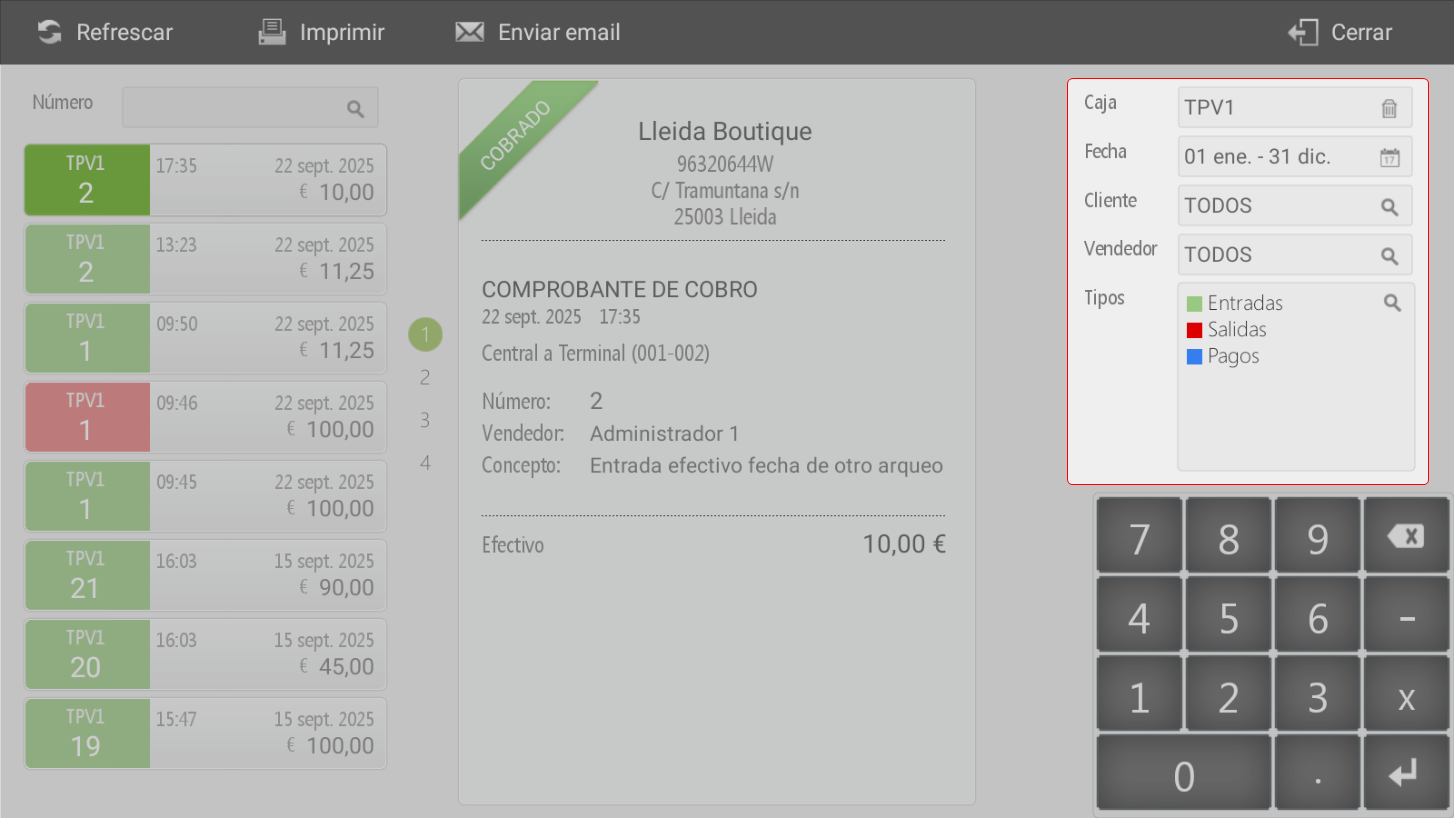
This panel includes additional search filters by:
Box
Date
Client
Seller
Document type (Inflows, Outflows or Payments)
AI Assistant
Section summary
AI can generate inaccurate information; verify the results.