En esta sección
The card payment method
This payment method also has a special configuration and cannot be deleted.
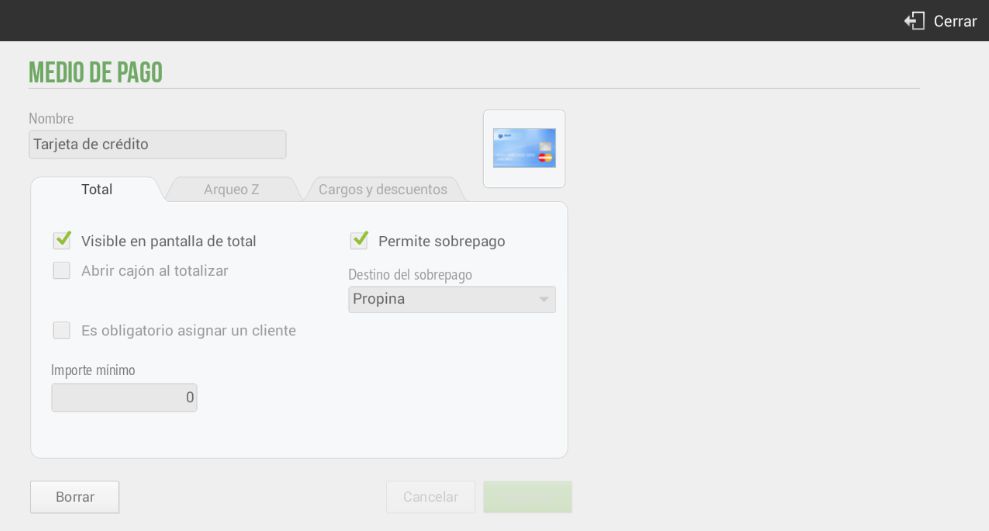
This payment method is also special given that it is connected to another module of the Configuration, electronic collection.
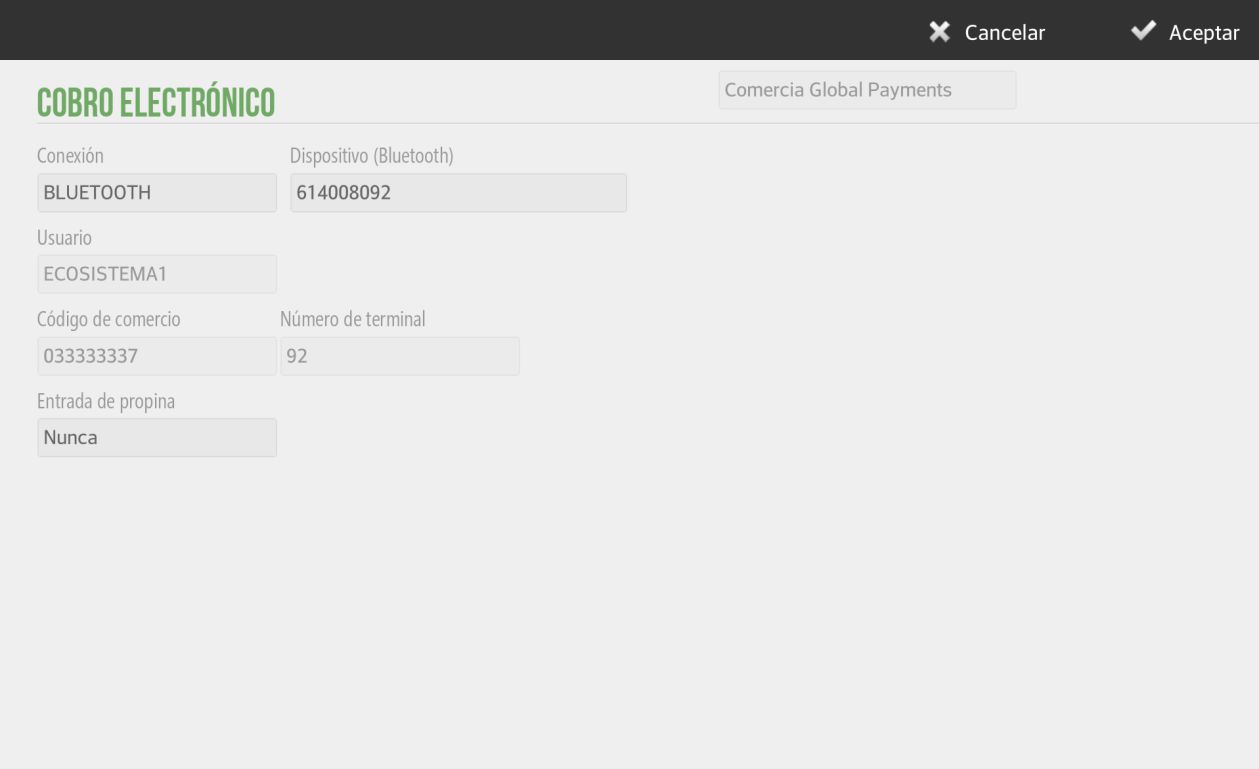
Electronic payment configuration depends on your distributor. Contact them to configure the PinPad.
The electronic payment terminal can be connected via Bluetooth or via USB Port.
If connecting via USB port, HioPOS Cloud will detect it automatically, and you just need to select the port name. If connecting it via Bluetooth, first make sure that the payment terminal is active and connected to the Android operating system from the Settings options on the Android terminal itself.
As a configurable parameter, and independent of the information provided by your electronic collection entity, is the Bribe entry. Select if you will accept a tip Before payment o Never.
Depending on the nature of your electronic payment terminal, or how it is configured, the customer will be able to sign on the screen of the terminal itself. Configure the parameter in the box Company.
AI Assistant
Section summary
AI can generate inaccurate information; verify the results.