En esta sección
Program lock
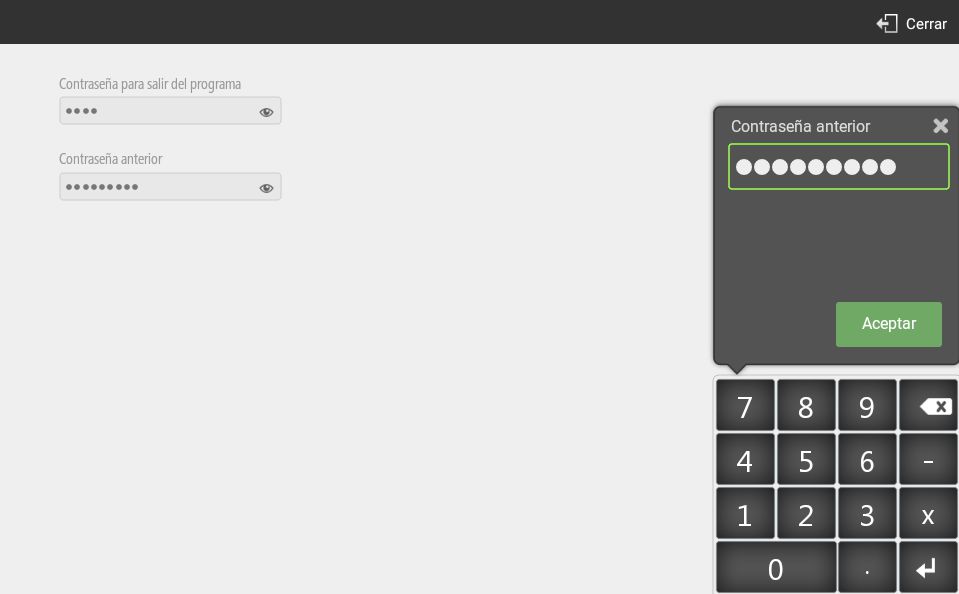
This option is located in the section Block Program, inside of Settings.

Setting a program lock password will prevent users from exiting the application without entering its password.
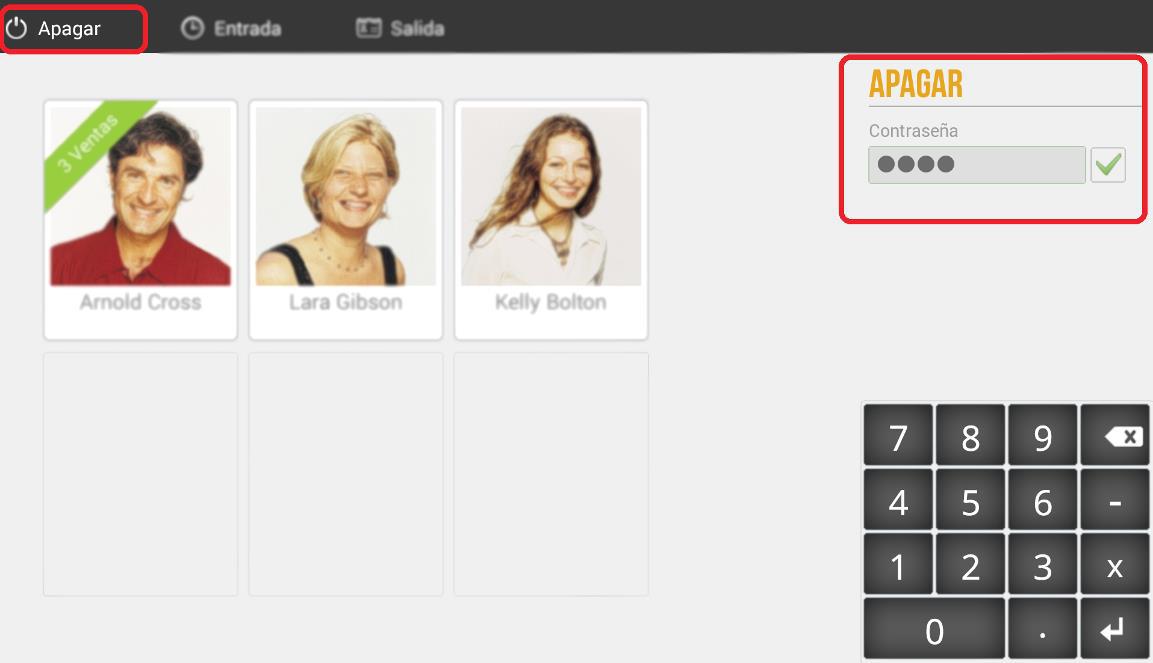
To exit the program, go to the customer screen and press Turn off from the top menu. Then enter the password we just created.
If you press the button Home on Android, having the HioPOS Cloud shutdown password, the first time Android will show you the following message:
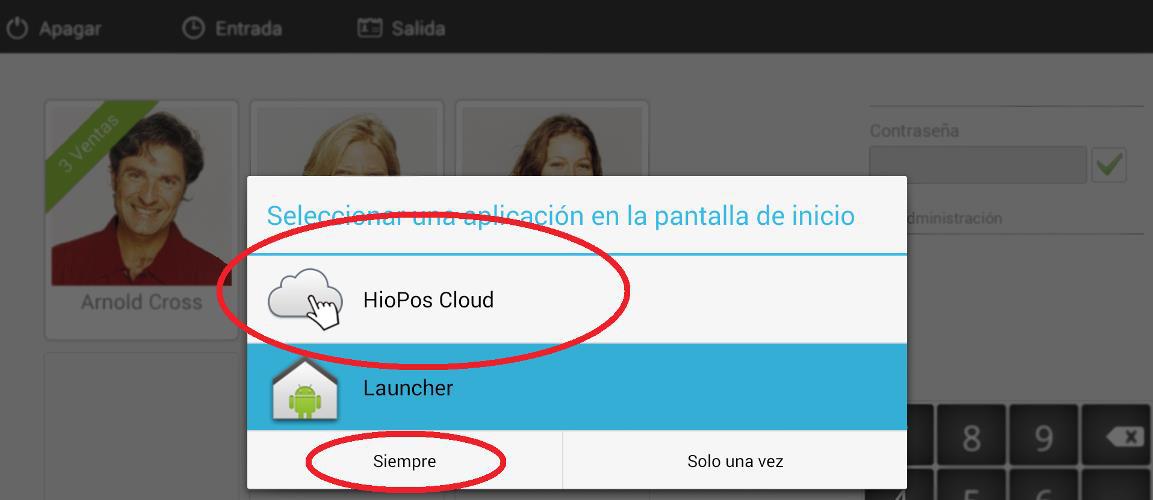
This message will allow you to configure the application that will be launched every time we press the button Home. If you do not want users to have access to the Android Operating System, select HioPOS Cloud and Always, so whenever you press the button Home, Android is going to launch the HioPOS Cloud application. HioPOS Cloud will also load automatically when the terminal is turned on.
AI Assistant
Section summary
AI can generate inaccurate information; verify the results.