En esta sección
HIOFFICE
Email Sending / Automations
In HIOFFICE, a new menu has been included in the Loyalty Menu with the literal Automations:
Tip: This option is available in HIOFFICE GOLD and in HIOFFICE PREMIUM when you have contracted the Loyalty module.
This option allows automating email sending to a new registered customer. Here, you will be able to define an email template to send to new customers automatically. To do this, you must select the Event Client Registration + Next.
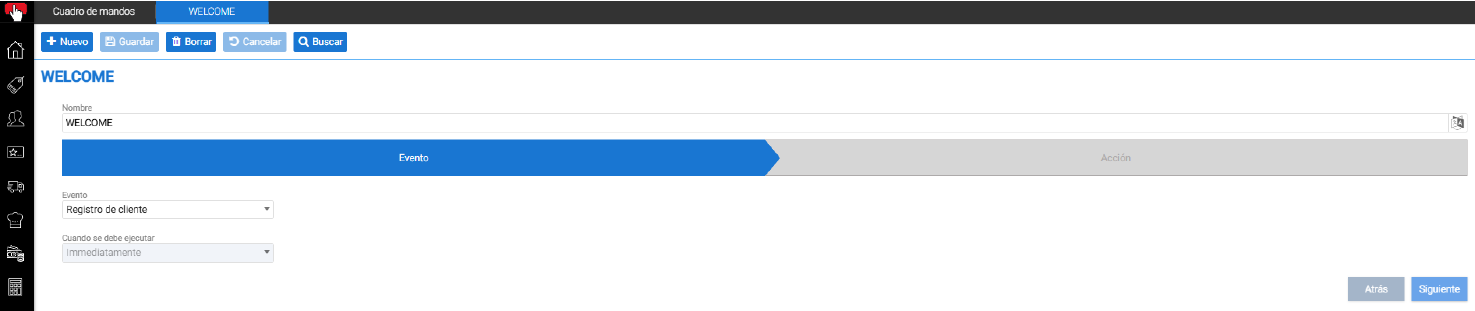
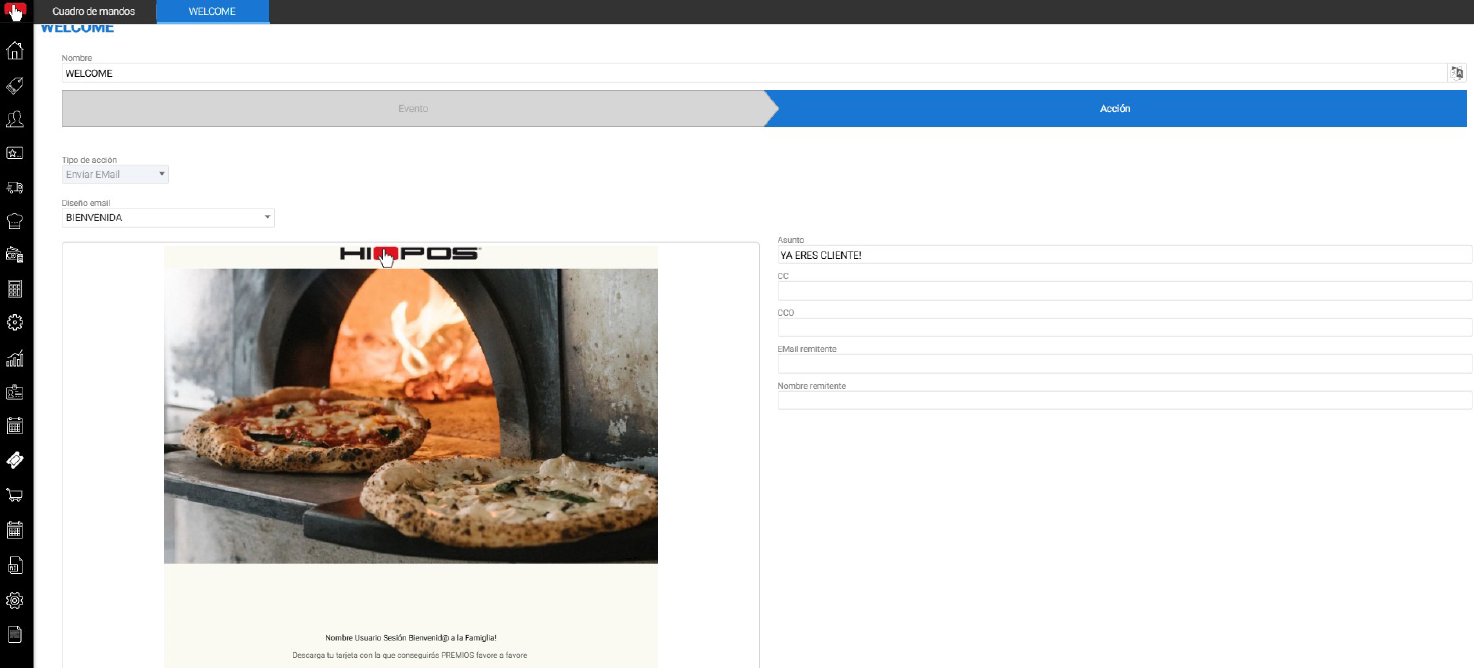
In the next step, you must select the Email design to send and the email parameters: Subject, CC, Sender…
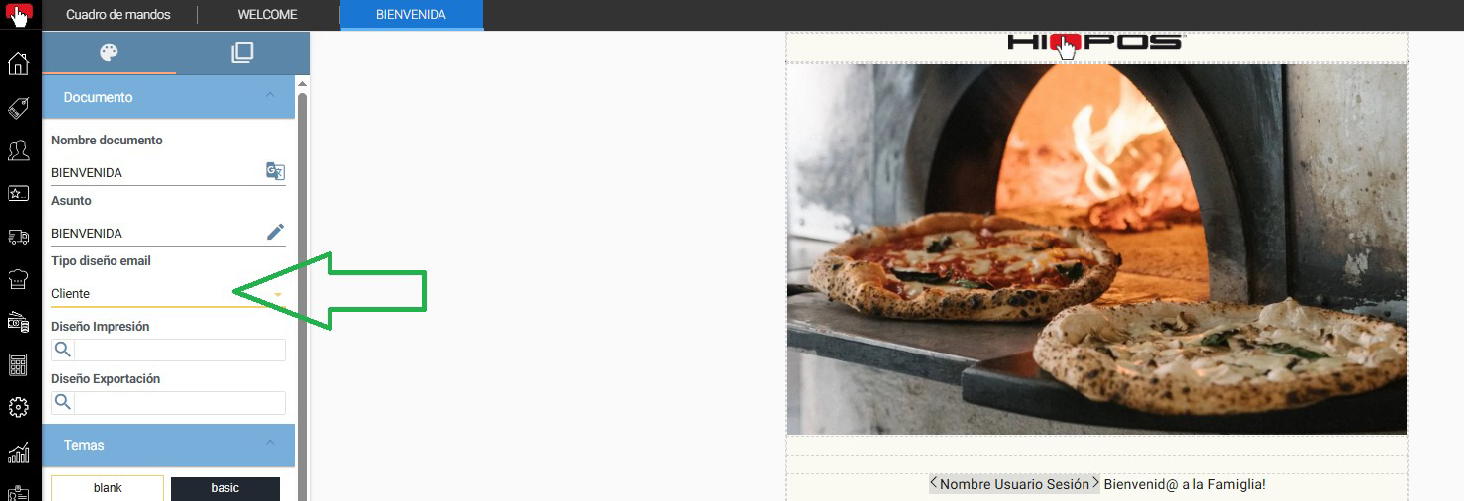
In the email designs available in these automations, the Client design types will be displayed.
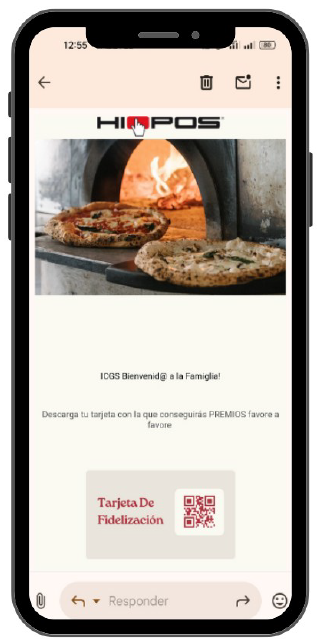
This setting will cause customers to automatically receive this welcome email every time they register.
A fully configurable email design, including the option to display the customer's loyalty card or any important information to be conveyed by the business to the customer.
AI Assistant
Section summary
AI can generate inaccurate information; verify the results.