En esta sección
Types of Terminal
Terminal permissions are configured by Terminal Type. In Configuration – Terminal Types, select the terminal type to modify and access its details:

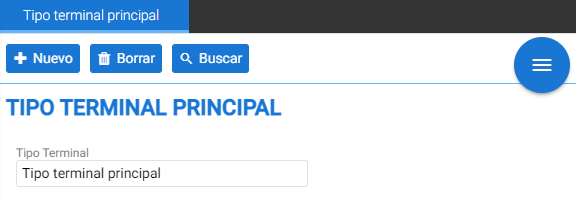
This window, at the top, contains creation and modification buttons for terminals, along with the search bar. Just below, there is a list of buttons that allow activating/deactivating possible functions for the selected terminal type; these options are structured within twelve expandable blocks:
Type of business:
The options in this block are specific to the type of business the terminal is for. For example, in the case of a restaurant with tables, the [Use tables screen] option will need to be activated.
The option [Articles are only in the CLOUD] restricts the download of the entire product catalog from the central system to the local device, to prevent a terminal from containing excessive information occupying disk space. If an item is needed locally, it will be retrieved from the central system and downloaded.
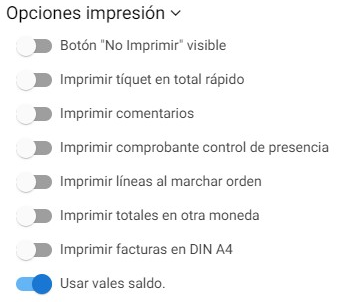
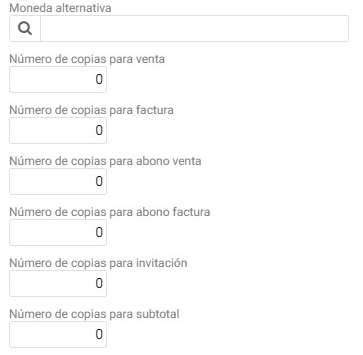
The default number of copies printed is configured in the Number of copies for ... fields of this section.
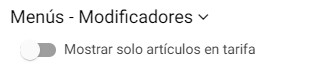
Menus – Modifiers:
The "Show only items at standard price" function allows limiting the modifier items that will be displayed in the sale.
Sale:
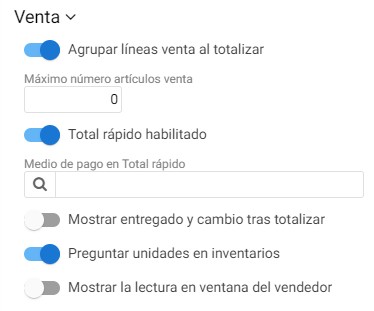
The options that can be activated here are about the sales lines and the totaling of the sale.
Here, the payment method for the express total is defined. This payment method will be the one the terminal proposes by default when totaling.
Tip:
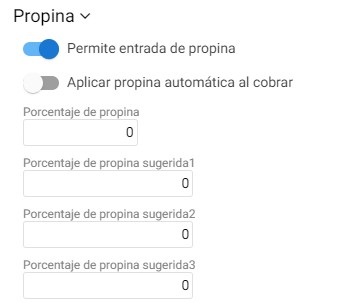
In-store tip settings.
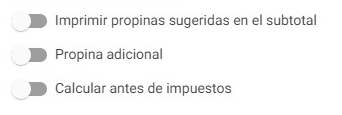
Tipping activation, automatic tips with their percentage, tip suggestion on the subtotal, and whether it should be calculated before or after taxes.
TimeOut:
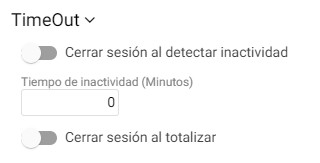
Definition of the minimum idle time for the program to log out. In addition to the option of having to log in to the concurrent salesperson's session after totaling a document.
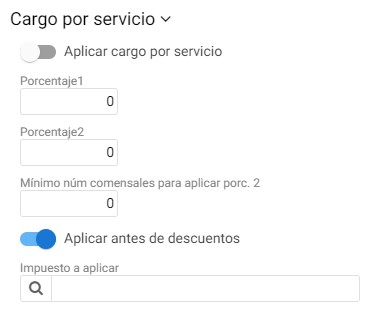
Service charge:
Just as with tips, here it is defined whether a service charge is applied and its percentage.
It allows defining two types of percentage and a minimum number of diners for the application of the second. A selector field allows indicating the service tax.
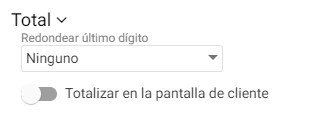
Total:
Base parameters for totalization: configuration of rounding and activation of the [Total] button from the client screen.
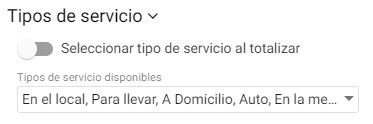
Types of service:
Selection of the types of service that can be applied at the terminal, with the option that the service type must always be indicated when the sale is finalized.
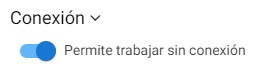
Connection
Button to work offline in case it goes down.
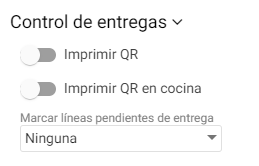
Deliveries Control:
To manage a delivery control system from a POS.
The field [Mark pending delivery lines] is used so that sales are registered without inventory until they are marked as delivered from the terminal.
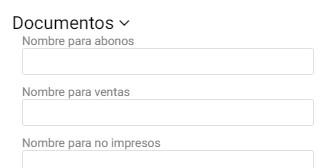
Documents:
Definition of the literals for each document type.
AI Assistant
Section summary
AI can generate inaccurate information; verify the results.