En esta sección
Series
Upon accessing the Series tab, you will initially find the dashboard that allows filtering or modifying entity records.
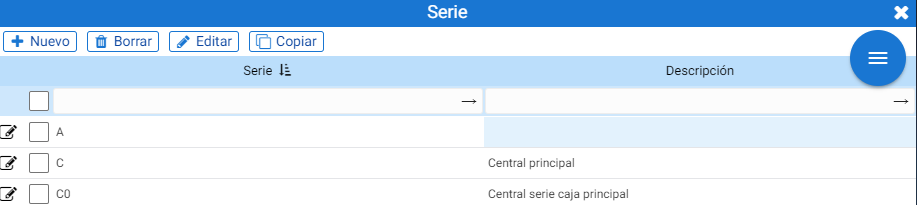
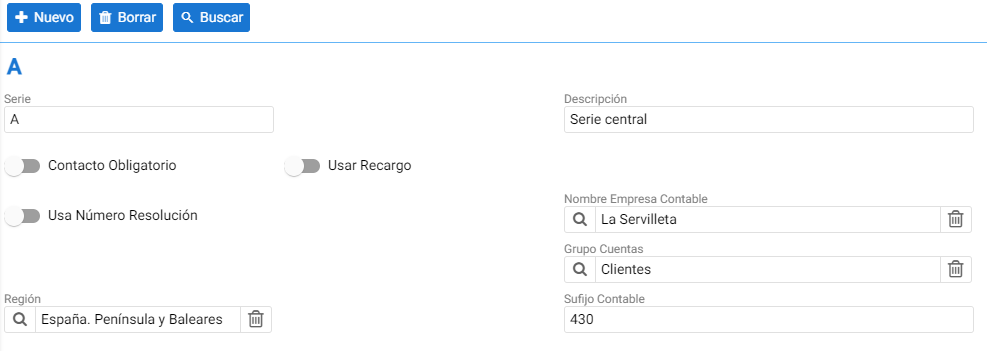
To create a new series, you must click the [+ New] button. Within the new entry's details, the following values can be configured: the name, Description, Mandatory Contact (which requires assigning a contact when using this series), Use Surcharge (for example, for the equivalence surcharge in purchase documents), and Use Resolution Number (for those countries that, due to taxation, must configure a numbering range per series).
At the accounting level, there are the fields for Accounting Company Name to assign the accounting ledger to which documents with this series should be posted, the Account Group to which it belongs, and the Accounting Suffix for the accounting entry of transactions that have this series.
AI Assistant
Section summary
AI can generate inaccurate information; verify the results.