En esta sección
Menus
The menu creation tool is very useful for a restaurant. The following explains how to set up a menu with this option.
When accessed, the first thing you can see are all the created menus. By selecting New or Delete, you can create new menus or delete existing ones.

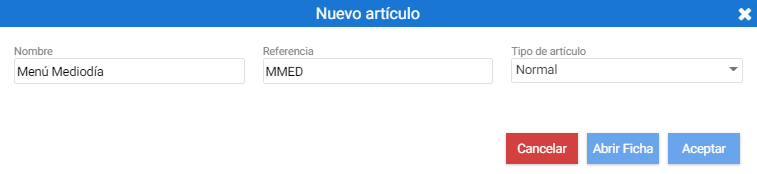
Clicking [+ New] opens the window of article creation.
The menu is configured on the item's record from the [Menu] tab.
The table on the left shows the order number and the name of that order. A minimum or maximum limit can be stipulated for the number of items selected per order.
Then, selecting each order, the associated items must be added in the right-hand block (which is linked to the first table).
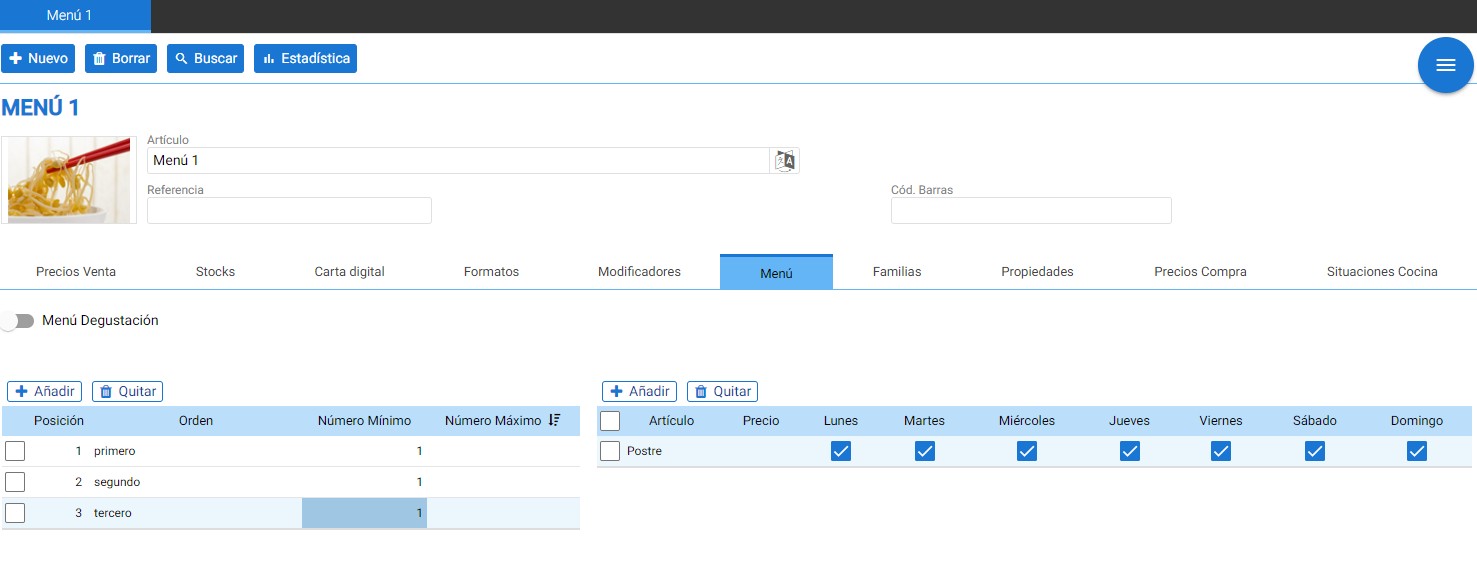
From the table on the right, you can modify the increment price and the days of the week that the dish will be available on the menu.
AI Assistant
Section summary
AI can generate inaccurate information; verify the results.