En esta sección
Inventories
The Inventory tool is like the others for querying and document creation. This will be used to perform a stock adjustment for the specified warehouses.
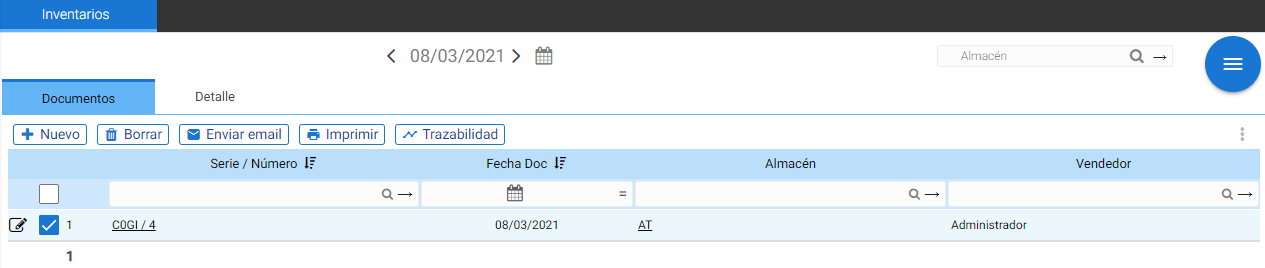
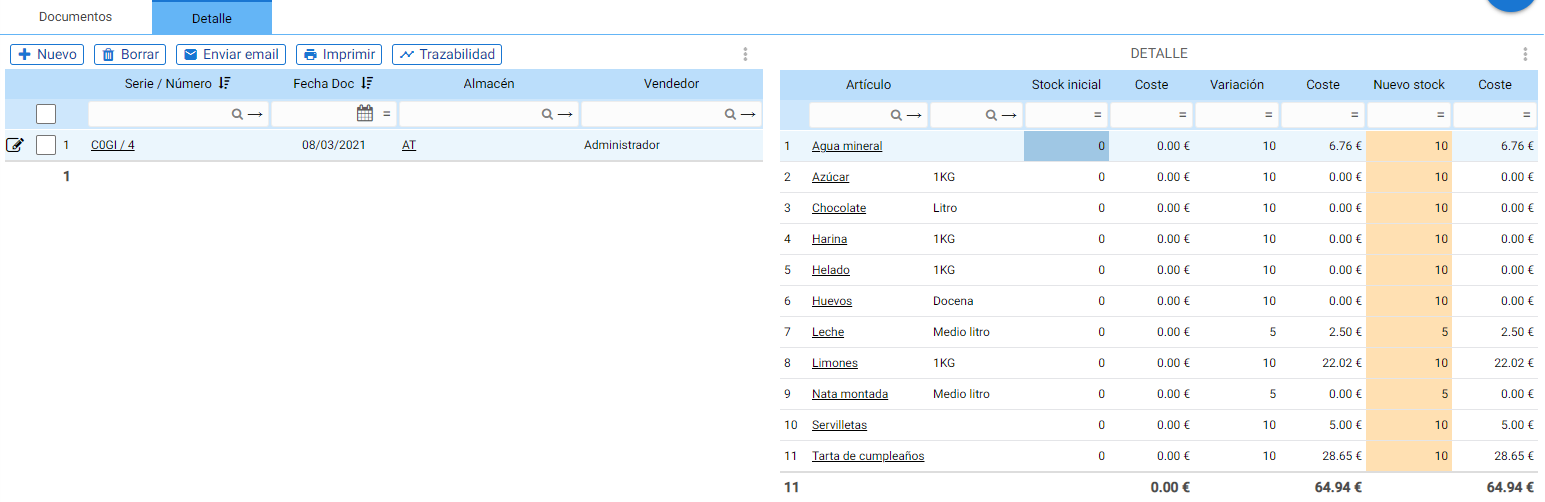
A list of completed inventories will open. These inventories can be viewed; simply select them. The detail view shows the cost per item based on the initial stock. If there was no initial stock for that item and warehouse, no amount will be displayed for the cost.
From here, you can create a new inventory; to do this, select the button Add New.
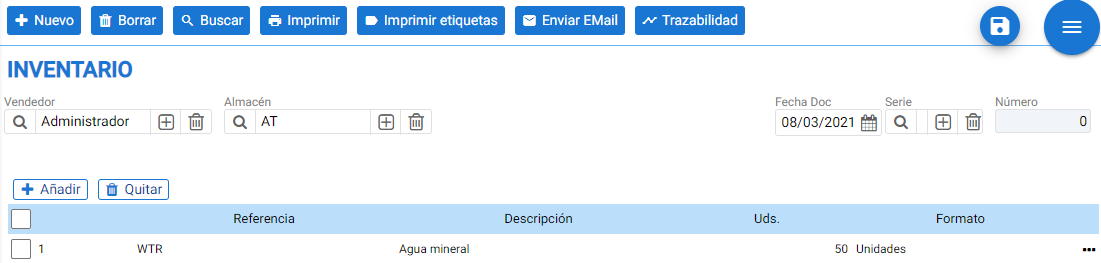
Upon generating a new inventory, a screen will open where you must select the warehouse for which the inventory is being performed, choose the desired document generation date, and if it differs from the default, also change the series.
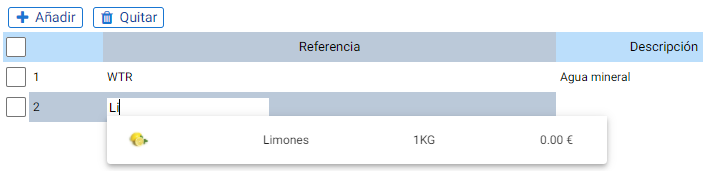
To add items, use the [+ Add] button or indicate the reference in the table itself. Clicking the button opens the item search tool, which allows filtering and multi-selection of elements. Once accepted, the items have already been added to the document.
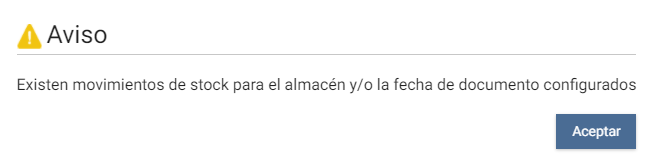
When an inventory is complete, the buttons for: Print, Print Labels (for the inventoried items), Email and TraceabilityThe program detects the inventory as the first movement of the day, therefore if an inventory is started after registering changes in the affected warehouses, a warning message pops up:

AI Assistant
Section summary
AI can generate inaccurate information; verify the results.