En esta sección
Introduction
If we have the online booking module and select manual confirmation, the notifications icon will automatically appear in the calendar bar.

Each time reservations are made from the online booking engine, a bubble will appear indicating the number of unconfirmed reservations.

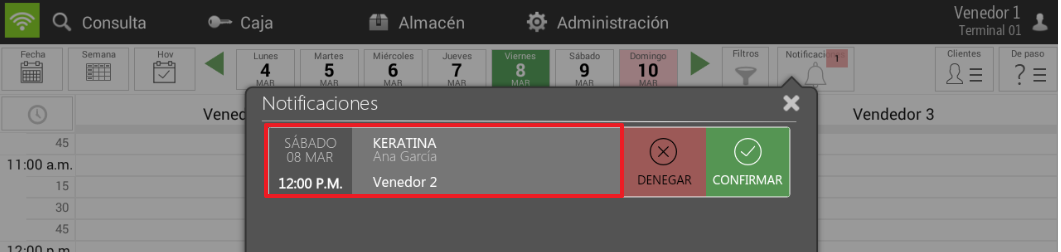
If we click on the notification icon, a window opens where we can see the service and decide whether to accept or reject it.
As we can see, as soon as we receive the booking, the service automatically appears in purple on the calendar.
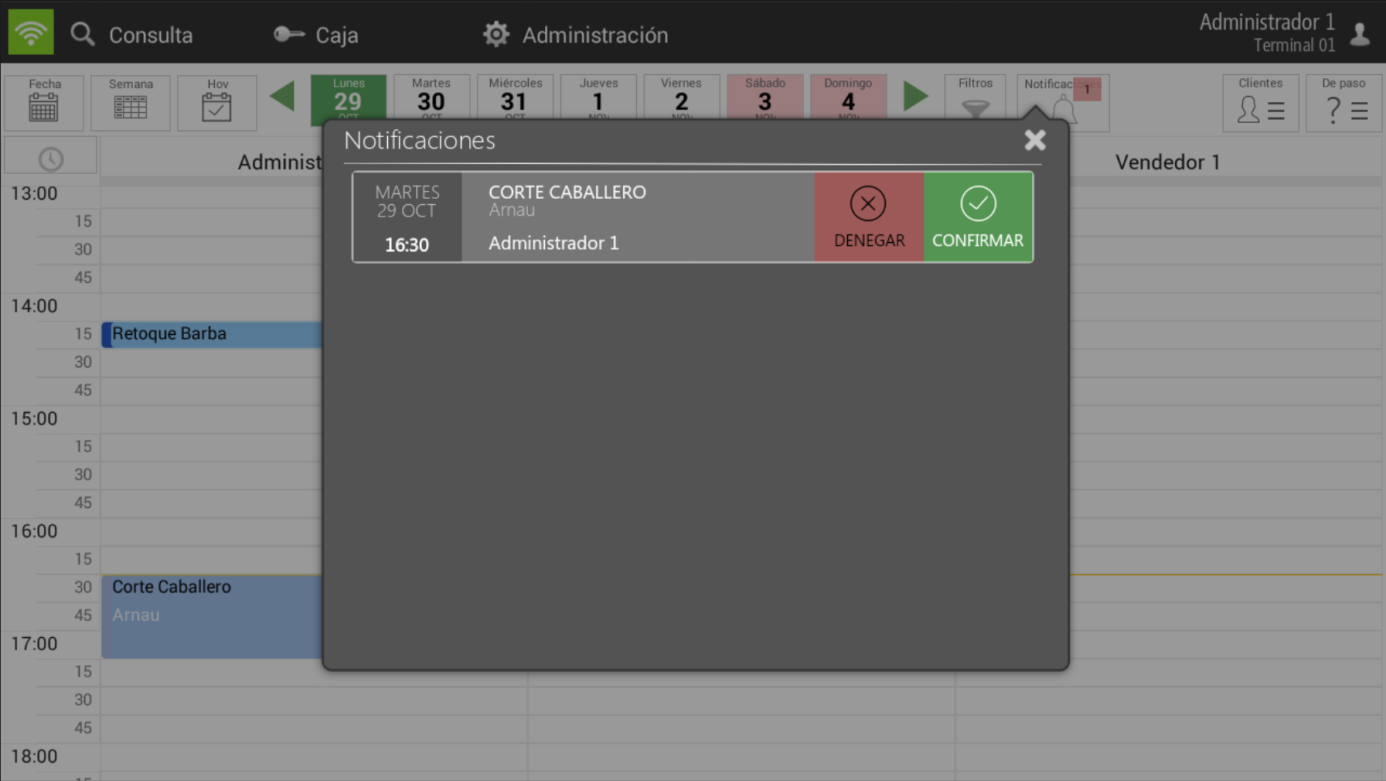
If we accept it, it will turn blue, and if we deny it, it will disappear. In both cases, an email is sent informing the client of the decision.
Lastly, if we select the service, it will show us how it would be scheduled, thereby displaying the seller's services for that day and time.
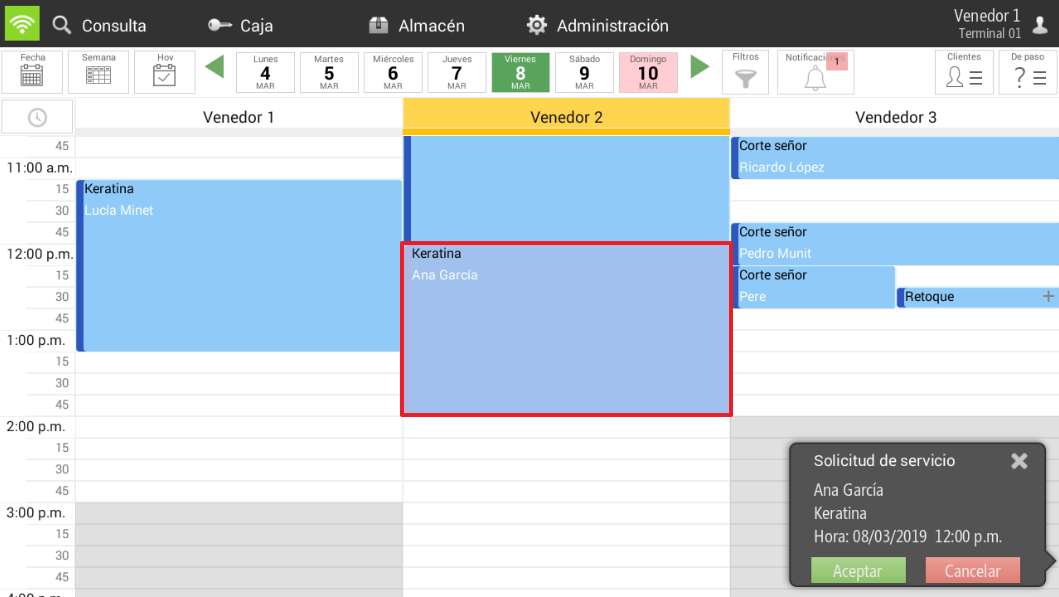
As we can see, services originating from the online appointment booking engine that have not yet been confirmed by the hair salon or beauty center will be displayed in a blue color, darker than the blue of a service in pending status.
AI Assistant
Section summary
AI can generate inaccurate information; verify the results.