En esta sección
Creation of the database
In HioPOS Cloud, there are two ways to create a database.
The first of these is through CloudLicense, where we will need to log in via a web browser to create the new client.
The second and most important option is through HioPOS Cloud itself. From the terminal, we will be able to create the database directly at the client's premises, quickly and easily.
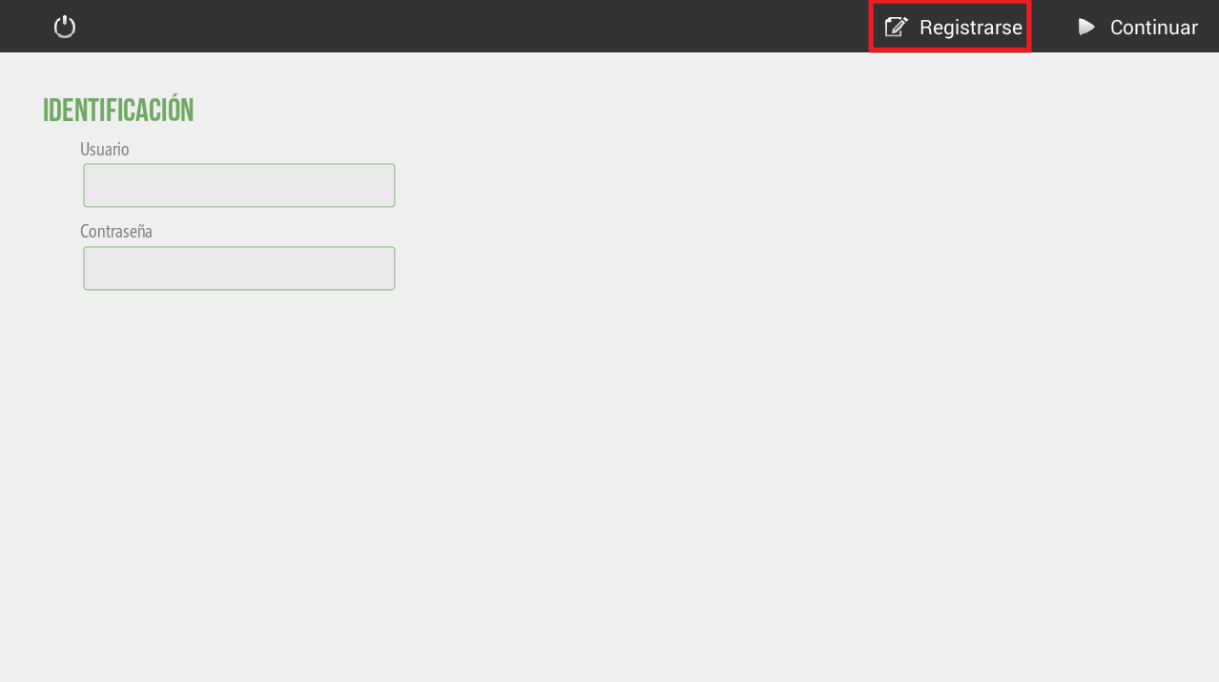
Once we indicate that we want to register a new HioPOS Cloud client, we will see the following screen where we have to configure the indicated fields.
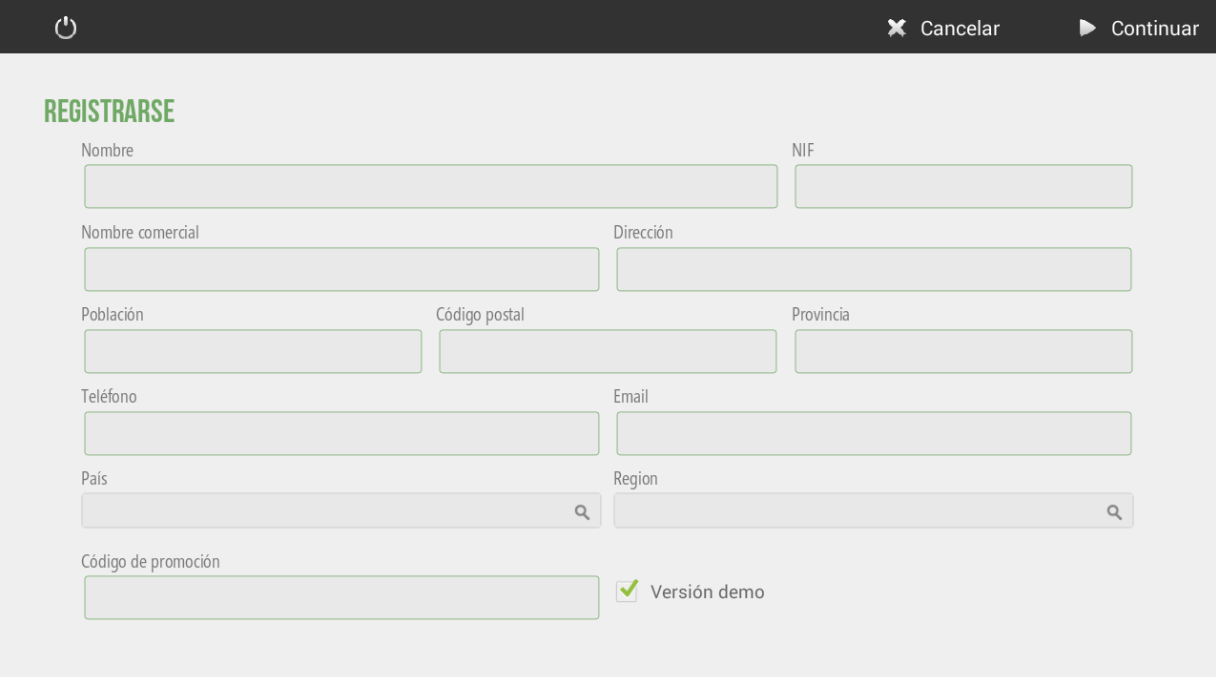
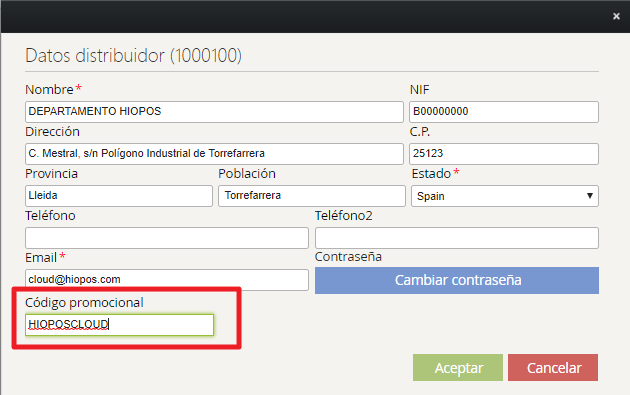
We must configure all fields to perform the installation. An important detail is the field where we configure the promotion code. We will configure this promotion code in CloudLicense, so that when we configure our code when creating a new client, this client will be linked to our CloudLicense account.
Next
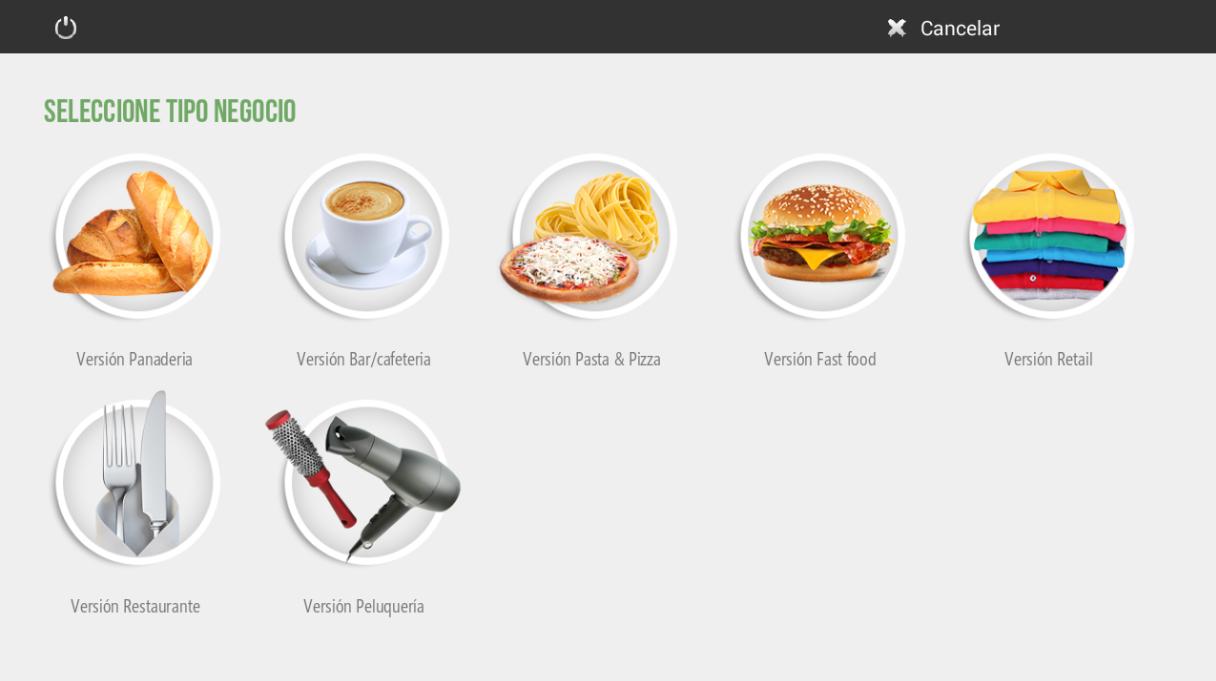
Next, we will be able to choose the type of business we are going to create. We will be able to choose from the different differentiated verticals. Once we select the type of business we are going to install, the database will be created. Once the database has been created, we will be able to start configuring HioPOS Cloud.
AI Assistant
Section summary
AI can generate inaccurate information; verify the results.