En esta sección
User Permissions
On the screen User profile The different profiles that control access to the program's functions are defined and managed. Depending on the profile assigned to each employee, only the options they have permission for will be displayed, hiding those that do not correspond to their role.
Top bar
It allows creating new user profiles in addition to the default ones.
Left panel
Displays the list of available profiles. By default, the system includes profiles of Administrator, Manager, Salesperson, Accounting, Client. If additional profiles are created, these will also appear in this list.
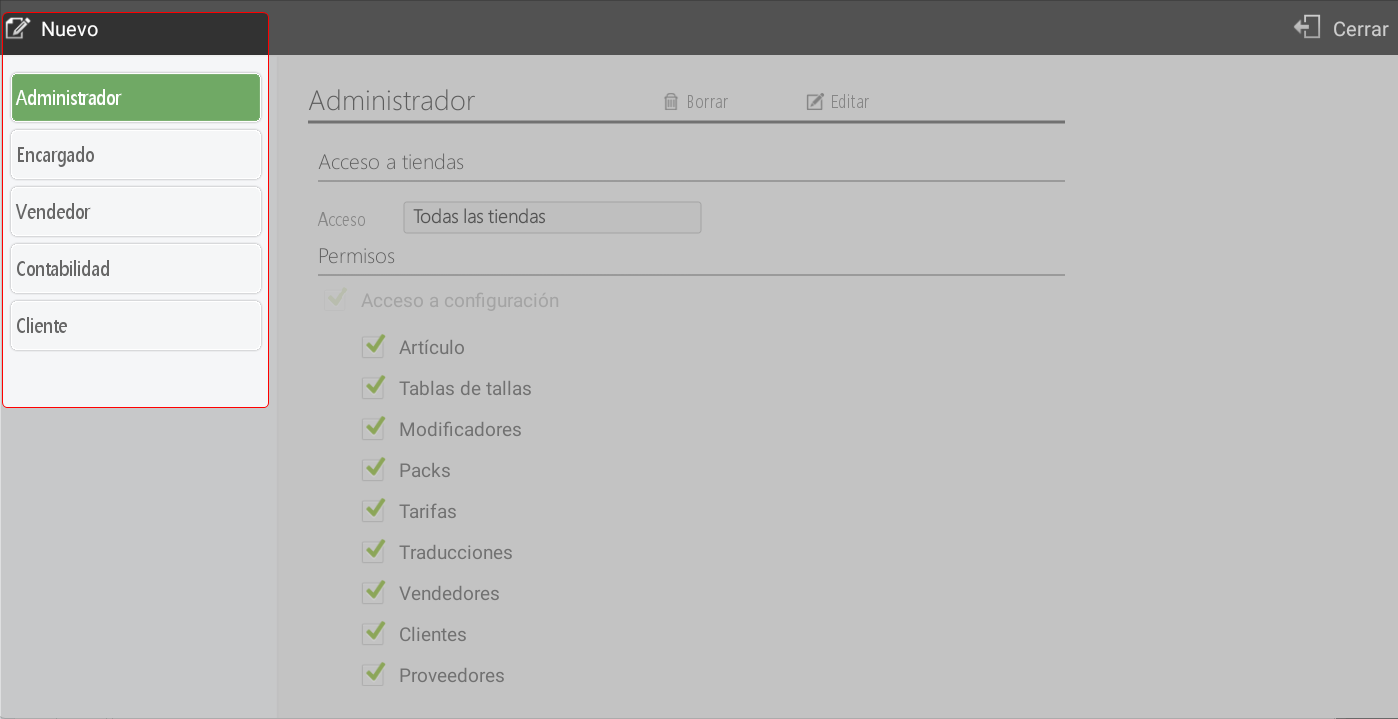
Central panel
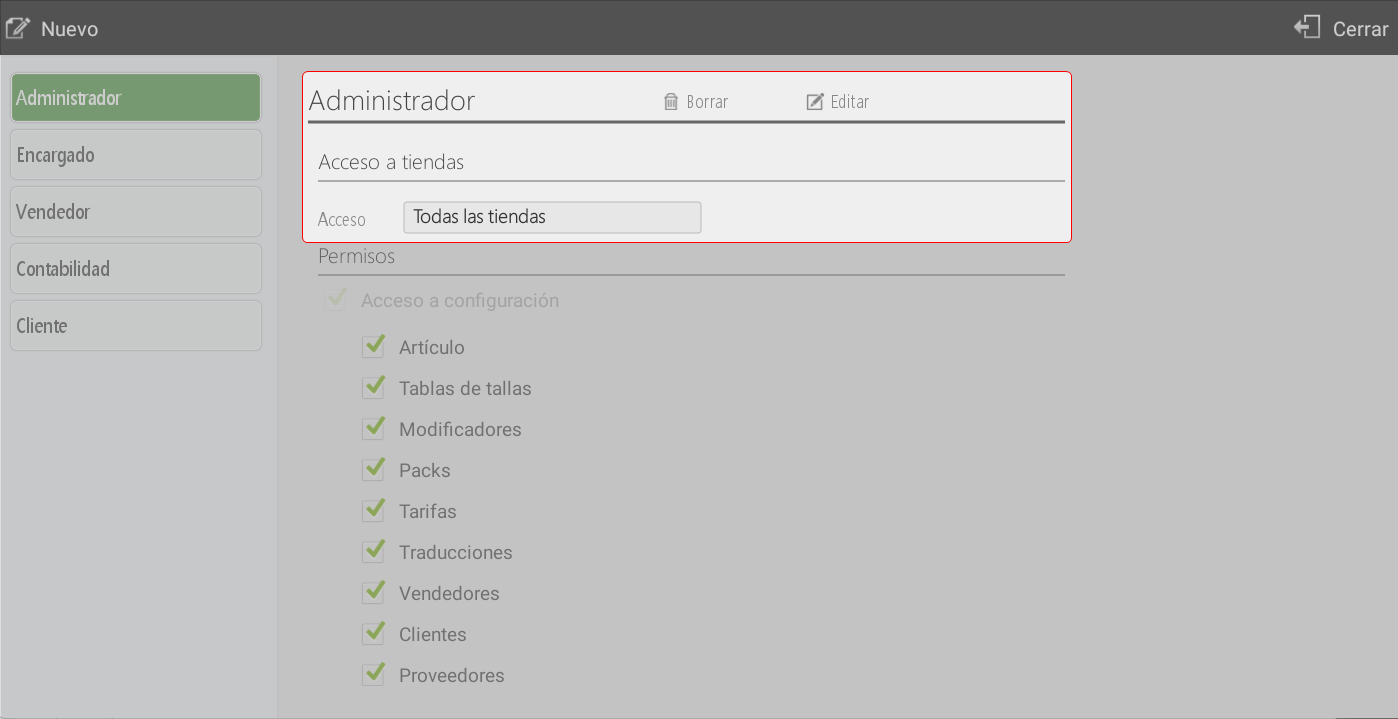
Here, the permissions for each profile are configured.
Profile Management: you can edit the profile name, assign access to: all stores, seller's stores or groups of stores, and delete profiles that are no longer used.
The Permissions They are organized into different categories, and each can be activated or deactivated as appropriate. Some of the options that are specific to a type of business may not be available depending on the type of terminal:
Access Settings
It allows you to configure aspects related to items, rates, customers, suppliers, taxes, payment methods, terminals, user profiles, ticket design, and other general company parameters.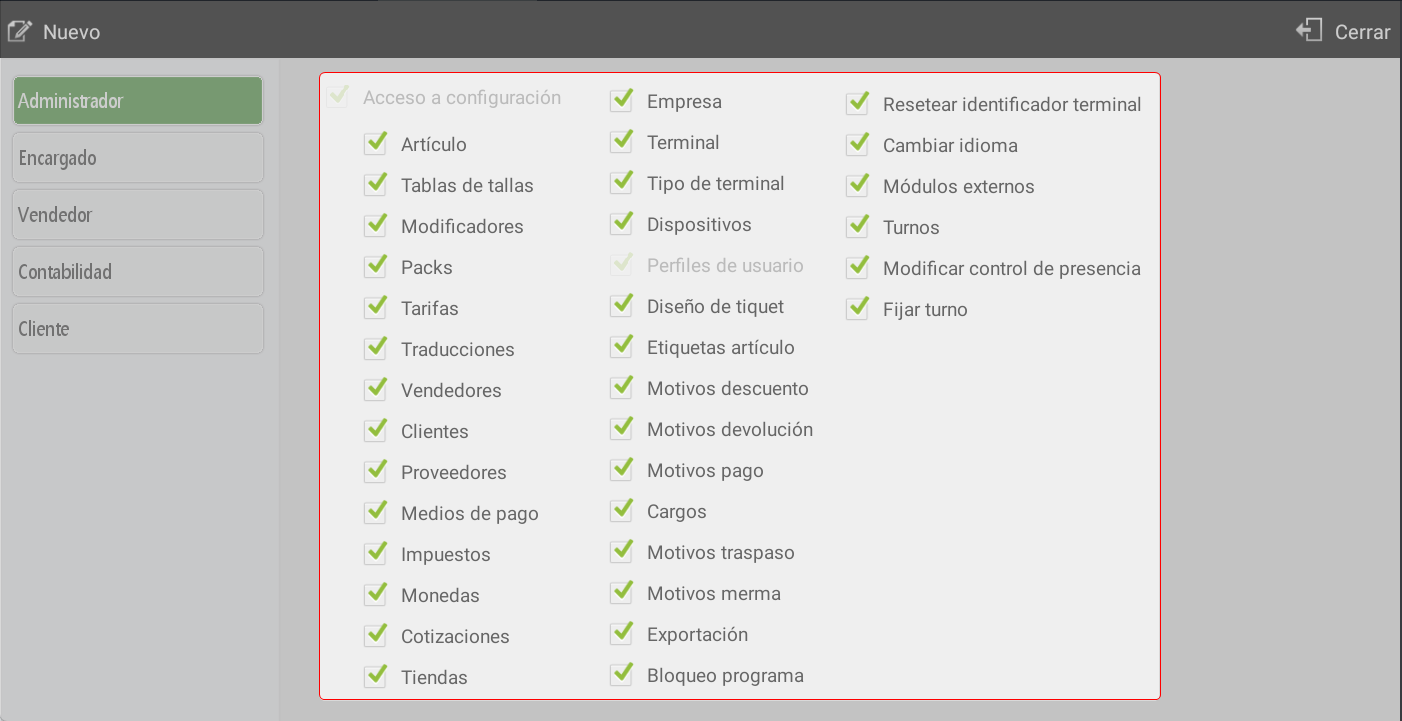
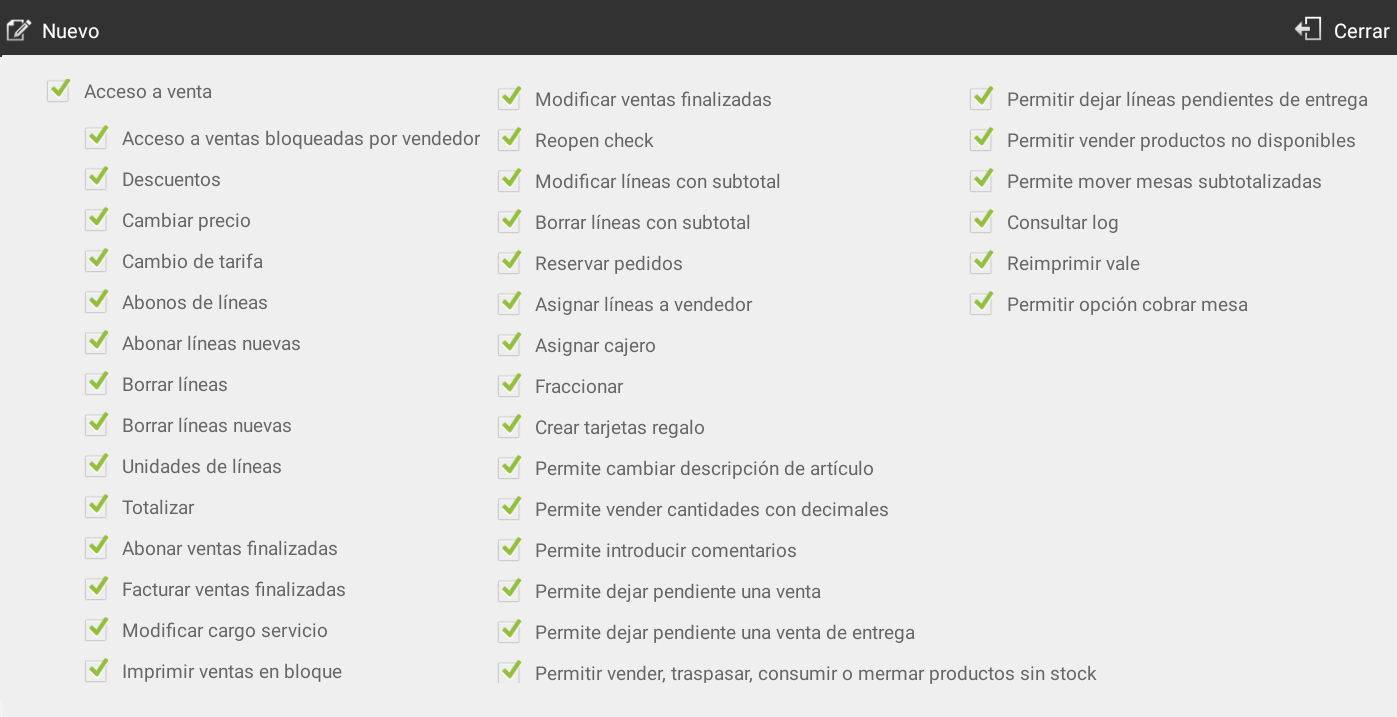
Sales Access
Define what actions the user can perform within the sales process: apply discounts, modify prices, split payments, manage orders, sell out-of-stock products, move tables, print or reprint documents, among other advanced point-of-sale operations.Risk Management
Control whether the user can finalize sales when there are financial risks, such as exceeding credit limits, sales with overdue payments, or returned receipts.Access to Cash Control
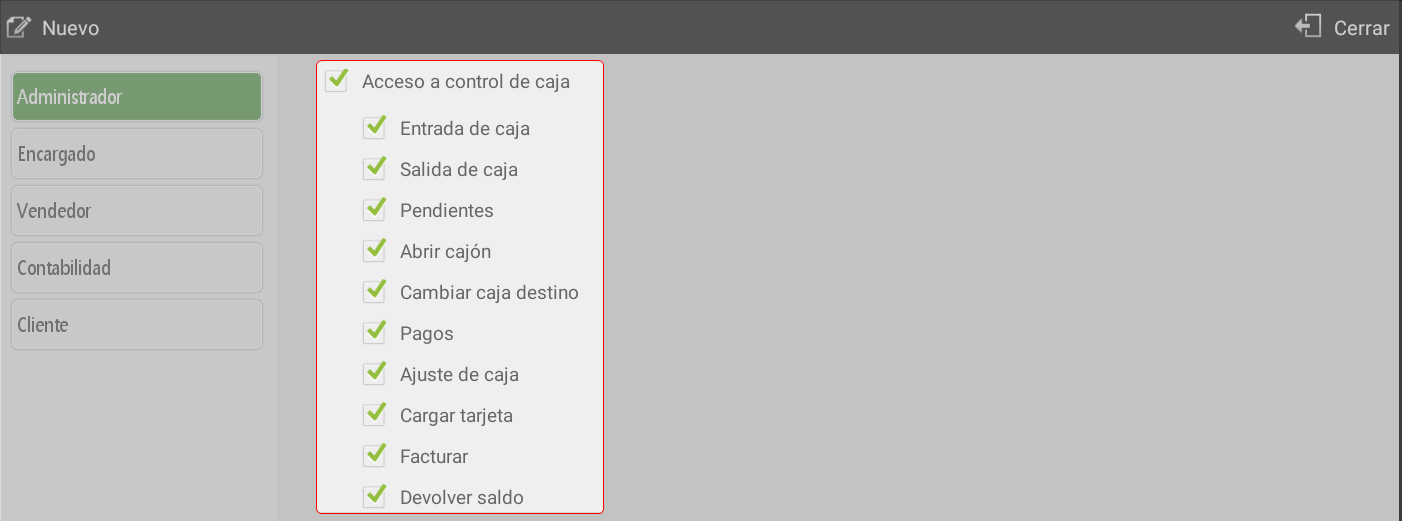
Includes permissions related to cash management: drawer opening, money ins and outs, cash adjustments, payments, balance refunds, and invoicing from the till.Audits (X and Z)
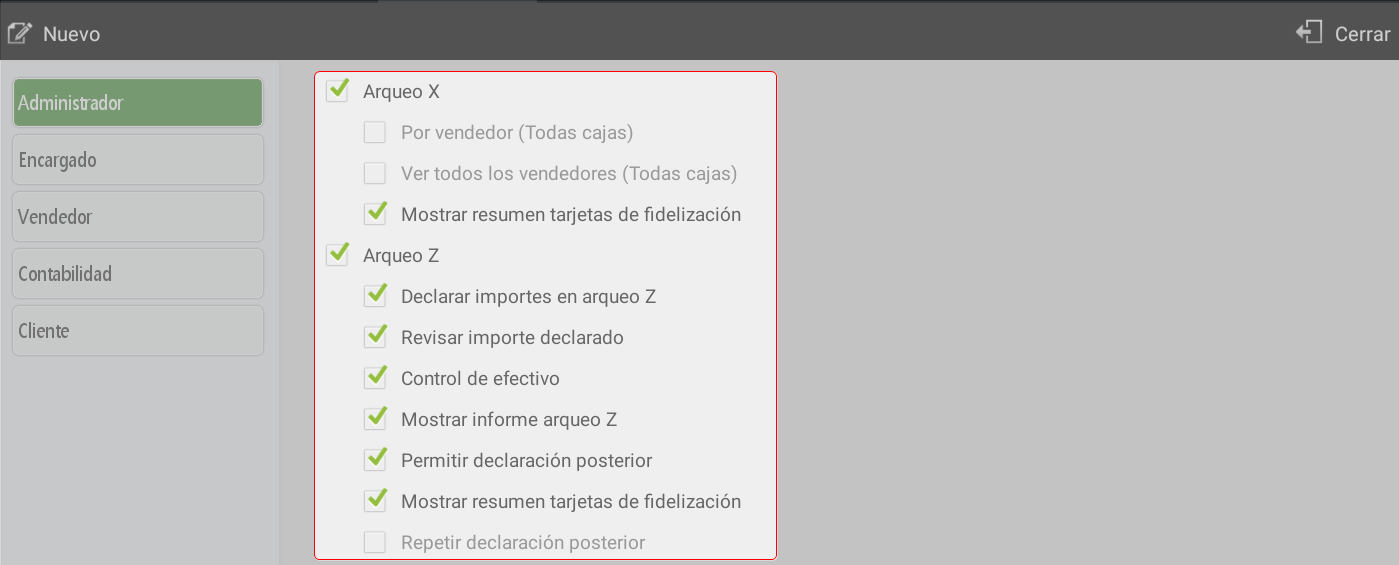
Define what information the user can consult in X cash counts, such as declared amounts, cash count reports, loyalty card summaries, and the possibility of making subsequent declarations. If Z cash count will be blind or if the declared amount can be reviewed and the declaration can be repeated.Access to Queries
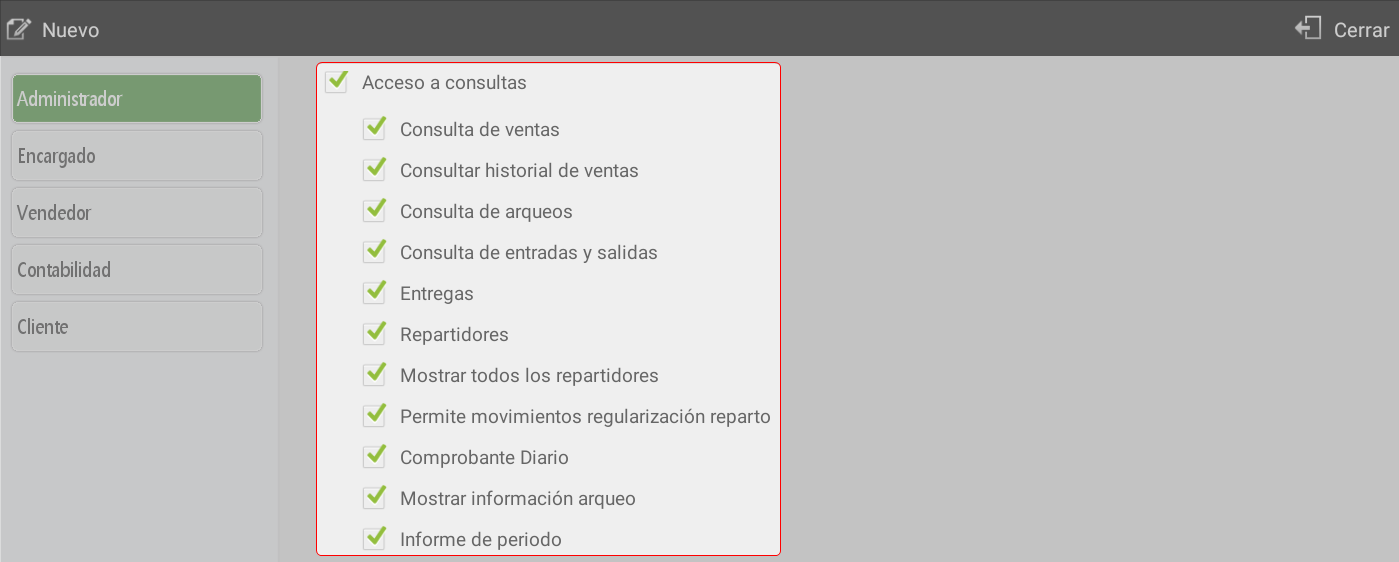
It provides access to information and control, such as completed sales, previous cash counts, deliveries, distributions, and other management reports.Access to Purchases and Stock
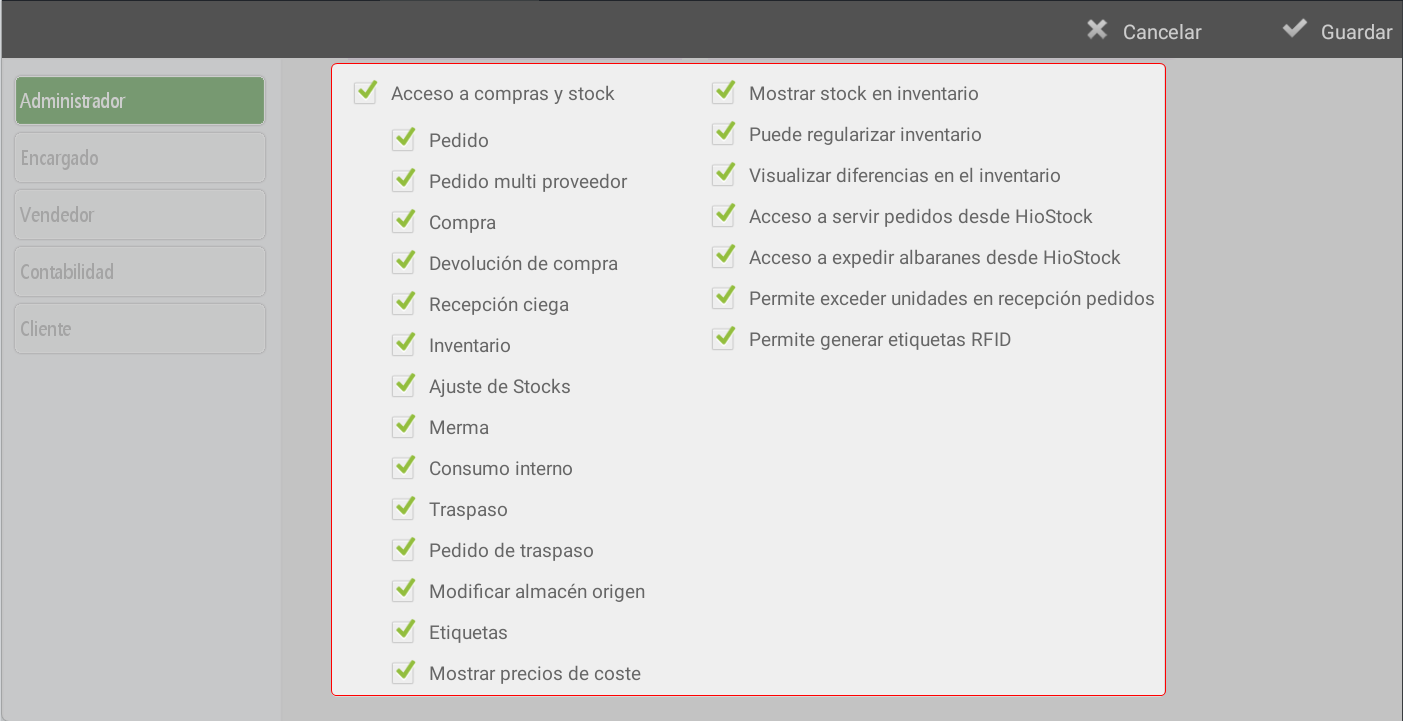
It enables order management, purchasing, returns, inventory, stock adjustments, internal consumption, transfers between warehouses, and cost control. It also includes advanced functions such as label printing, generating RFID tags (when using this option, items for which these tags are generated will start operating with serial numbers), fulfilling orders, and issuing delivery notes from HioStock.Access to Statistics
Authorizes the user to consult the different reports and statistics available in the system.Model of Connection
Technical configuration related to the system connection.

AI Assistant
Section summary
AI can generate inaccurate information; verify the results.