HIOPOS Point of sale
Archaeology Z
The Arqueo Z represents the Final cash closure.
After the closing, any new transaction will belong to the next Z-Report.
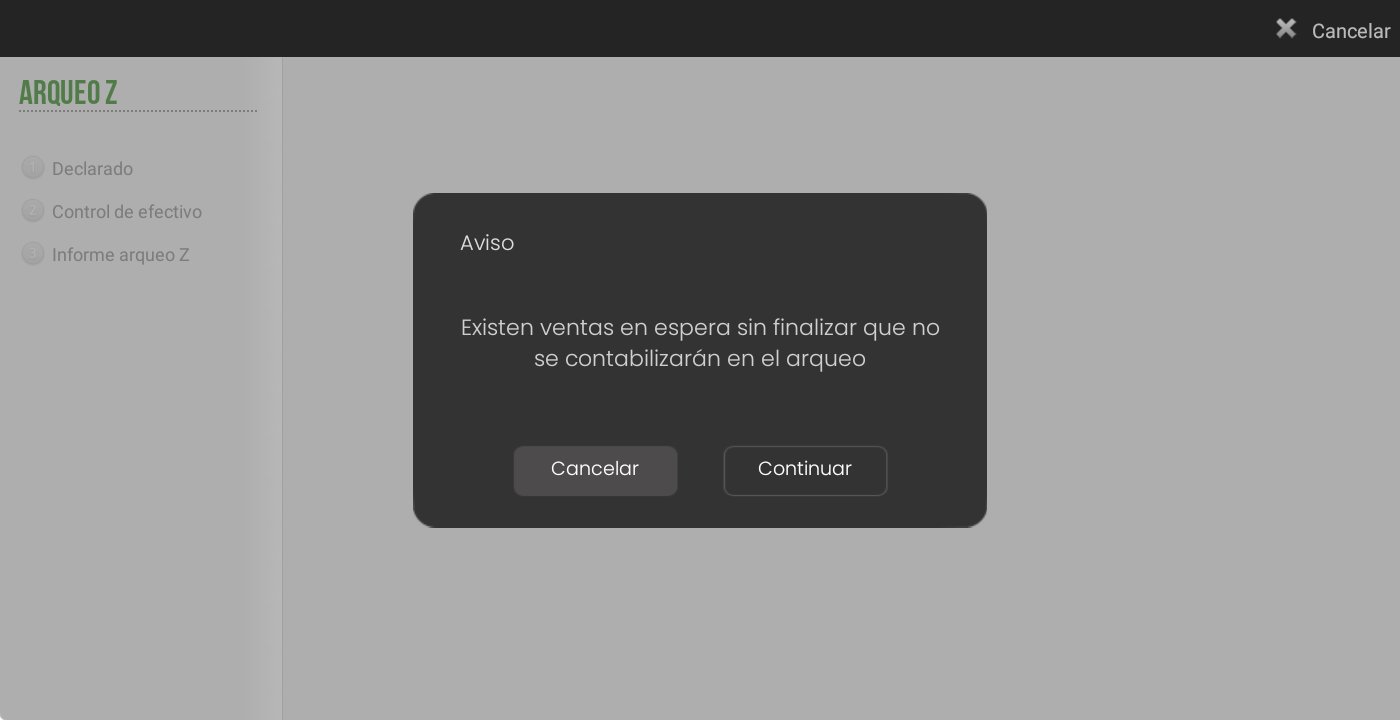
If they exist Open sales or on hold, the system will display a prompt to decide whether to continue or cancel the closure. If you choose to continue, upon completion, these sales will belong to the next Z-Report.
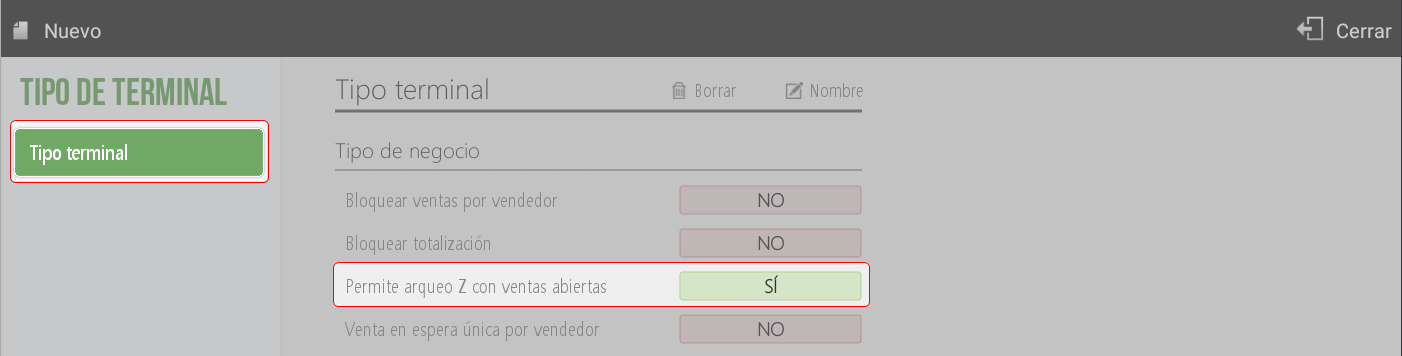
In Settings > Terminal type It can be defined whether performing a Z-Audit is permitted while sales are open.
Below, the three parts that make up the closure are shown in detail.
Declared
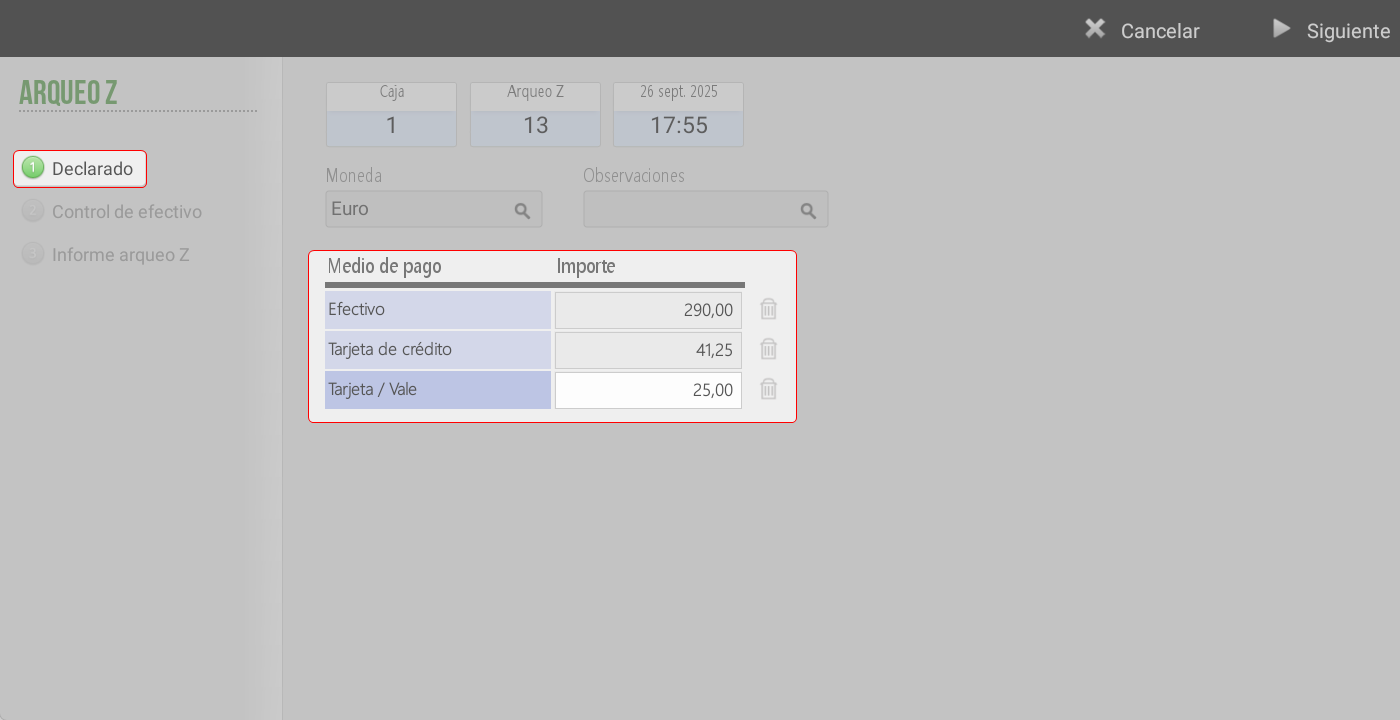
On this screen, the sales amounts are declared according to each payment method in the corresponding period.
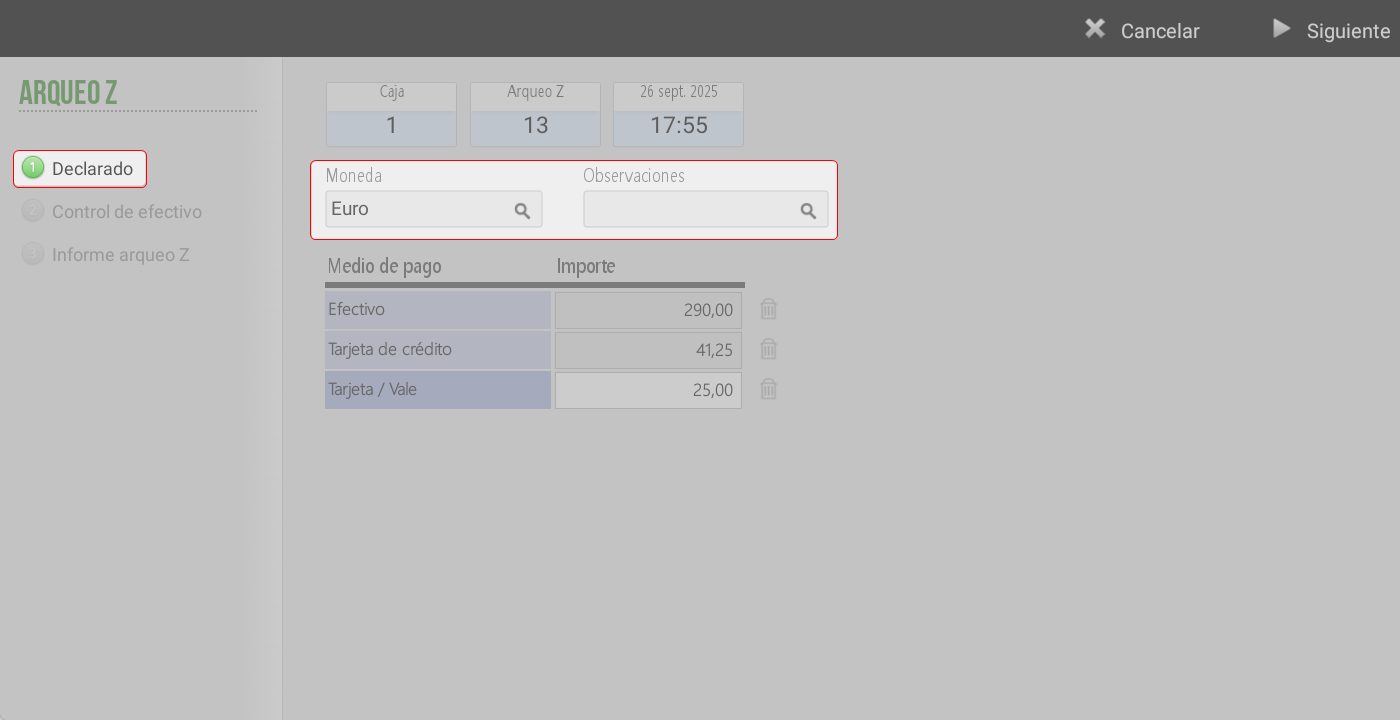
At the top of the screen, the Till, Z-Count number, date and time of the closing are displayed, followed by the closing options:
Cash on hand.
Additional observations (optional).
Below are the payment methods into which something will need to be introduced the amounts corresponding to each one.
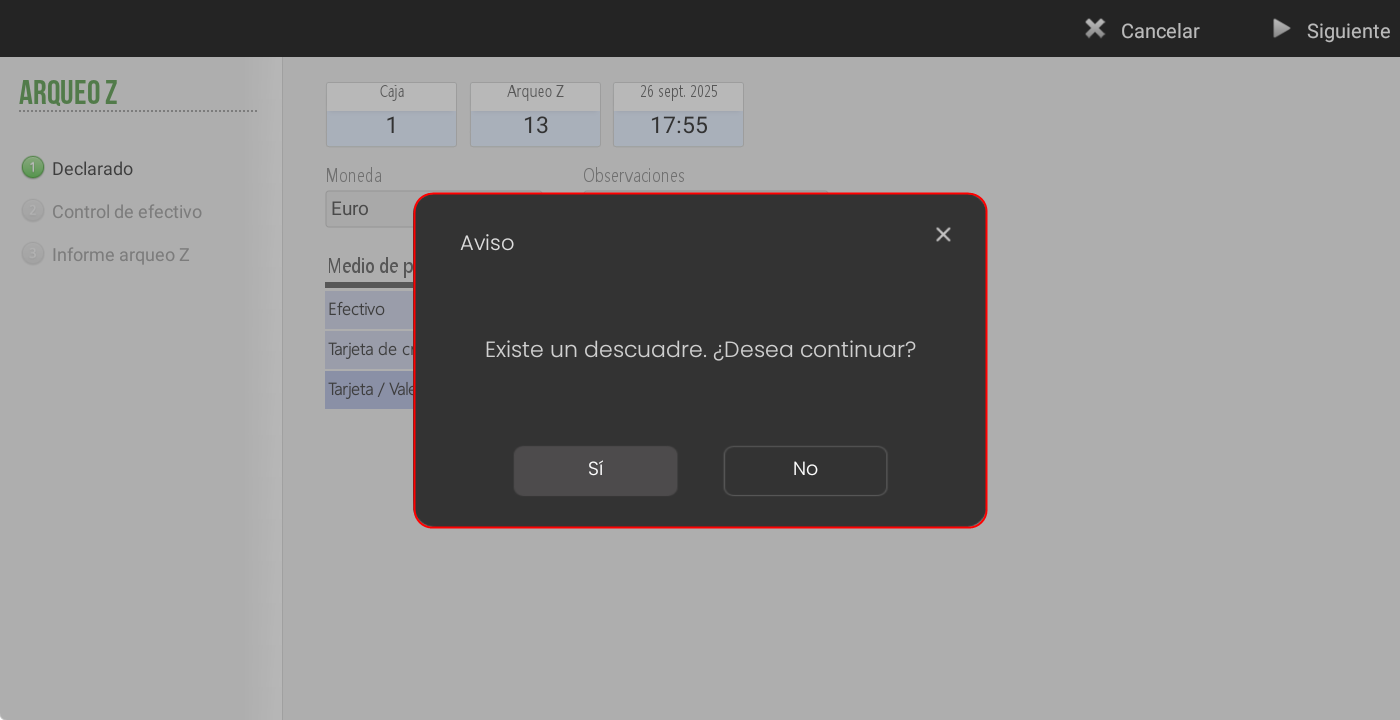
If one is detected discrepancy, the system will notify, informing that there is a discrepancy and two options:
If pressed YES, one can continue with the closure, accepting the discrepancy.
If pressed NO, allows you to review and modify the amounts before continuing.
Cash control
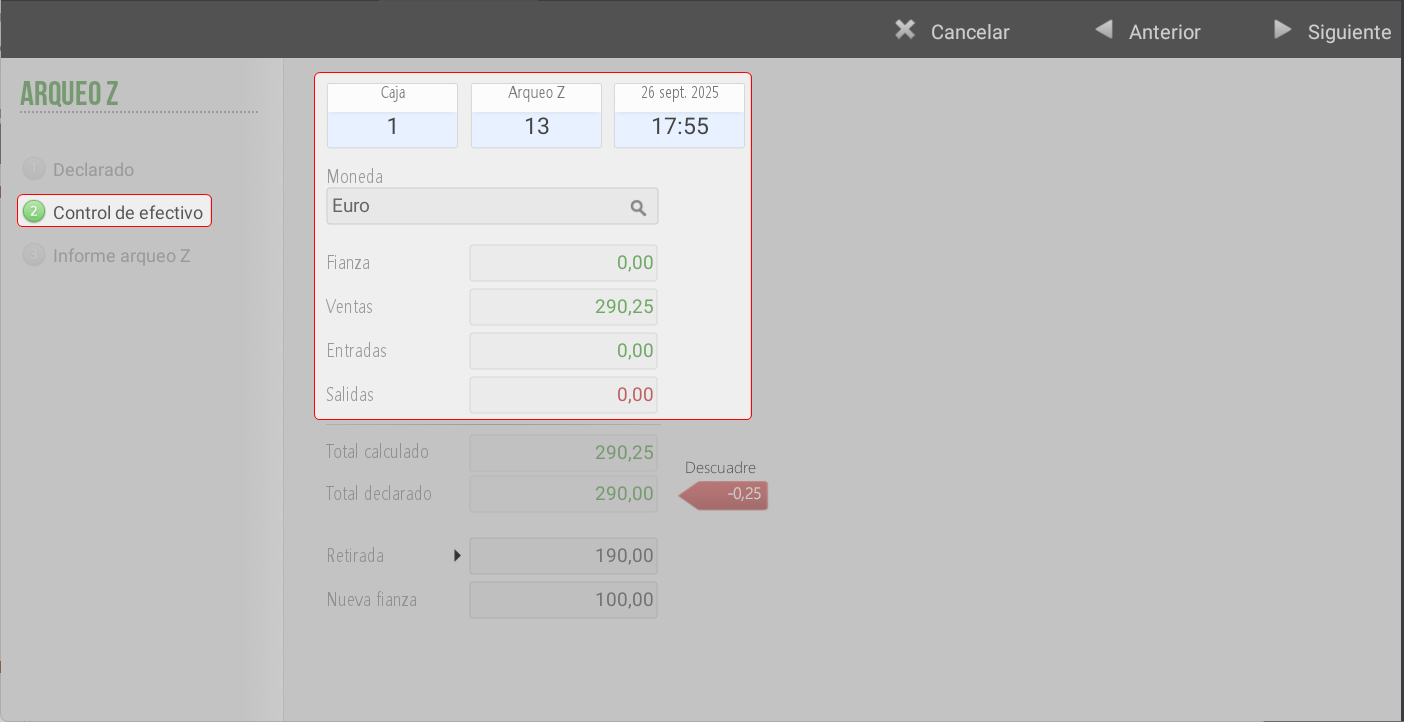
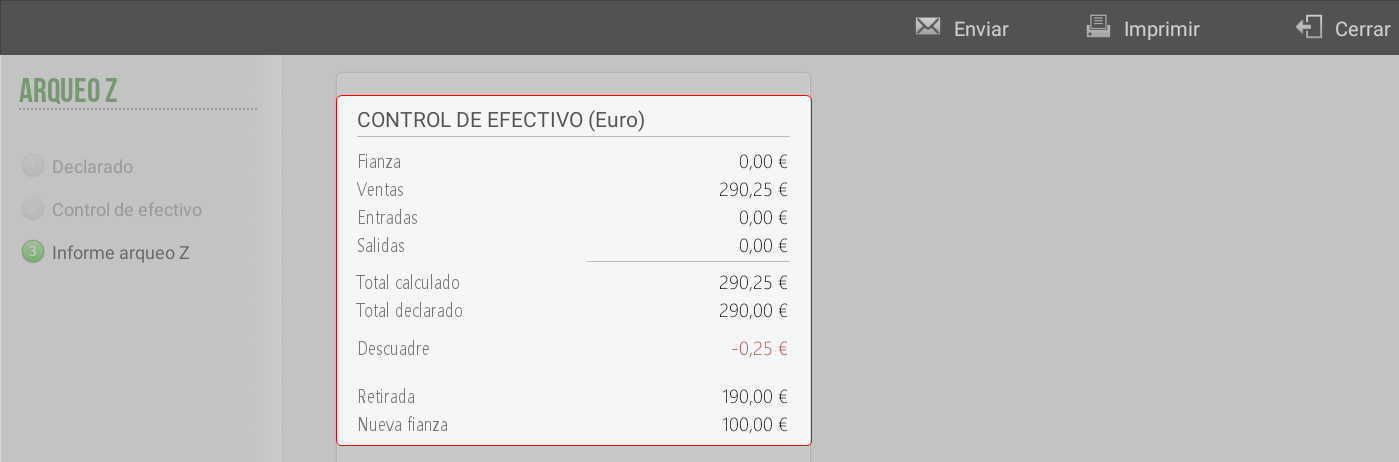
At the top of the screen, the Till, Z Cash Count Number, and the date and time of the cash count are displayed. The following are shown:
The currency used for the cash count.
Yesterday's bail
Sales, cash inflows and outflows.
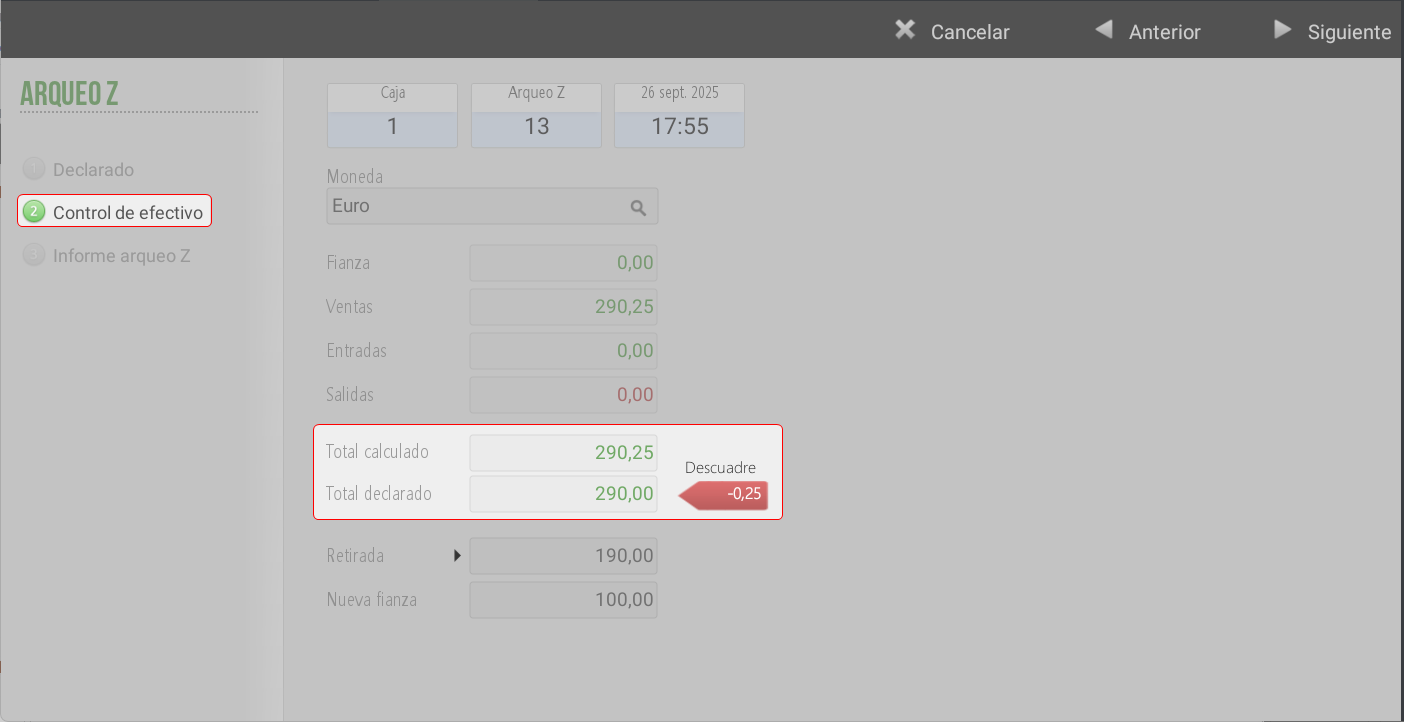
Calculated total and declared total.
A misalignment label that indicates the difference:
Red: if the difference is negative (money is missing).
Green: if it is zero or positive (money left over).
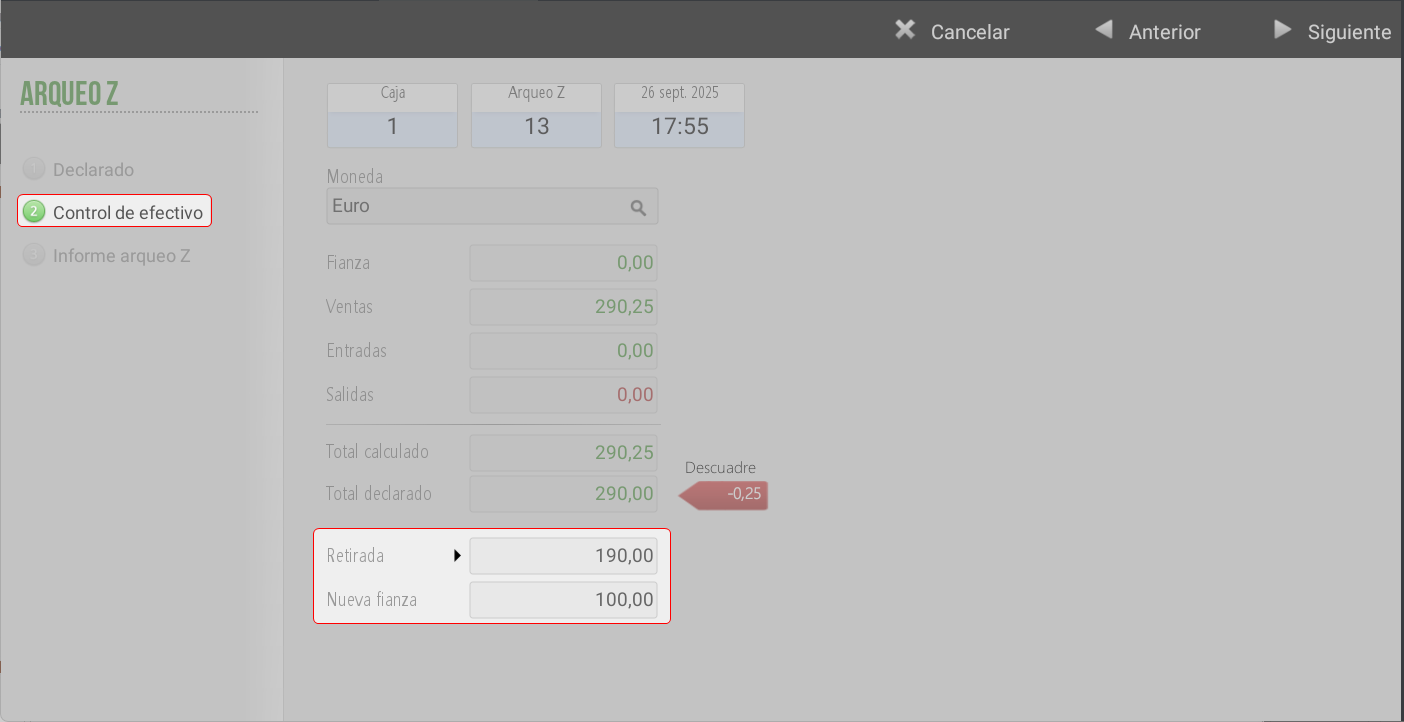
At the bottom, you can manually add the withdrawal and the new bail:
By default, the withdrawal corresponds to the entire declared amount minus the deposit.
If one of the amounts is modified, the other is automatically updated.
Cash Count Report Z
Upon completing the closing, a report is generated with all transactions recorded since the last Z-Audit, divided into:
Documents by series
Cash control
Summary by currency
Cashier sales
ATM payments
Tax summary
Sales by family
Sales by series
Sales Summary
Loyalty summary
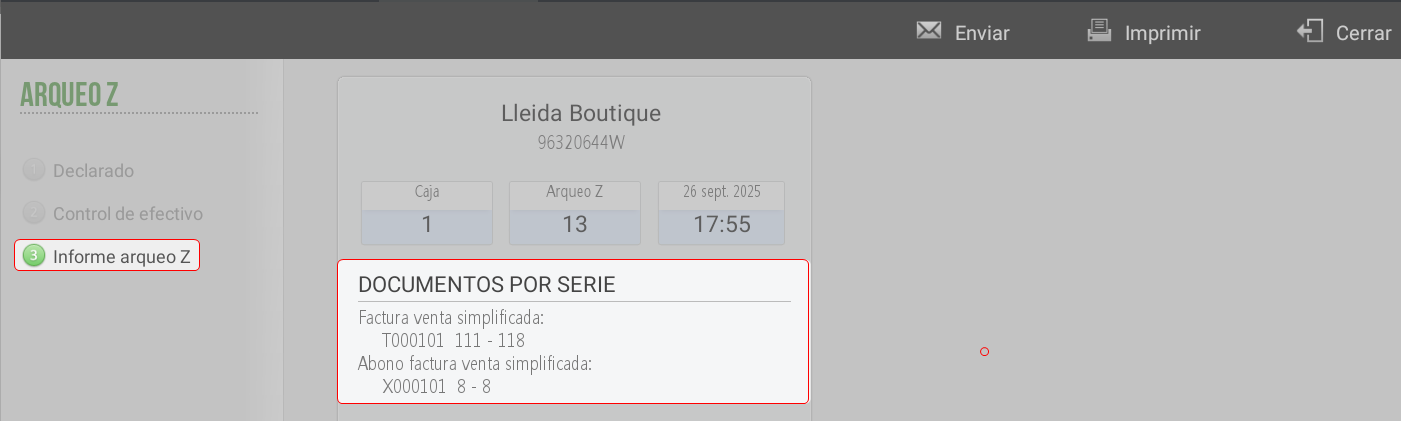
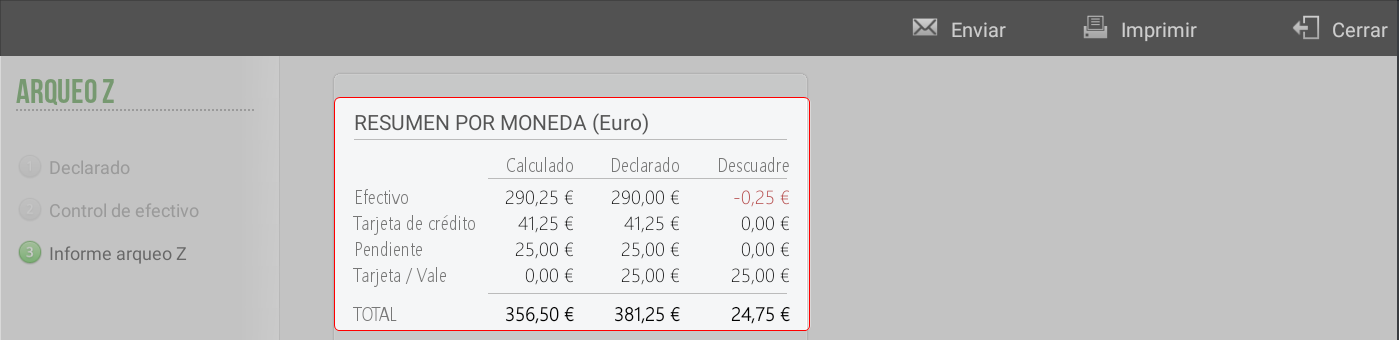
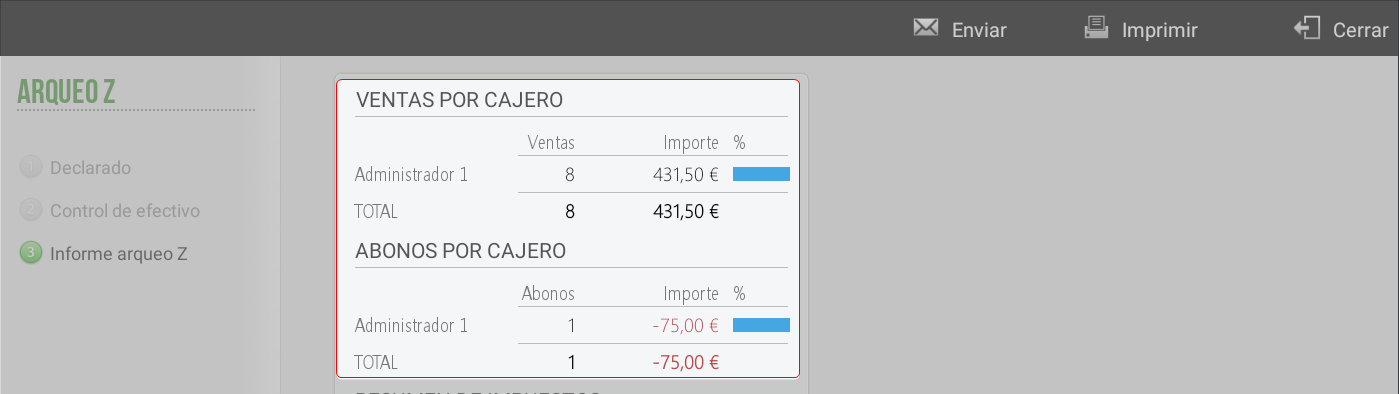
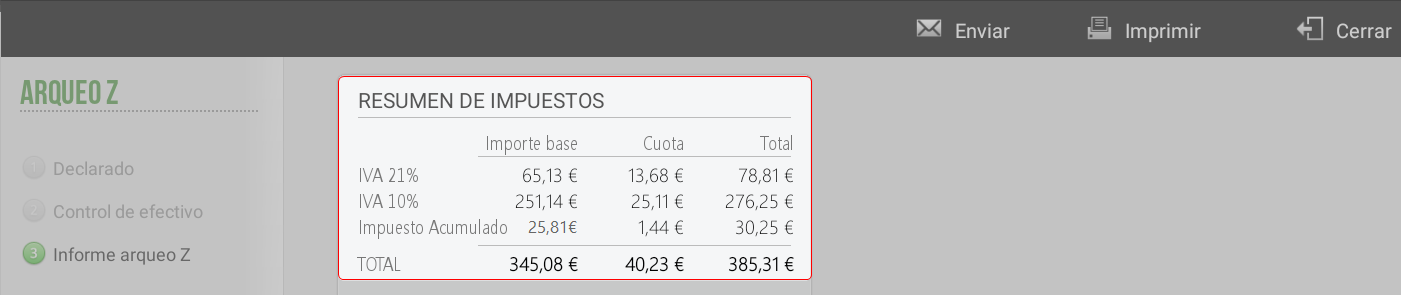
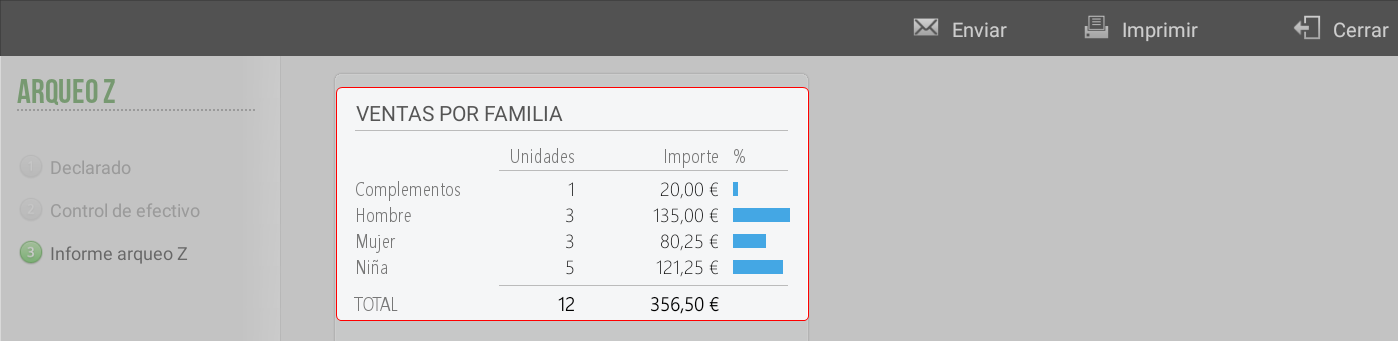
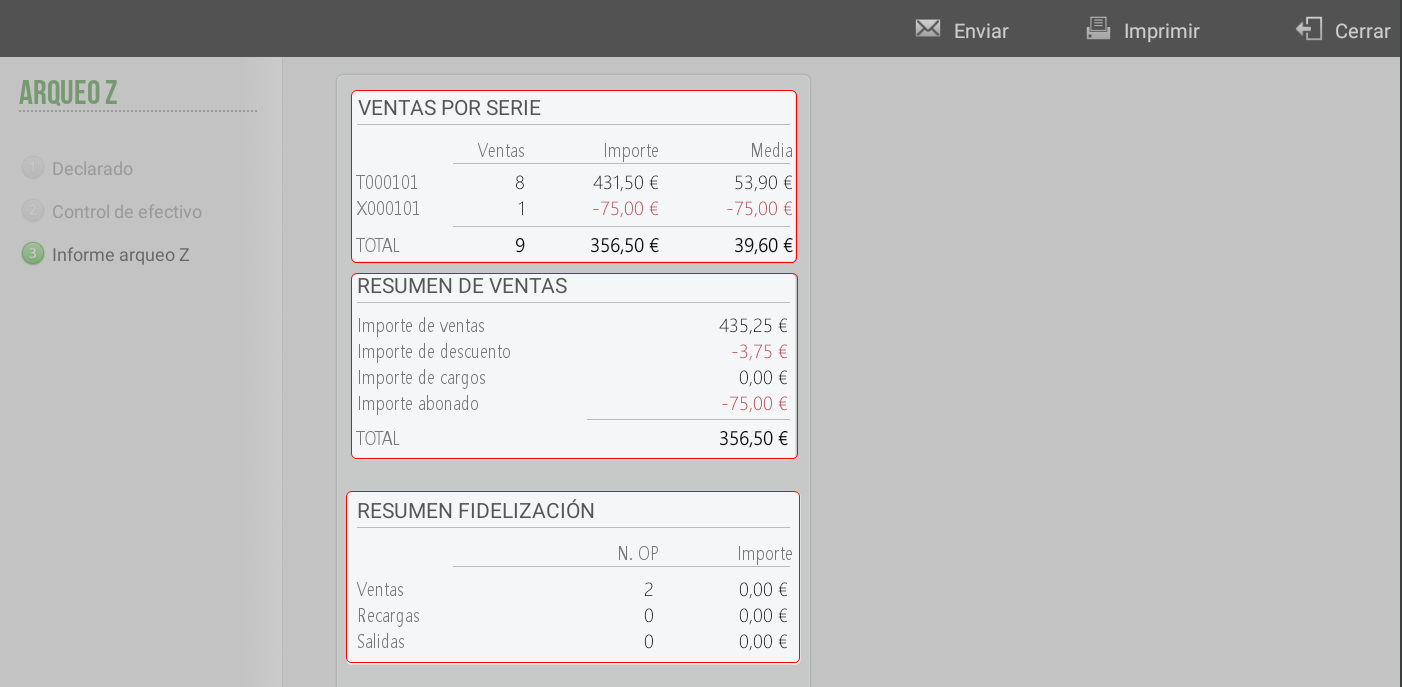
This report may to be printed o to be emailed.
If automatic email sending is configured, it is sent by default.
It can also be sent manually to another email address.
TIP: In Queries > Cash Counts access to the Record of cash counts. In the section of this manual, Sales Inquiry > Inquiry Of reconciliations, all the information and available filters are shown.
AI Assistant
Section summary
AI can generate inaccurate information; verify the results.