En esta sección
Payments
Upon selecting the option Cash register → Payments, the system will display a screen made up of different sections for recording payments to suppliers.
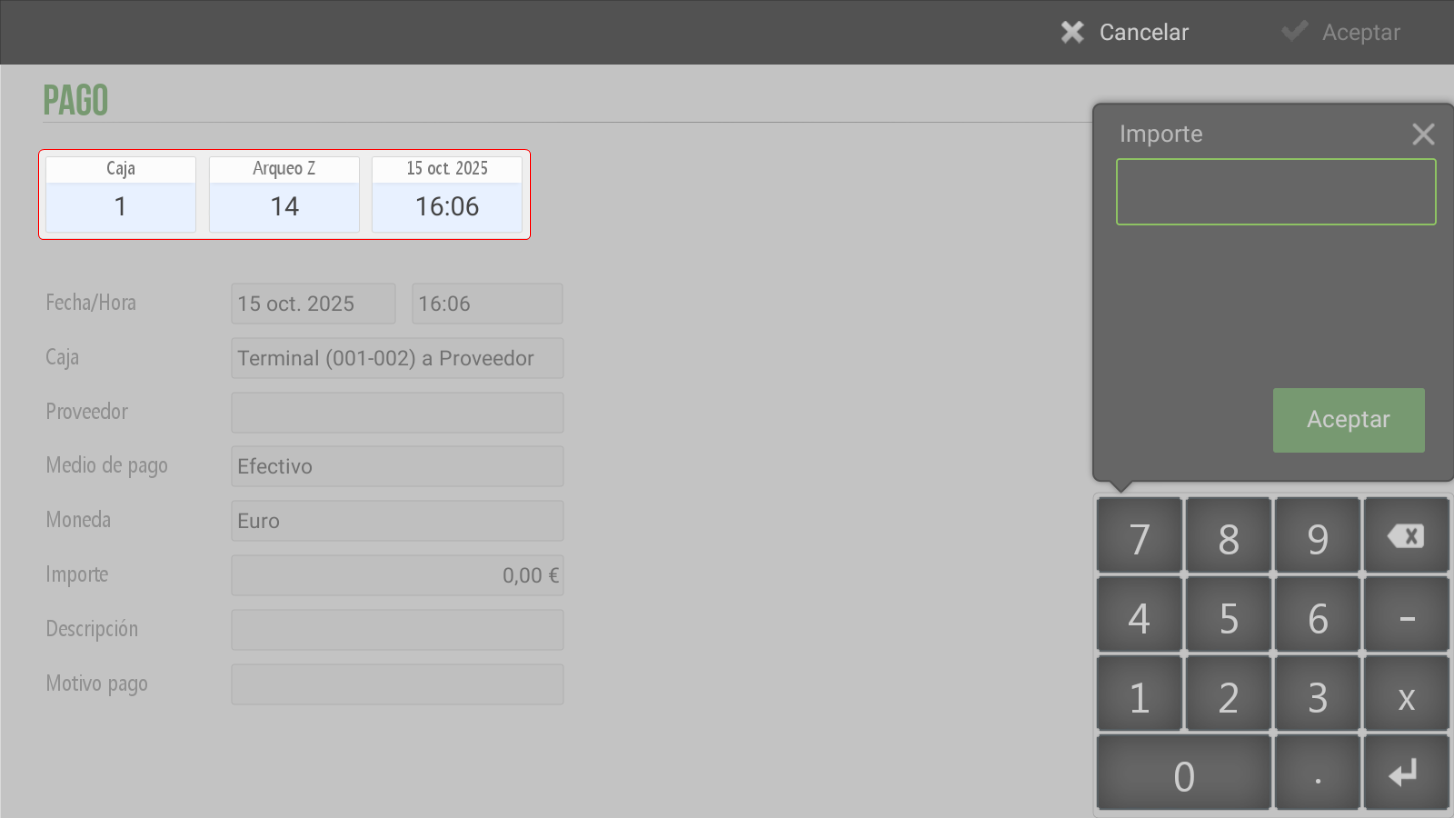
Top of the screen
Box: Indicate from which Terminal the operation is being performed. Each terminal has a cash register number.
Archaeo Z: Show the cash count to which the exit of cash
Date and time: They indicate the time the operation was recorded.
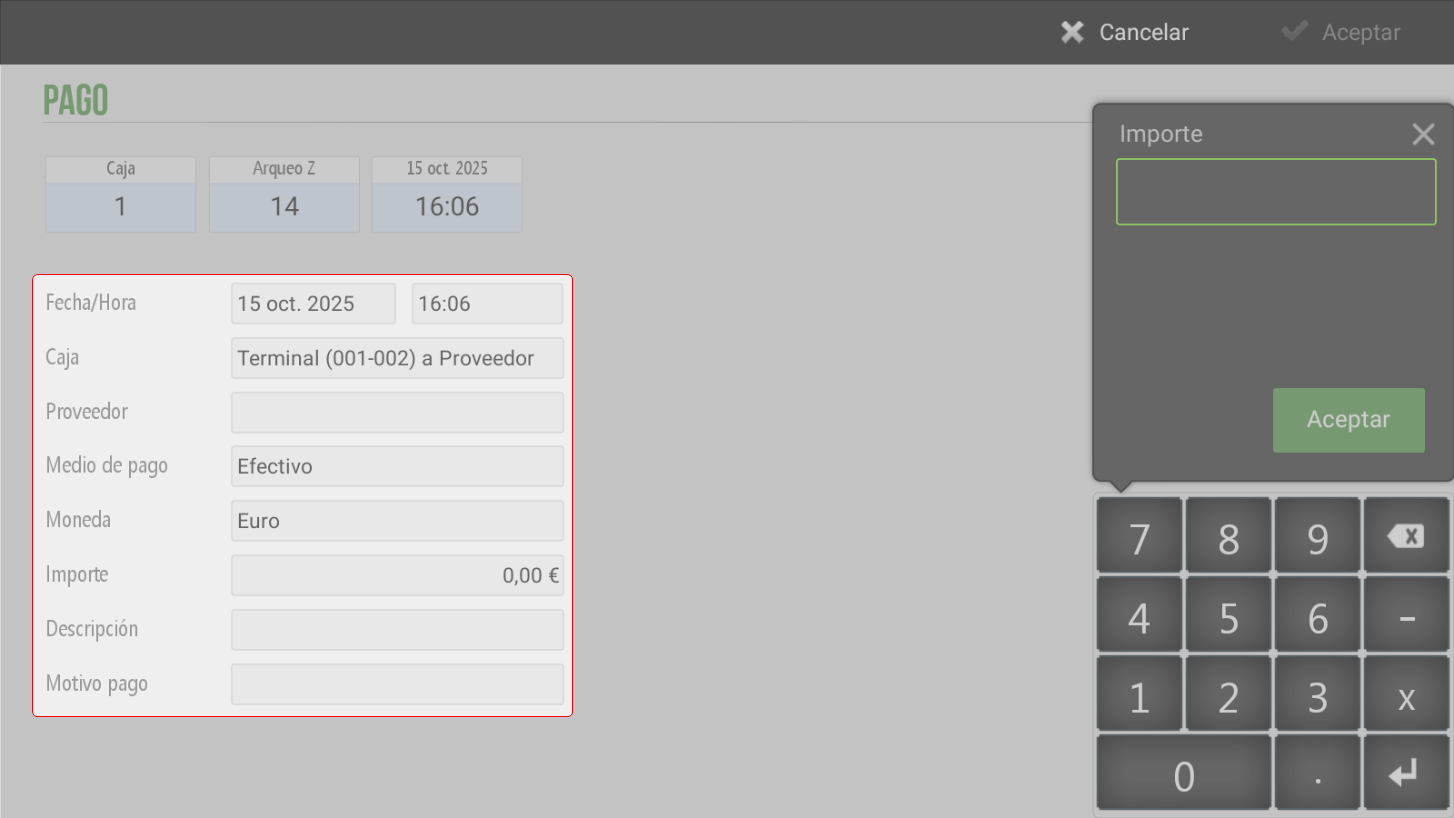
Bottom section of the screen
Date/Time: Allows modification of the payment date and time.
Supplier:You must select the supplier to whom the payment is being made. Upon clicking this field, a new window will open displaying the Suppliers screen to select one and/or create a new one if necessary.
Method of payment: Select the type of payment method, Cash, with which the payment will be made.
Currency: When you click this field, a pop-up window will open (Pop-Up) with the available currencies. The currency corresponding to the operation will be selected.
Amount:The value of the cash given to the supplier will be entered.
Description: Optional field to add a payment note.
Reason for payment: Upon clicking this field, a pop-up window will open (Pop-Up)displaying the payment types configured at the establishment. The corresponding type for the payment being made will be selected.
Note: Although the transaction can be viewed according to the date entered by the employee, the outflow will be accounted for in the current cash count.
Left side of the screen
One has a numeric keypad which facilitates the introduction of values into the field Amount.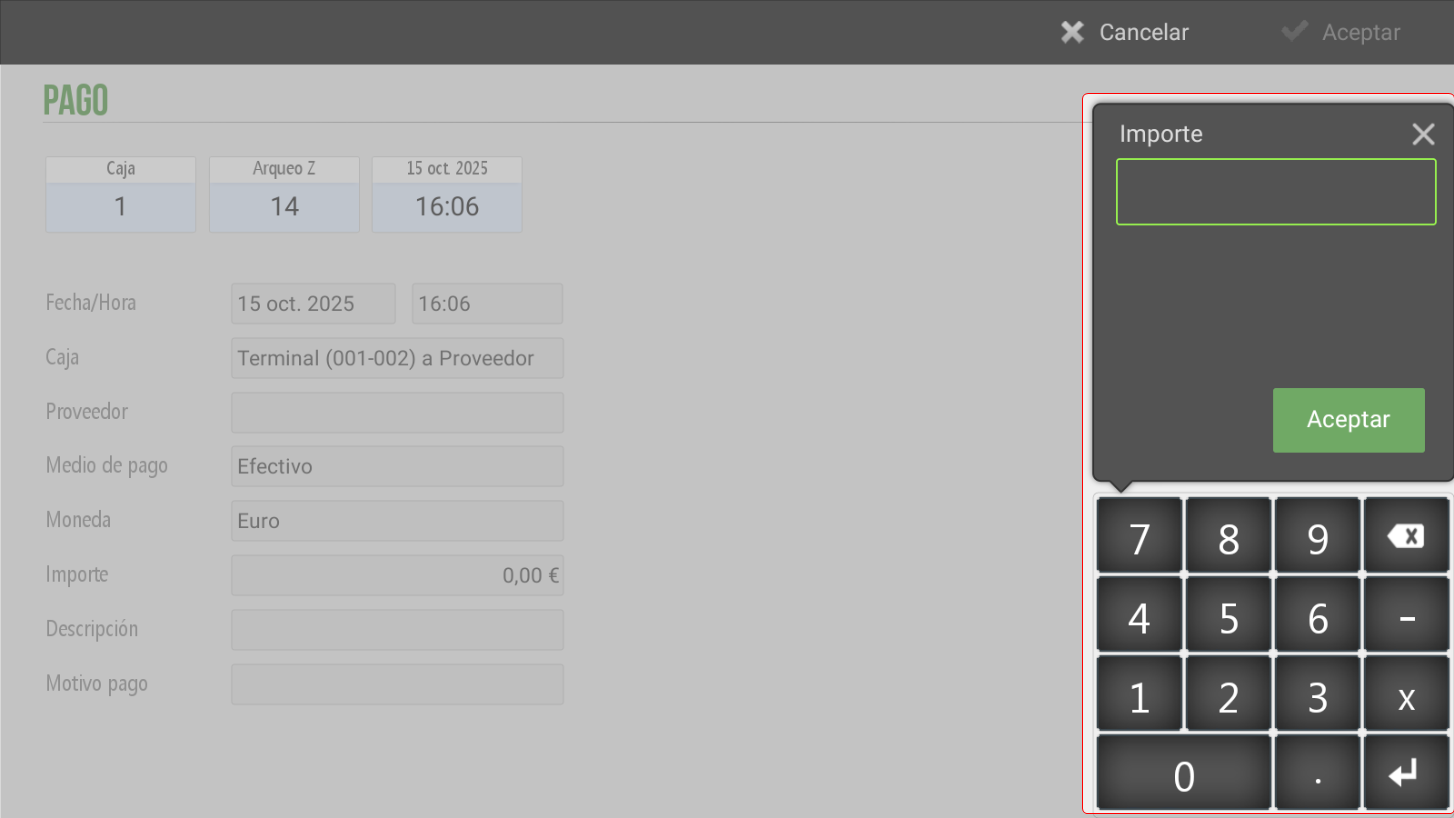
AI Assistant
Section summary
AI can generate inaccurate information; verify the results.