En esta sección
Cash Adjustment
When selecting the option Box → Adjustment, the system will display a screen divided into several sections, designed for the employee to perform the Central Cash Adjustment.
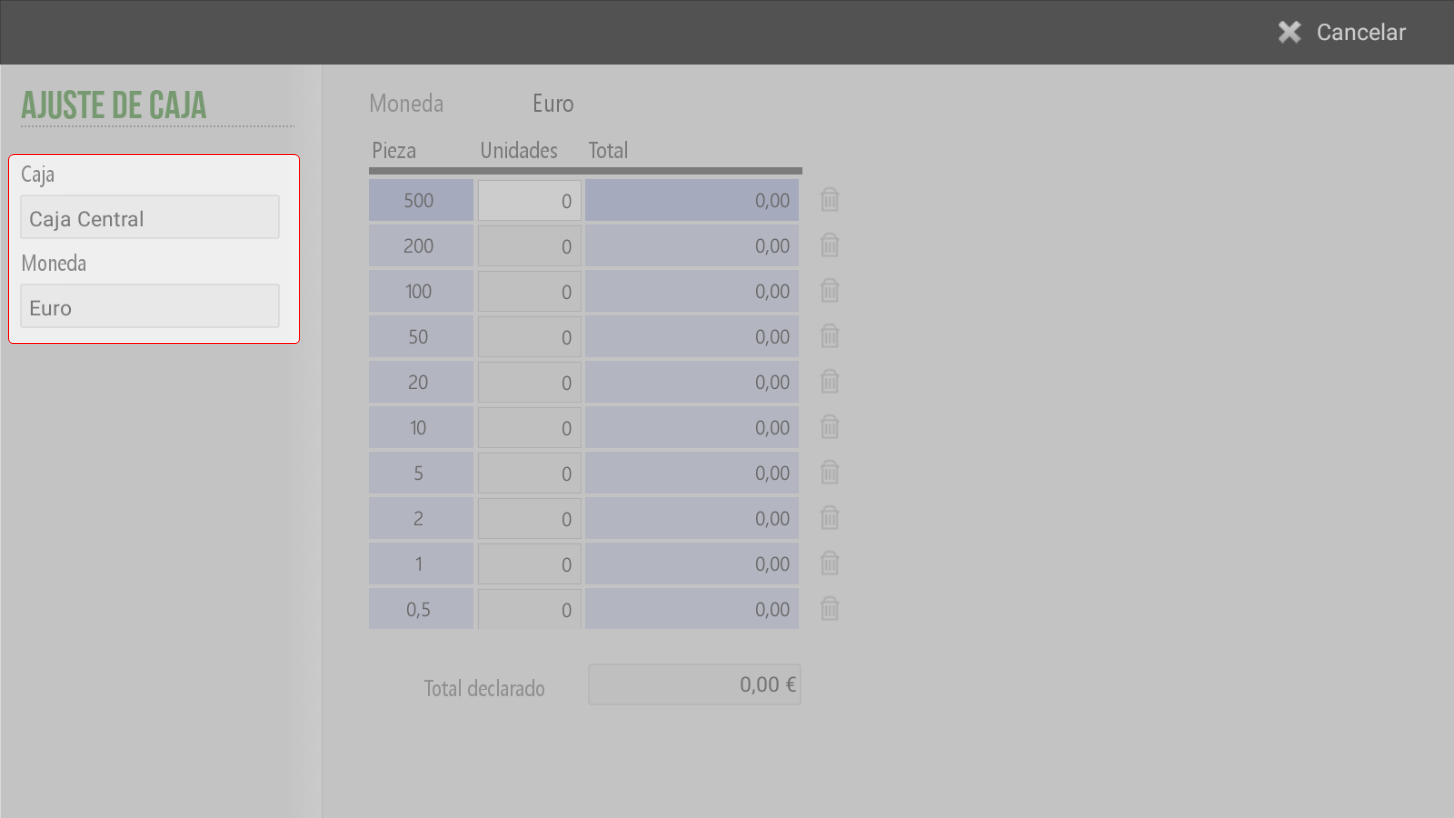
Right side of the screen
Box: Indicate the box on which the adjustment is made (in this case, Central). This field it is not modifiable.
Currency: By clicking on this field, a pop-up window will open with the available currencies. The employee must select the currency the corresponding one to make the adjustment
Central part of the screen
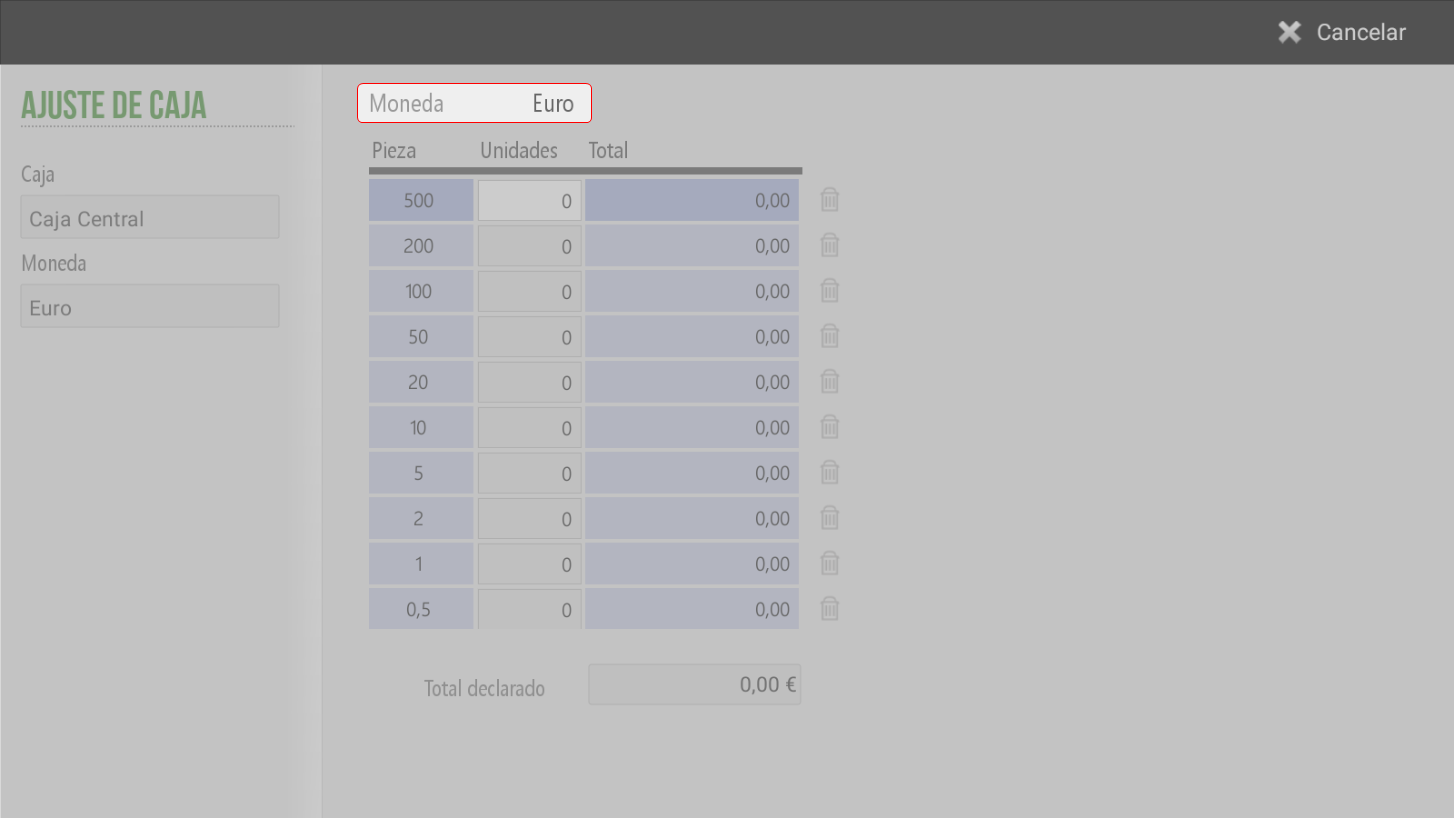
At the top is shown the coin with which the adjustment is being made.
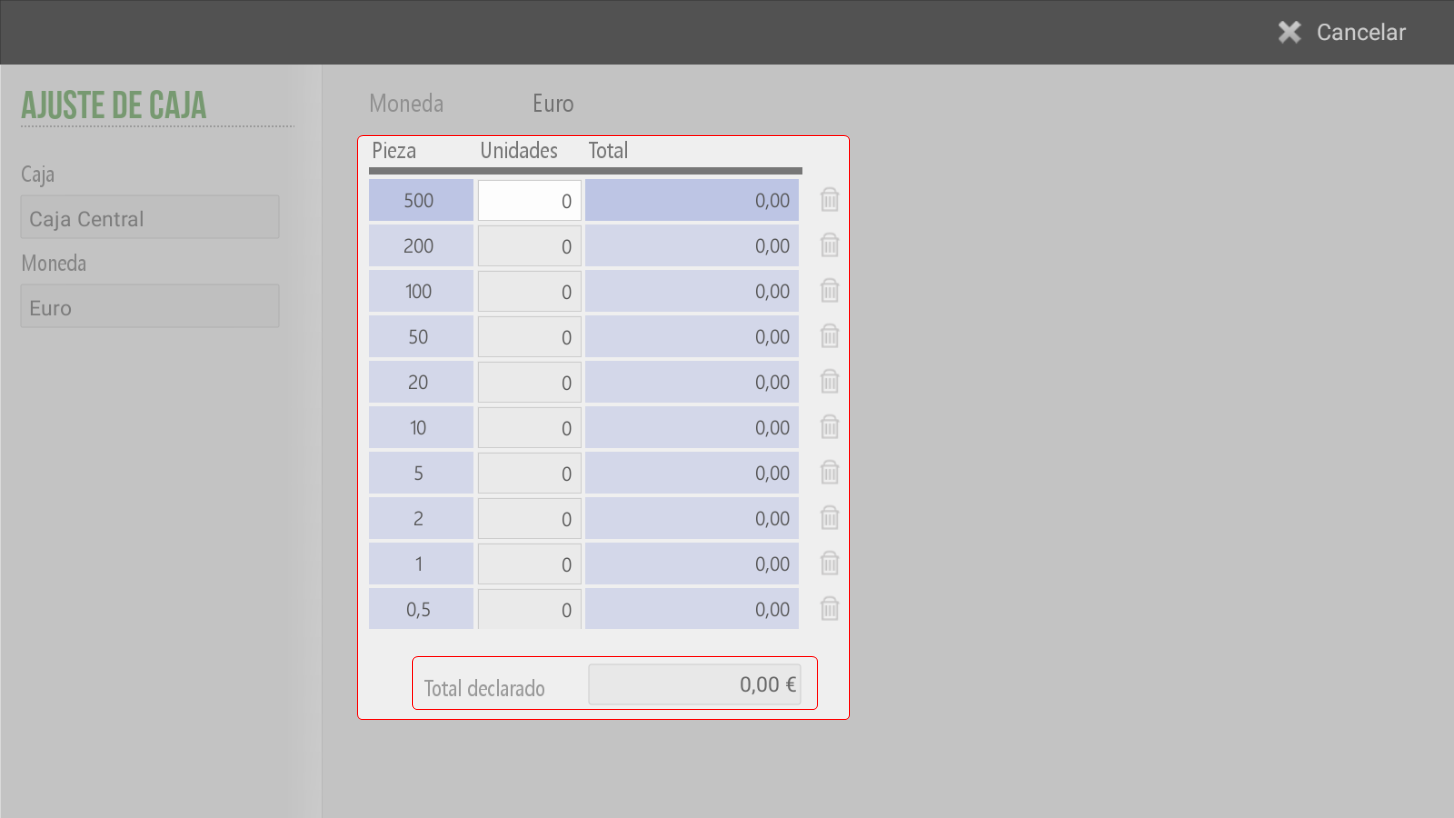
Below is a table composed of the following columns:
Piece: List of banknotes and coins available based on the selected currency.
Units: In this column, the quantity of banknotes or coins.
Total: The system calculates automatically, in each row, the total amount for each type of part based on the units entered.
Total declared: The system show the grand total of the amount based on the pieces entered.
NOTE: The program allows direct entry of the total declared without needing to detail each item individually..
AI Assistant
Section summary
AI can generate inaccurate information; verify the results.