En esta sección
Shifts and schedules of the establishment
In the first section of Shifts, we can configure the shifts and schedules of the establishment. To add shifts, we will need to select New and enter the name we want to give it.
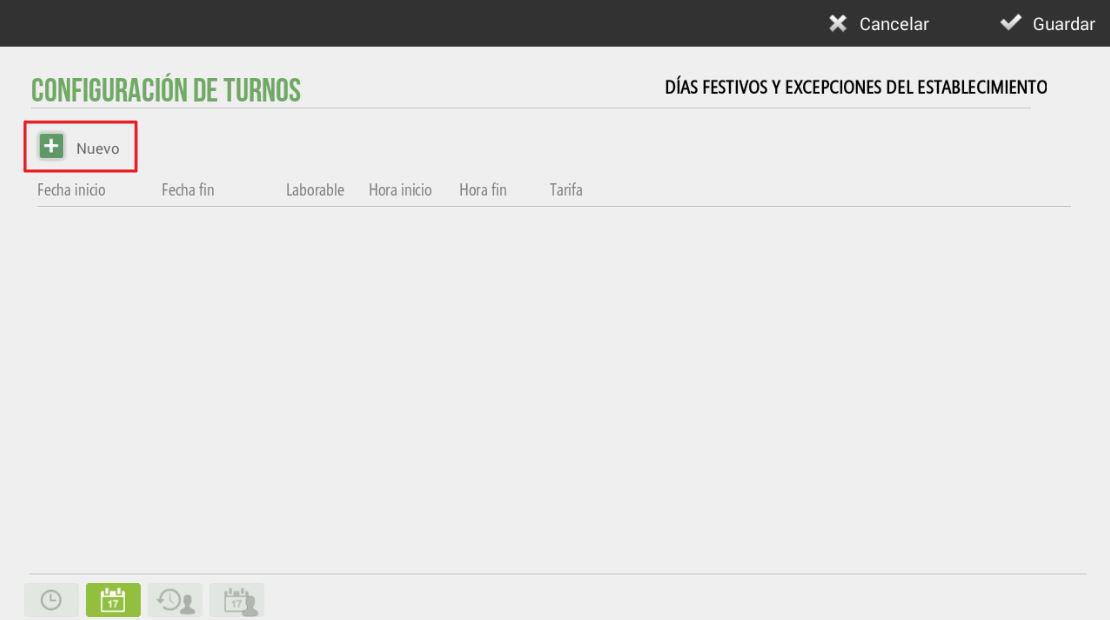
This configuration will be useful for the sales screen, which will retrieve the corresponding rate based on the schedule configured in the terminal and the day of the week.
For example, in this section we will configure the morning and afternoon shifts with their start and end times for the workday and which days of the week they will be available. The following image shows an example:
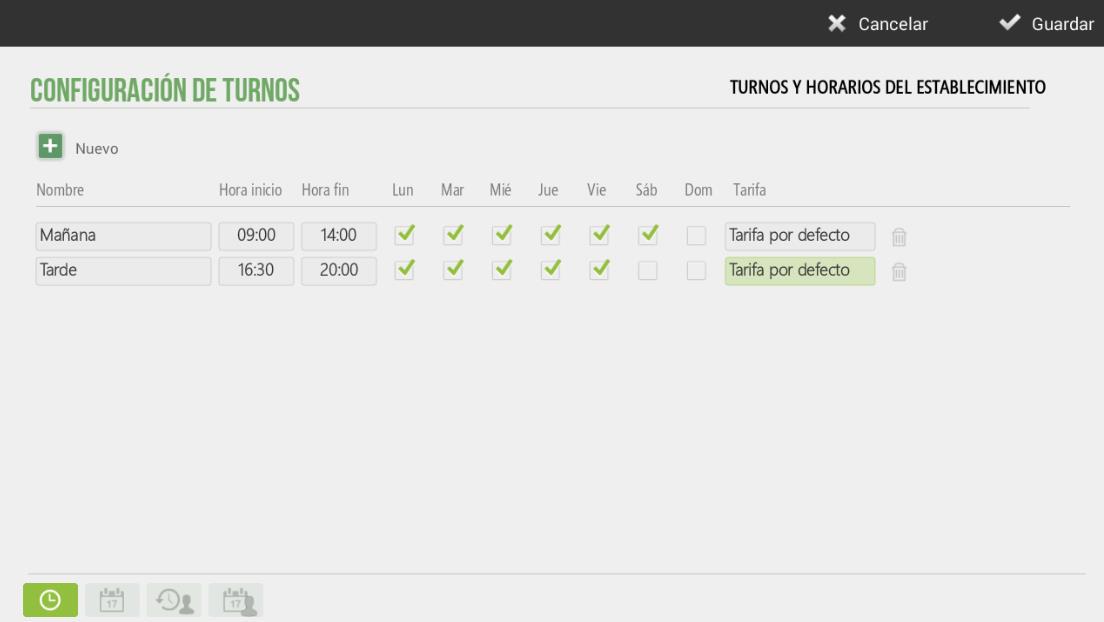
As can be seen, the establishment will work in the morning from Monday to Saturday and in the afternoon, from Monday to Friday. Any of the already created rates can be selected; in the example, the default rate is assigned to these two shifts.
AI Assistant
Section summary
AI can generate inaccurate information; verify the results.