En esta sección
Customer cards
Premium
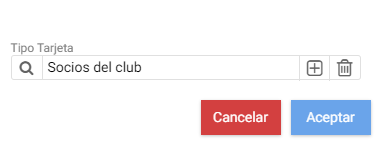
Upon entering the Customer Cards tool, found in the Loyalty menu, the first thing you see is the card selector. When creating a new one, the program will first ask you to specify the card type.

Once inside the maintenance record, you can see a header with different options and a tab with information about the transactions made with this card.
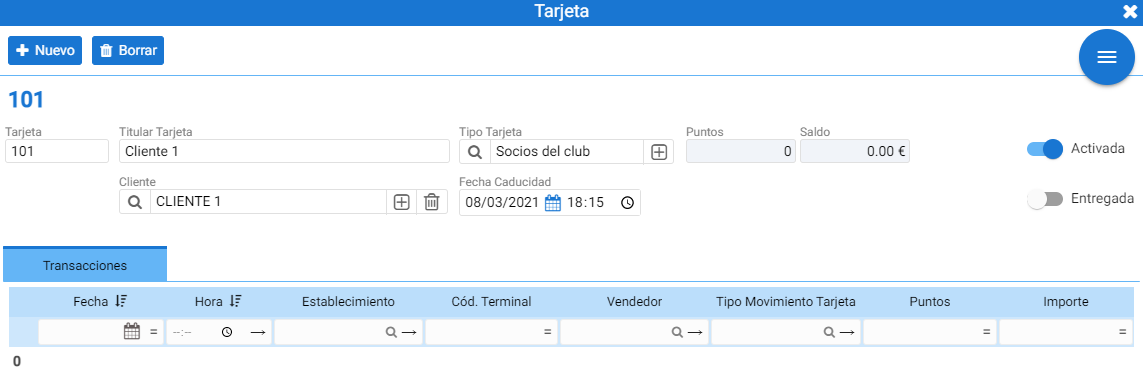
In [Card] The card code, which can contain both numbers and letters.
In Card Holder An identifying name is reported.
Then, the customer who has this card must be selected; if it is a gift card, it is not necessary to associate any customer.
In the center, the card's expiration date is displayed according to the configured Validity Days.
Transactions:
This block is not editable, displaying the points and amount accumulated or spent in sales.
AI Assistant
Section summary
AI can generate inaccurate information; verify the results.