En esta sección
Reference format
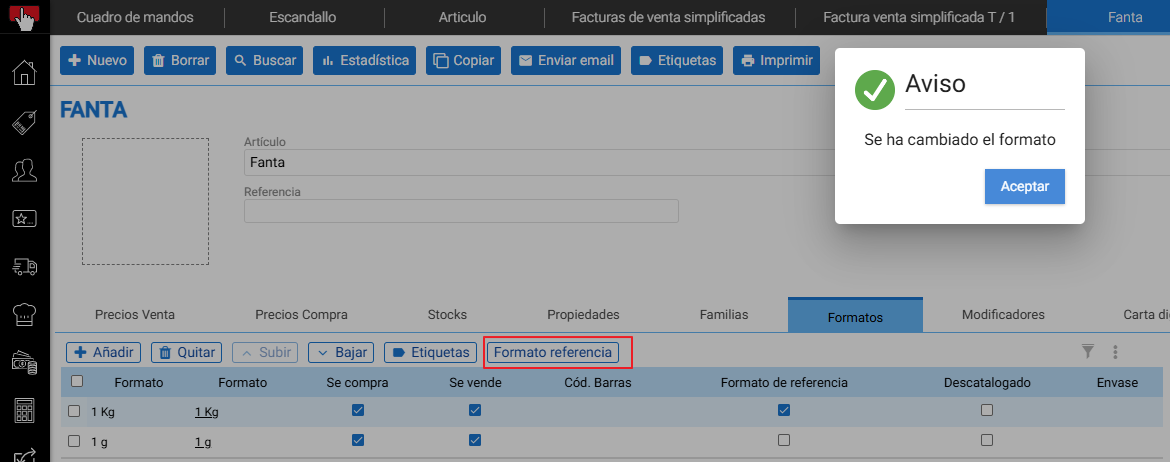
This will set the reference format, the same action as doing it using the checks. Note that the formats must be from the same family. In this case, 'peso'.
When we don't have a Reference format, the "Add" button assigns the UNITS format, but with a specific name which we see in purchases/sales.
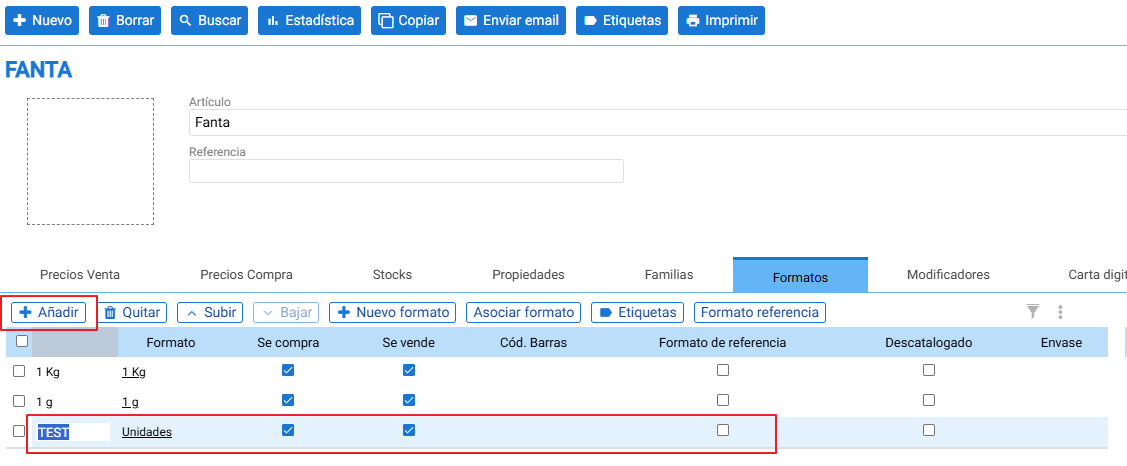
If we have a reference format, adding works differently; it will only allow us to add available formats or those created with the weight family.

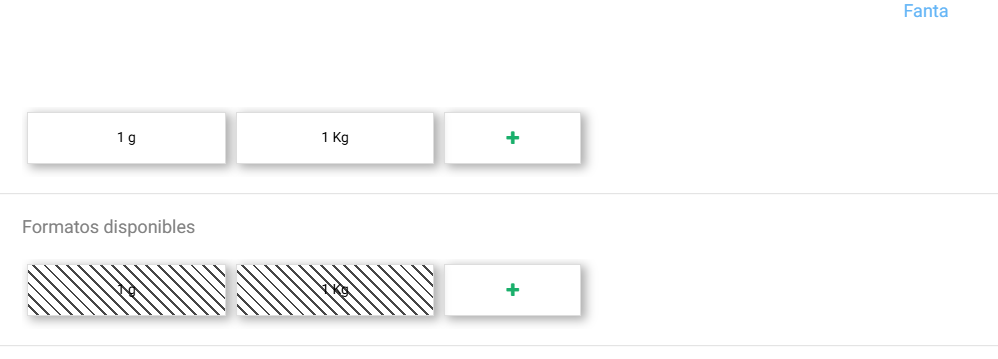
If, for an item that has more than 1 format and we do not mark any reference format, the stock will be managed for each format separately. Meaning, if we have 2 formats that we buy and sell for said item, it will have 2 records in the same WAREHOUSE, each one for its sub-item/format. Defining different formats for the same item without assigning a reference format is the same as creating different items.
Example: SMALL and LARGE.
AI Assistant
Section summary
AI can generate inaccurate information; verify the results.