En esta sección
1.1
HIOFFICE
Introduction
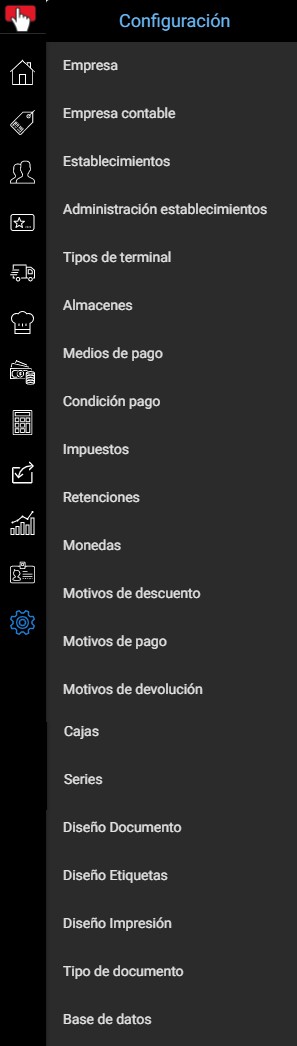
The Settings menu is located in the last position of the toolbar and is represented by an icon in the shape of a gear. It contains the parameterization functions for the database, company, and establishments. From here, the installation of the HiOffice ERP is initiated.
It mainly contains:
- The definition of the company's own key parameters.
- Organization of boxes and series.
- Enterprise and terminal permissions management.
- Store / Establishment Management.
- Country, currency, and tax setup.
- Definition of payment methods and due dates.
- Types of documents.
- Designs
- Database customization
All options are explained in detail below.
AI Assistant
Section summary
AI can generate inaccurate information; verify the results.