En esta sección
Company
The first link you see in the Configuration Menu is Company.
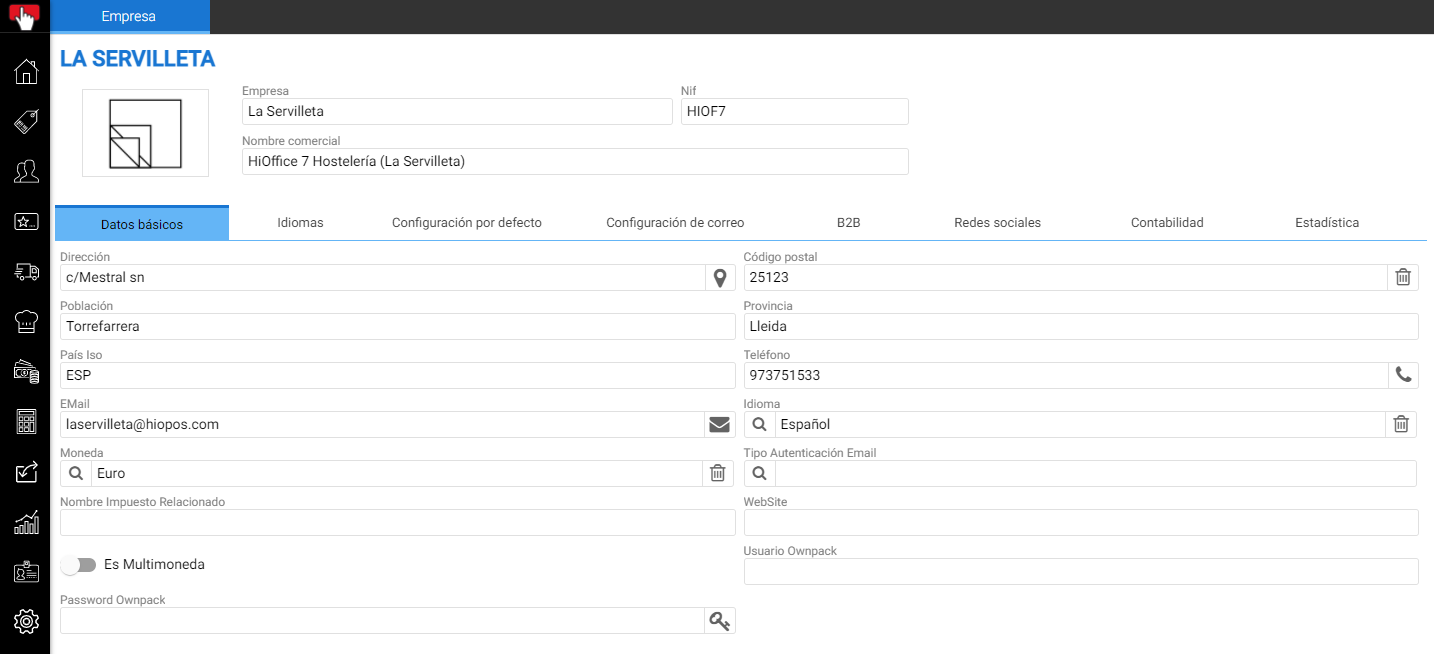
Checking this option will open the Company Settings window, which consists of a header and 6 tabs.
- Basic information.
- Languages
- Default configuration.
- Email setup
- B2B
In the header are the Name and NIF fields, as well as a box in which to download a Logo image.

The function of each tab is explained below.
Basic information:
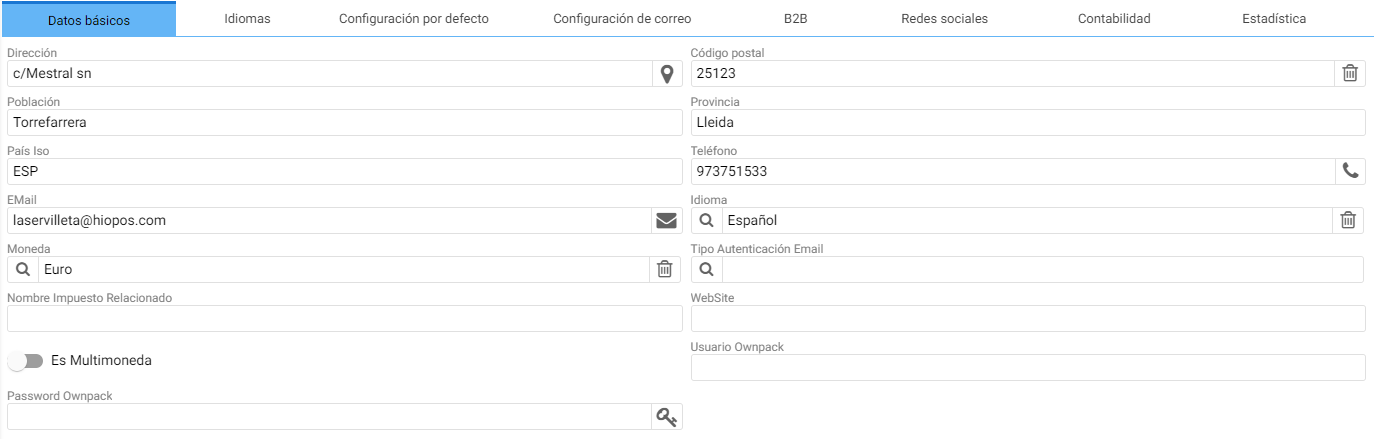
The company's basic configuration screen will automatically open, where you can enter the business's location and contact details.
Languages:
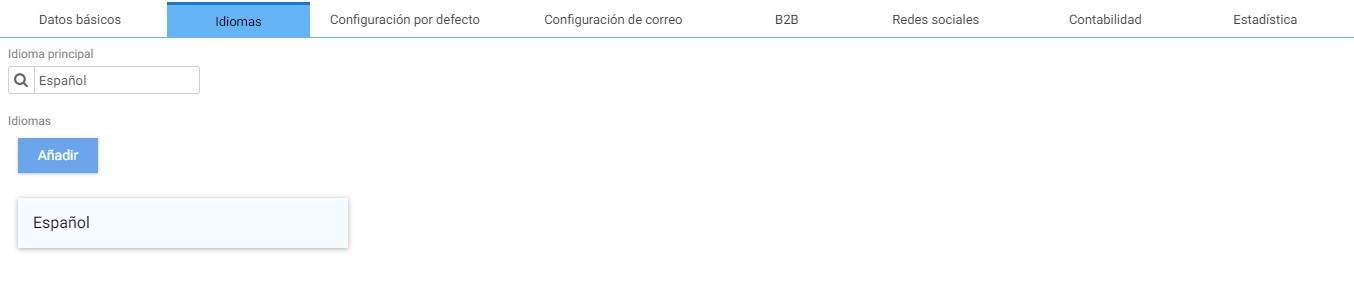
Selecting Language opens a section where you can configure the languages into which the program's entities can be translated. To add new languages, you must click the Add icon and choose the desired one.
Default configuration:
In the Default Settings section, you can configure the parameters that you want to be automatically suggested when using the program's tools.
If you have Establishments, the data configured here is from the HiOffice headquarters.
From this section, you can configure the series, the main warehouse, and the default rate and taxes. Additionally, for each document type, there is a document design selector.
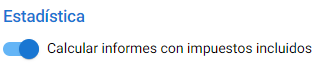
For Statistics reports to include taxes, on this tab you need to activate [Calculate reports with taxes included]:
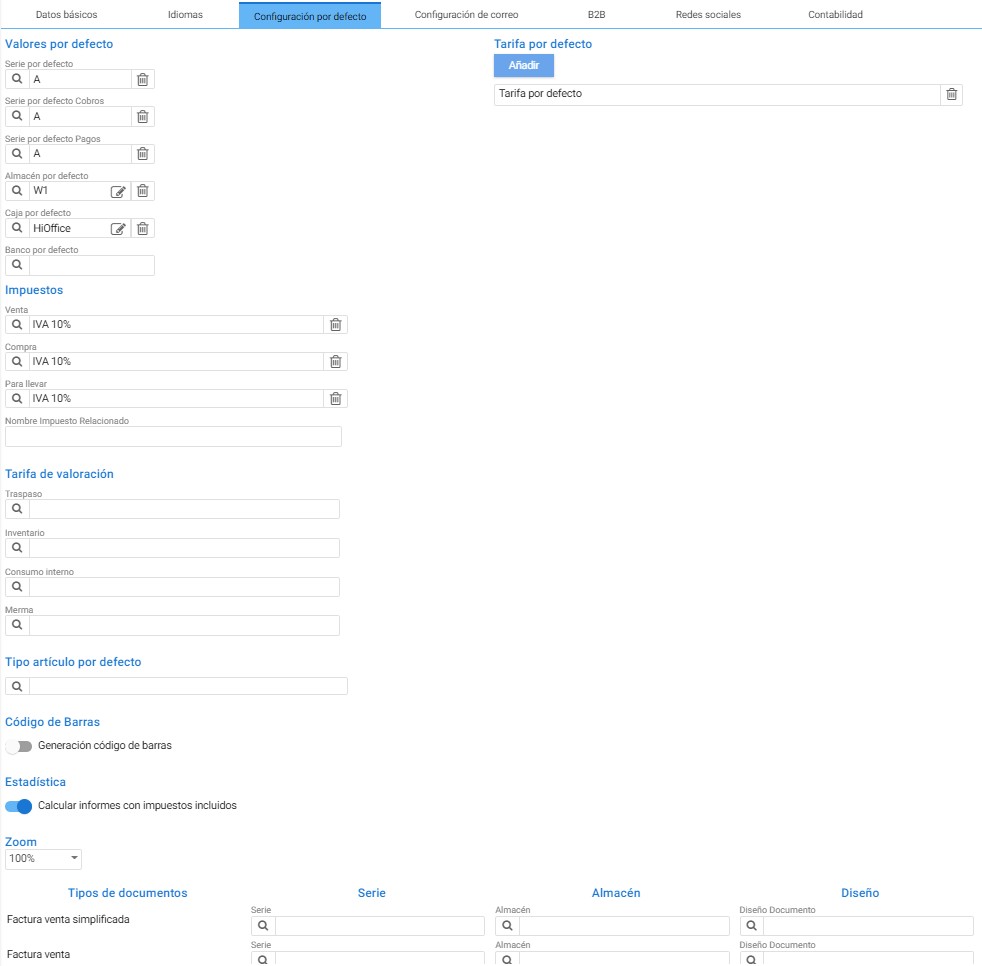
If managing purchase/sale operations in HiOffice, it is recommended to use the warehouse, cash register, and series belonging to the headquarters. These fields feature Search, New, and Delete buttons that streamline creation and modification.
With the sales module activated, the fields for defining sales series are displayed. If the module is not contracted, the only series that can be configured are those for purchases and warehouse logistics.

In the page 61 The creation assistant for each of these entities is explained.
On document types, there is the [Barcode Generation] button to define a default EAN13 structure for generating labels for items without a barcode.
Mail settings:
In the Mail Settings, you can define the email server from which HiOffice emails will be sent. To do this, you must enter the details of the desired email server.
The test verifies that the data are correct.

B2B:
The connection password for B2B central systems is defined in this tab of the Company settings. The password is required to communicate with different Cloud databases through the Bridge module for HiOffice Premium with the B2B tools.

Social media:
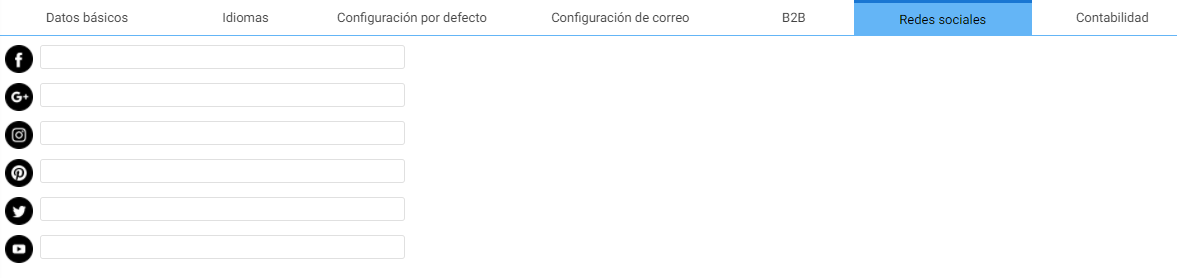
This section lists the company's social media URL links. Here are the most commonly used platforms today.
Accounting:
The current Accounting Firm and Fiscal Year are assigned on the tab Accounting.
The length of the accounting account is always 12 by default, and the first time HiOffice is accessed, the Accounting Company is automatically generated and assigned in this menu.

AI Assistant
Section summary
AI can generate inaccurate information; verify the results.