En esta sección
Reasons for discount
If you want to access the Discount Reasons settings, the first thing you can see is a list of the created discount reasons; in the following image, only the Commercial Discount is shown as created:

By selecting the New button, you can create a new discount reason.
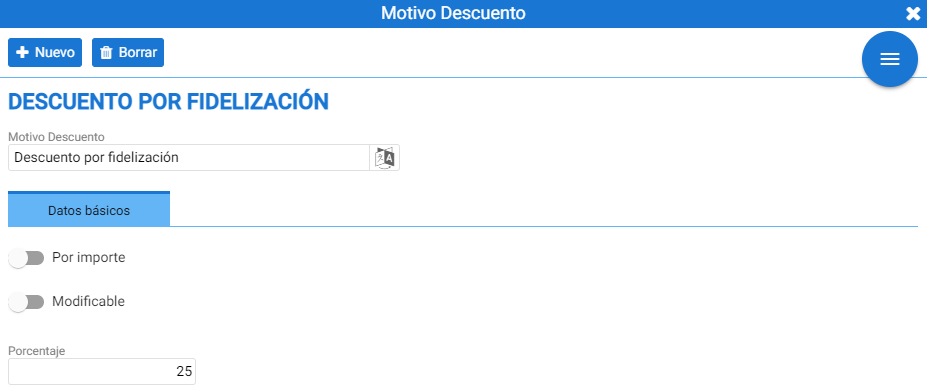
The tab for the new discount reason will open. You can determine if it is a discount by amount (If this option is not selected, it will be a discount by percentage).
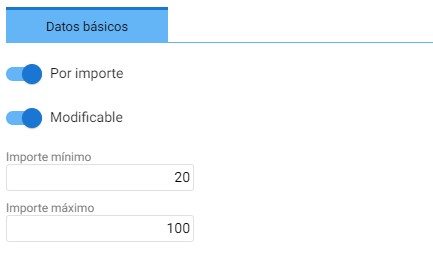
If you select it to be by amount and modifiable, options will appear to determine a minimum amount for applying the discount and a maximum amount to which this discount can be applied. The same applies if you decide it should be by percentage.
AI Assistant
Section summary
AI can generate inaccurate information; verify the results.