En esta sección
HIOFFICE
Reasons for Payment
The next available option in the Settings menu is Payment Reasons:

Clicking the New button opens the new payment reason form, displaying the reason code and a field to enter the name.
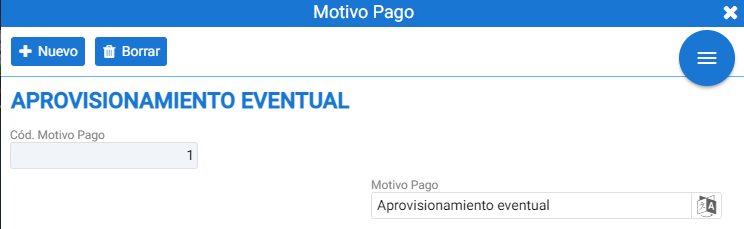
Payment reasons can be assigned at the point of sale using the [Payment] tool found in the Cashier menu. For these payment reasons to be visible at the point of sale, they must first be assigned to the establishment; in the case of HiOffice, this refers to the section Reasons for withdrawal from the [Settings] tab of the Establishments.
AI Assistant
Section summary
AI can generate inaccurate information; verify the results.