En esta sección
Purchase Receiving
Upon receiving a purchase order, the system automatically generates a goods receipt. To view them, you must access the [Purchases and Stocks] menu and select Goods Receipts.
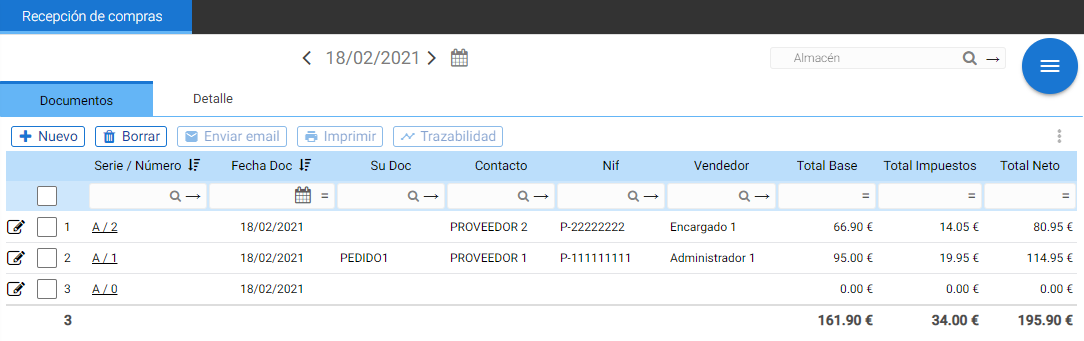
The system itself allows modifying delivery notes, deleting them, or creating new delivery notes directly without needing an associated order. To do this, you simply need to select the button [+ New] What is on the delivery note list, and the window for purchase delivery note document creation will open.
As in Purchase Orders, purchase receipts have the Documents and Detail tabs that show all the purchase information.
If the 'credit' button is selected, a credit note will be generated with negative units, which is called a Differences document and is explained below. Selecting 'Invoice' will generate a purchase invoice.
From this very list, the delivery note can be paid or invoiced. With a double click the delivery note will automatically open.
AI Assistant
Section summary
AI can generate inaccurate information; verify the results.