Introduction
The user can download the HioPOS Cloud application via the following link:
apk.icg.eu/8954
HioPOS Cloud will guide the user through the various initial setup screens so that, by the end of the process, the point of sale is ready to start operating.
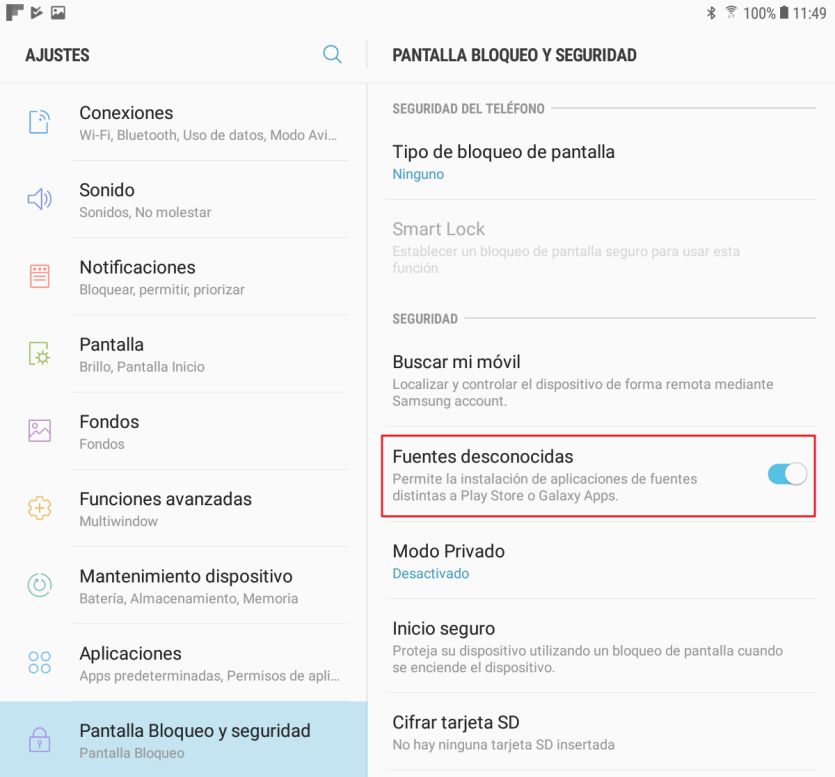
Before installing the application, it is important to have activated in Settings on the Android device itself, that the device has access to unknown sources (applications not installed from Google Play)
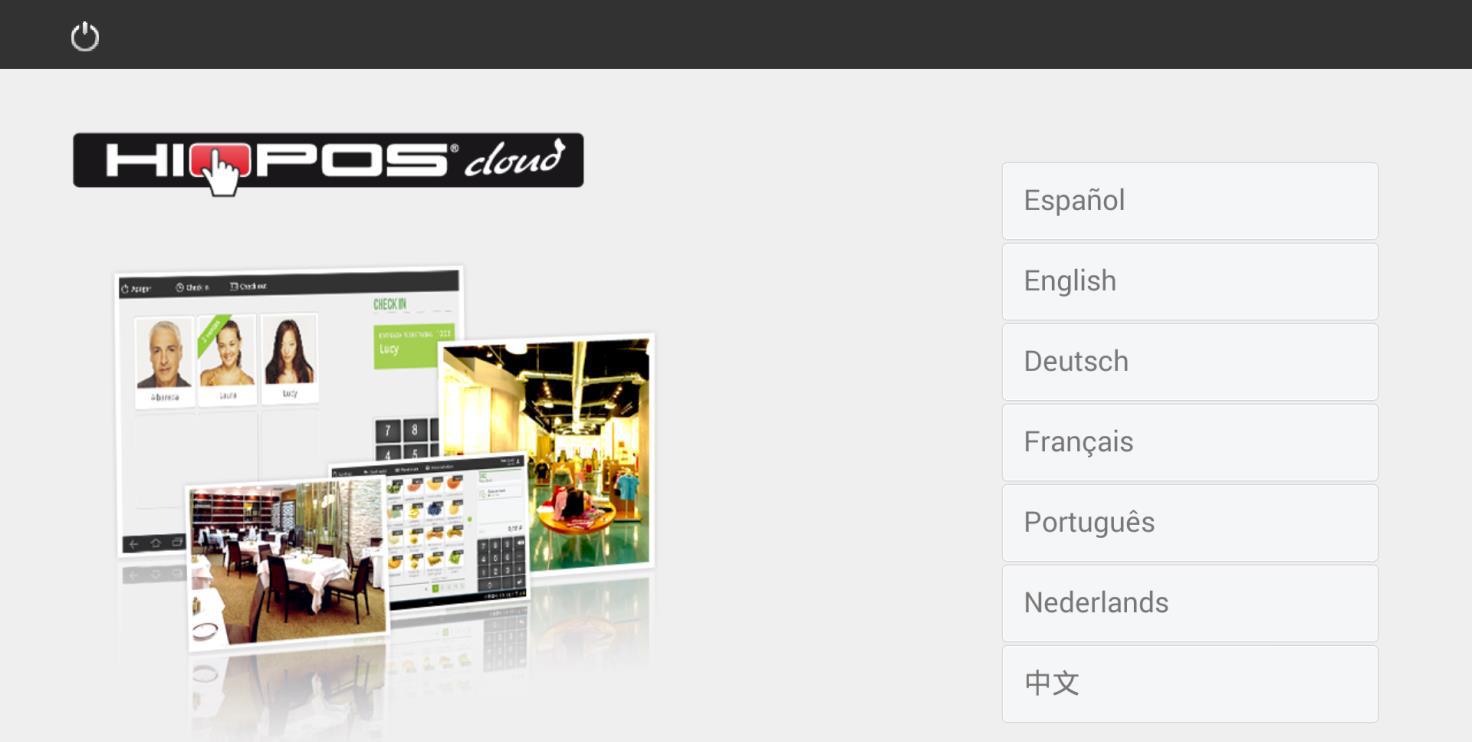
Select your language
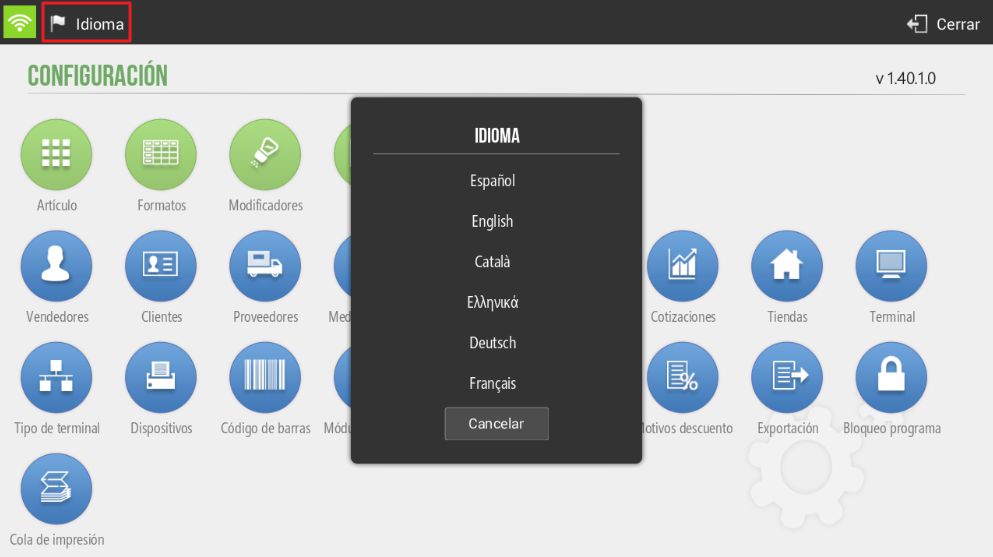
HioPOS Cloud can be displayed in your language; to do this, select it from the list and start the installation. The language of HioPOS Cloud can be changed from the section Settings, once the installation is complete.
Identification
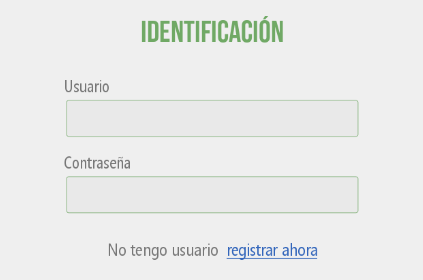
Enter your Username (customer's email in CloudLicense) and your Password (terminal password for the terminal you wish to operate) to access the terminal. Once finished, click continue. If you do not have a Username and Password, contact your distributor.
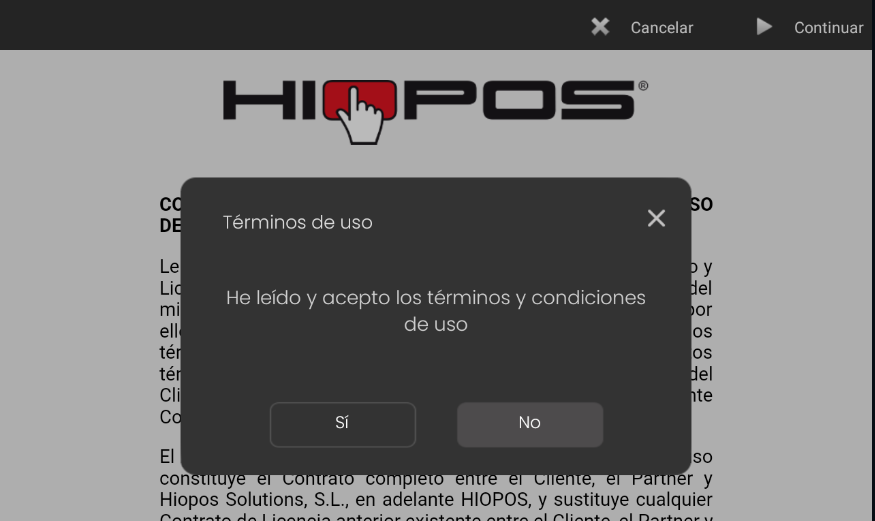
Once identified, you must accept the terms of use shown on the next screen to continue.
AI Assistant
Section summary
AI can generate inaccurate information; verify the results.