Archaeology Z
The Z-report represents a definitive cash closure. Once performed, it cannot be modified, and from that moment on, any other transaction made will become part of the next Z-report.
If there were pending sales (awaiting finalization and/or totaling), the application would show you a message to inform you, and you must select whether to continue or cancel. In Configuration, Terminal type, you must select whether you want to allow the Z-Audit with open sales.
The Z cash count consists of three parts: the declared amount, the cash control, and the Z cash count report.
Declared
Enter the total amounts for each payment method with which you made transactions during the period corresponding to this cash closing.
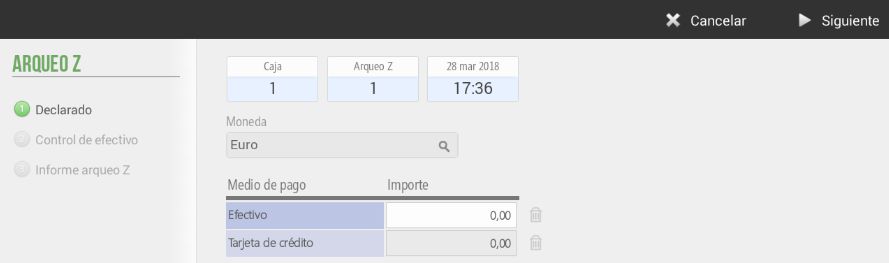
This is useful for calculating cash discrepancies. In case one existed, upon selecting Next The same application would notify them.
You can also select the currency in which you wish to perform the cash closing.
Cash control
The main function of cash control is to enter the amount we are going to withdraw from the cash register and to enter the New bail, which will be the deposit (or initial cash amount) that we will have the following day to start the day.
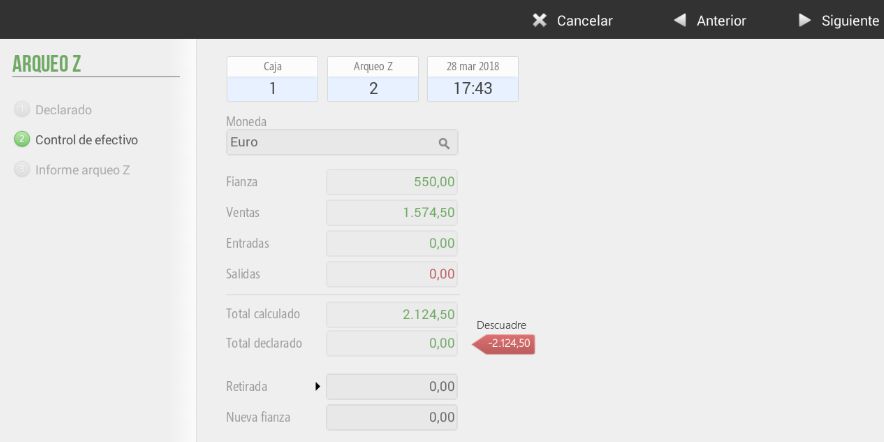
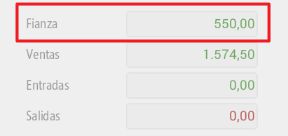
The first field shows the deposit entered the previous day, it cannot be modified.
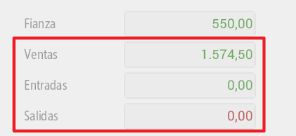
The following three boxes show the sales, cash inflows, and cash outflows that occurred in the period corresponding to the present cash count Z.
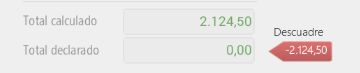
If there is a difference between the calculated total (deposit + sales + income - expenses) and the declared total, the application will show us the discrepancy between the two in red (negative) or in green (positive).
Archaeological Report Z
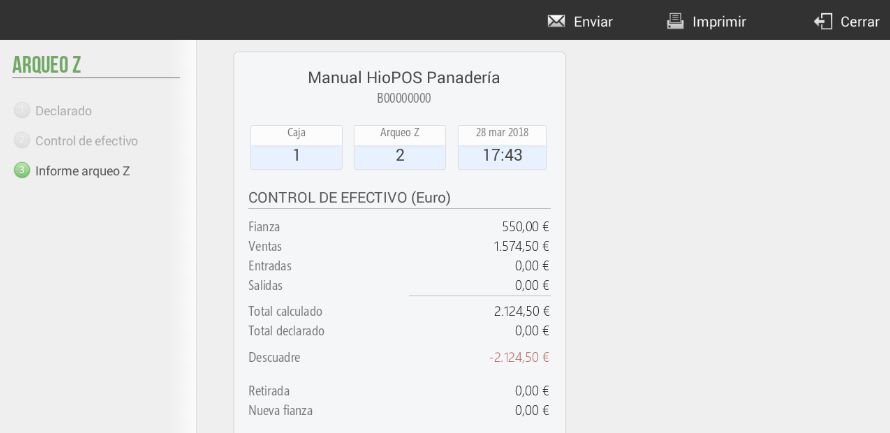
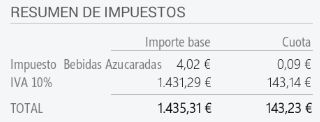
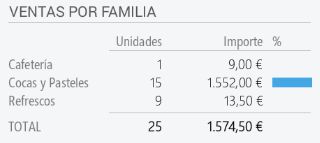
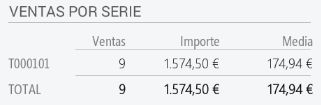
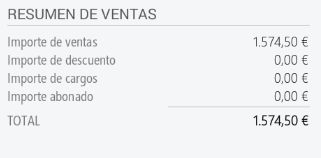
Displays the total transactions made during the analysis period, broken down by:
- Cash reconciliation:
- Summary by currency
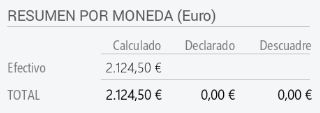
- Summary by currency
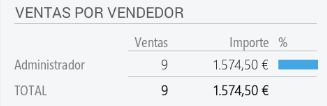
Tax summary
- Sales by family
-Sales by series
- Sales summary
We can select whether or not to print the cash reconciliation. To view a previously performed cash reconciliation, this is done from the option Archaea on the tab Consultation.
You can select whether to send the Cash Reconciliation by email automatically, in the section for Settings, Shop.
AI Assistant
Section summary
AI can generate inaccurate information; verify the results.