En esta sección
User profiles
User profiles allow the creation of different user groups that share access permissions to different options and the ability to perform certain functions.

Each HioPOS Cloud user is associated with a profile. By default, the included profiles are Administrator, Manager, and Salesperson.
New Profile
To create a new profile, select New from the top menu.
New profiles are created based on existing profiles, so the new profile will by default inherit the permissions of the selected profile, as well as any accesses it had. Select the base profile and give this new profile a name. Once created, all these options can be modified.
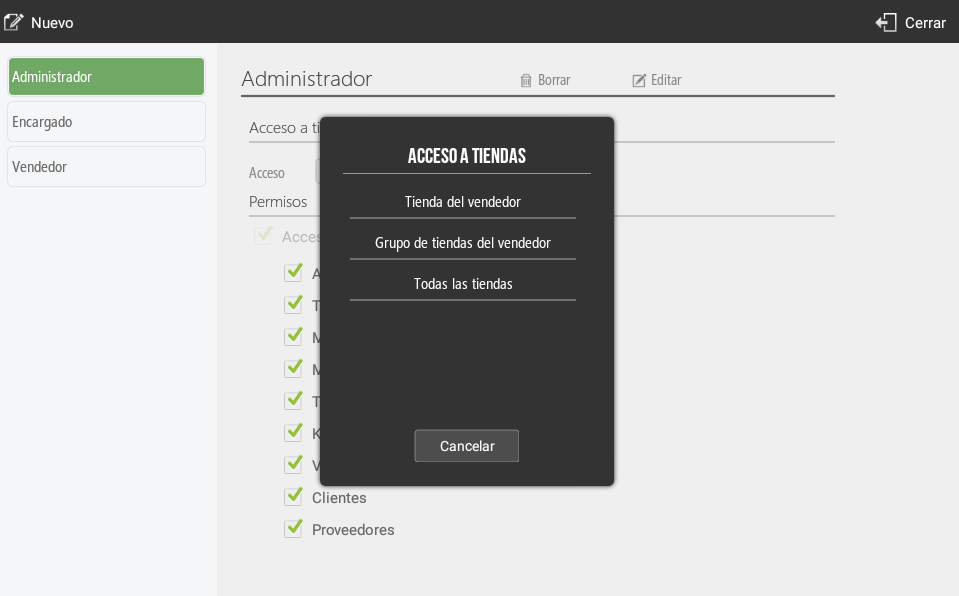
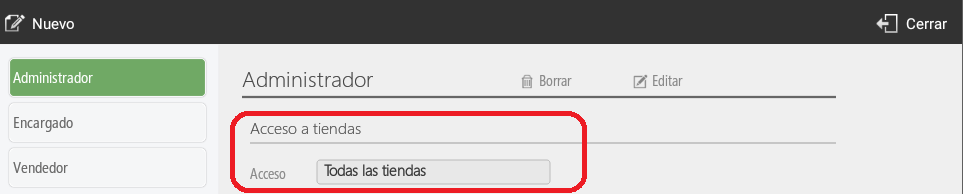
In the access section, the stores this profile has access to will be assigned: the seller's store, the seller's store group, or all stores.

Profile-based permissions
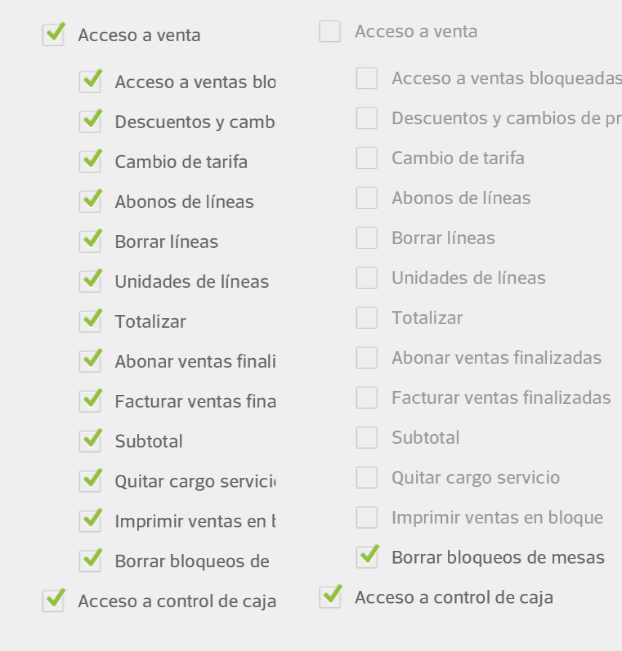
The distinction between profiles is made to group seller types based on their permissions. These permissions grant or restrict access to the various features of HioPOS Cloud.
In the default profiles, for example, there is the Administrator, which has all the permits; the Manager, who has all permissions except access to Settings and viewing statistics; and the Seller, who only has basic sales functions enabled.
You can modify the different permissions by selecting the corresponding checkbox. If the checkbox is checked, the user with the selected profile will have access to perform that function. Uncheck the option to deny them access.
Access to stores
User profiles can be configured so that, from the various configuration menus, changes can be applied to different stores. For this, you need to select from the Seller's Store, to modify only the same terminal; the Seller's Store Group, to apply changes to the different stores that comprise the group in question; and All Stores, to apply the changes to all stores of the same client.
AI Assistant
Section summary
AI can generate inaccurate information; verify the results.