En esta sección
Customer risk settings
Customer Risk in Hiopos
Customer risk validation has been implemented in Hiopos. It works by checking if the employee has permission to complete a credit sale to a customer whose risk limit has been exceeded.
When completing a transaction with a credit payment method, Hiopos validates whether the user has the necessary permissions enabled to finalize the sale. If the user does not have the permission, they will not be able to complete the transaction with this payment method and will be prompted to change it or request intervention from another user with permissions to finalize.
Previous configurations
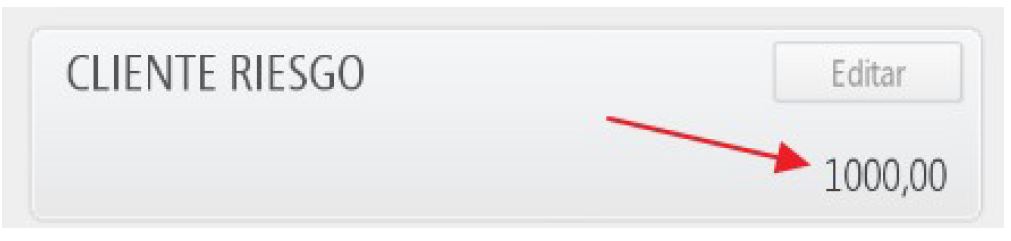
- In the customer record, the "Risk" field is added to define the amount above which credit sales will be validated.
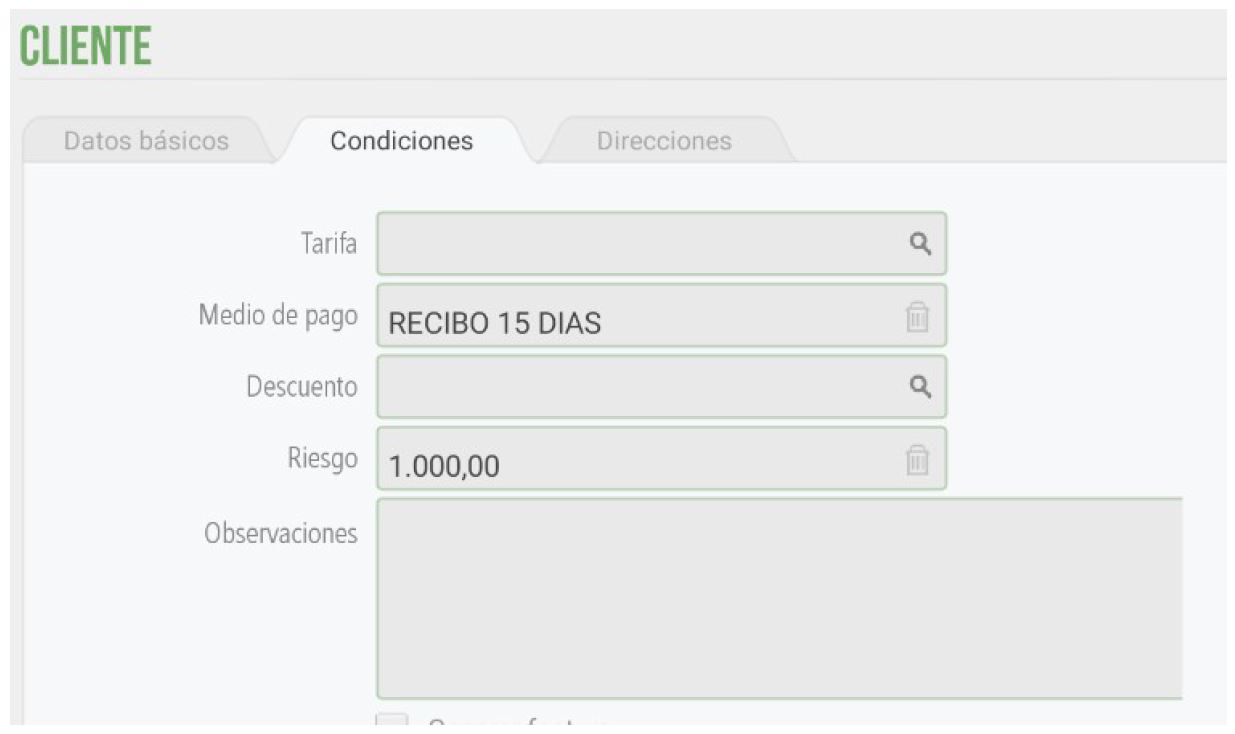
- In "Terminal type", a property is added in the Total section: Assess client risk configured to "Yes".
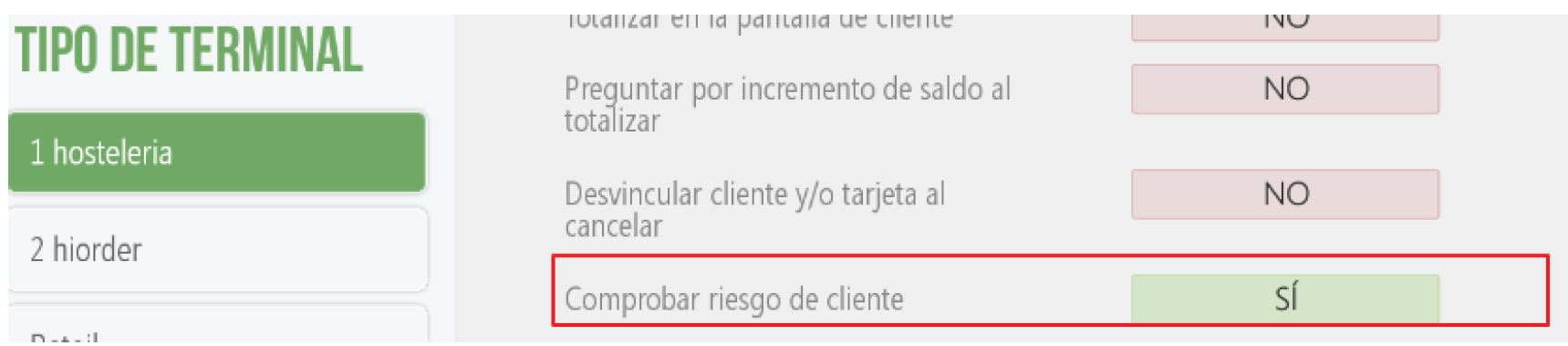
Operation: Example
We have a client with a risk value of €1,000.00 and the outstanding amount to be settled is: €1,090.00.

The customer's default payment term is Net 15 days, which has an associated credit payment method.
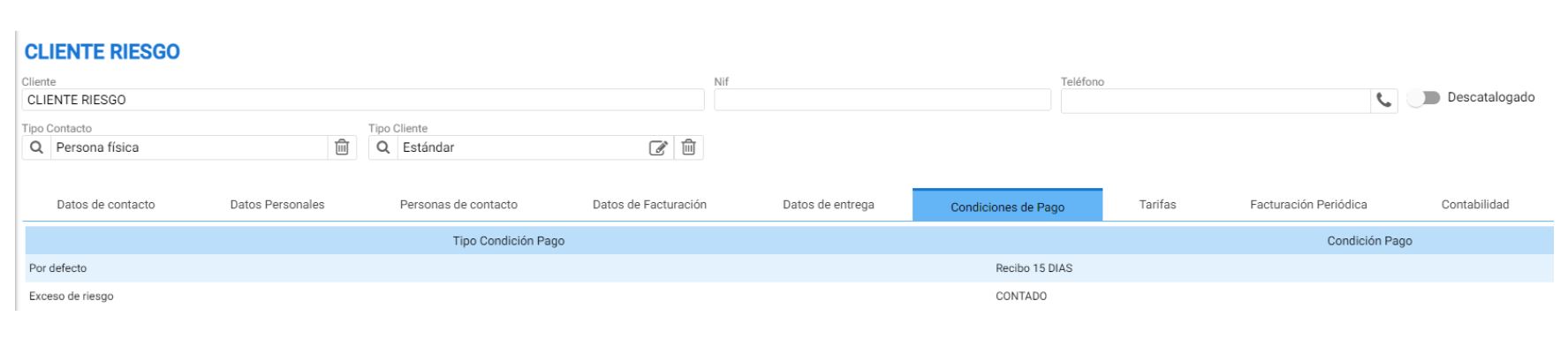
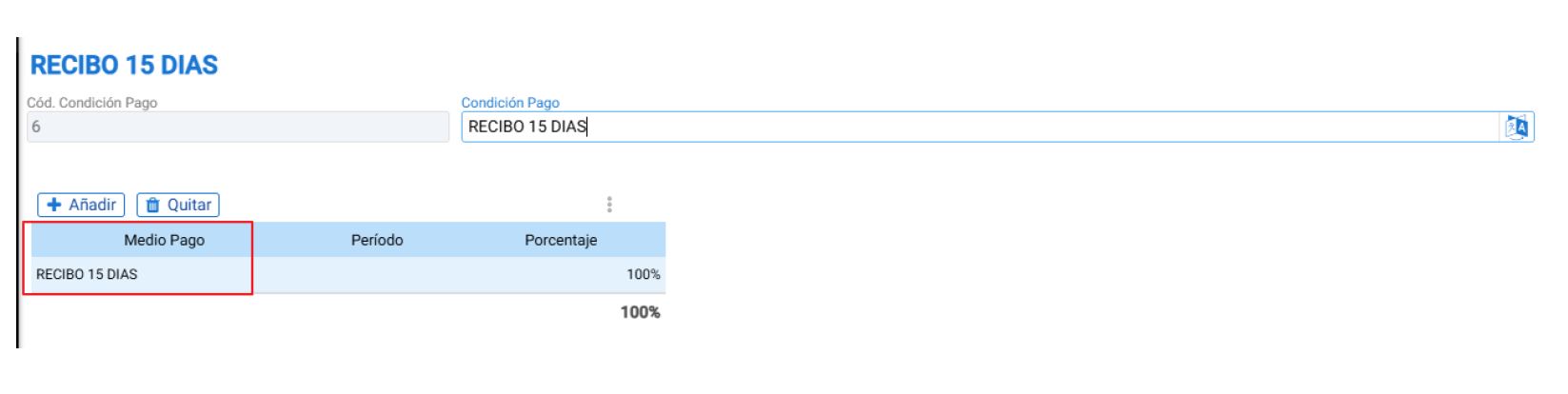
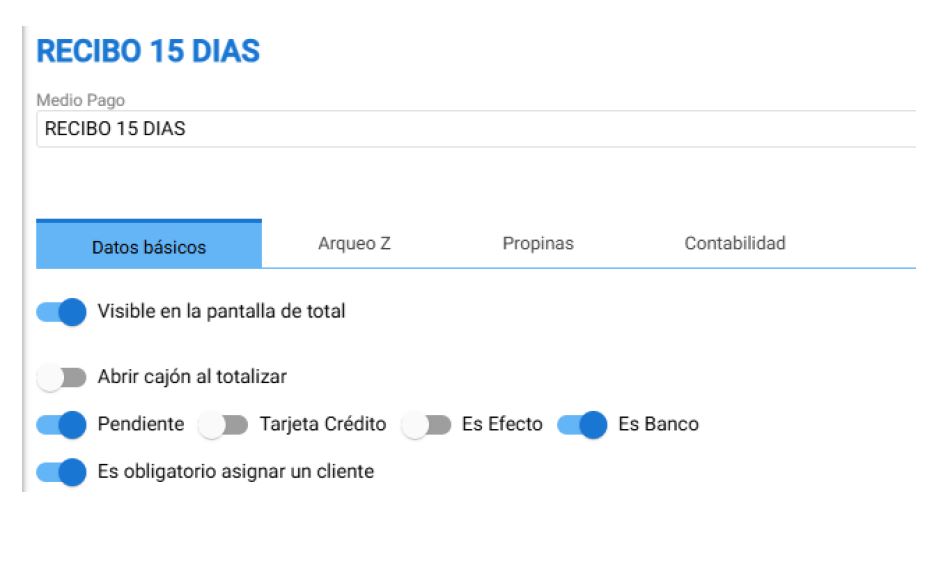
When making a sale in HIOPOS for €12.00 with this client and totaling the amount. If the resulting amount is equal to or greater than the risk specified in the client's record, a "Risk Granted" pop-up will appear, displaying the client's cash flow indicators:
- Outstanding non-due: €1,090.00
- Risk granted: €1,000.00
- Total Risk (Outstanding + current sale): €1,102.00 (€1,090.00 from outstanding amounts not yet due + €12.00 from current sale)
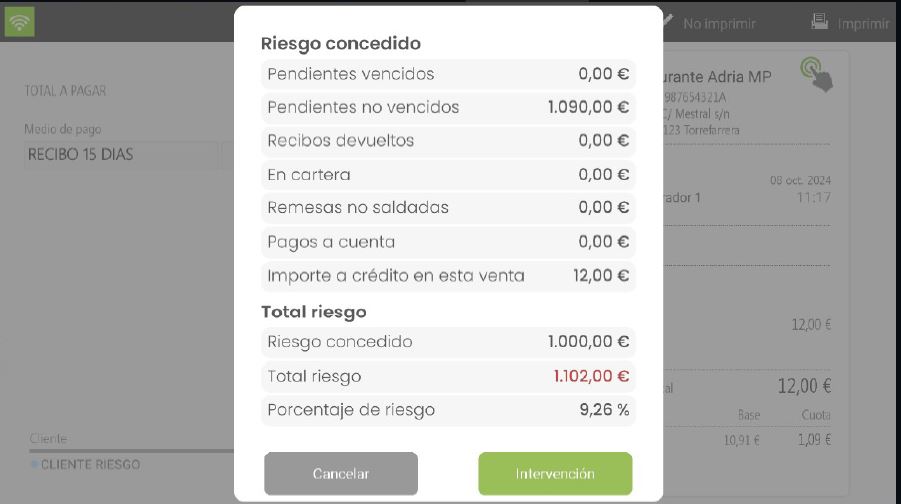
The user has two options:
- Cancel: Allows closing the pop-up to change the payment method on the totals screen.
- Intervention: Request a supervisor password to select a user with the permissions enabled to authorize the sale. If the employee in question has the active permission, selecting them and entering their password will finalize the sale. If they do not have permission, it will return to the same screen.
Permissions required
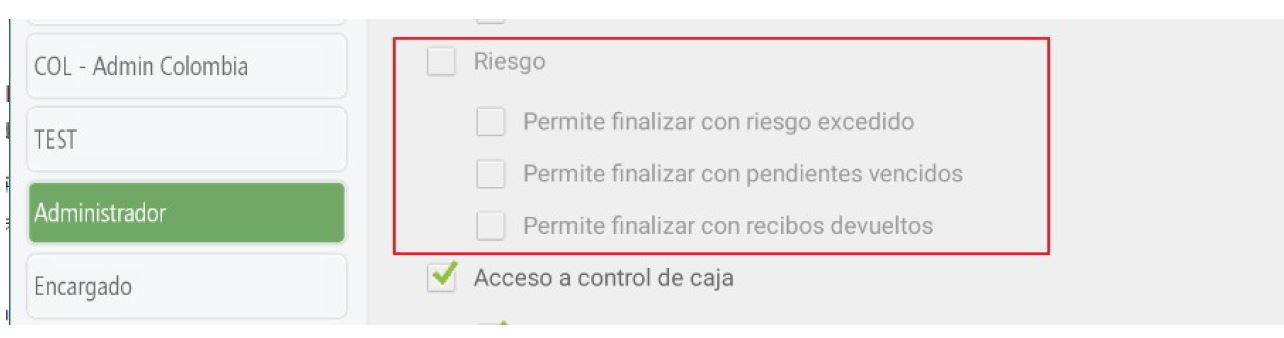
The required permissions to manage this functionality are:
- Allows finishing with exceeded risk.
- Allows finishing overdue items.
- Allows finalizing returned receipts.
AI Assistant
Section summary
AI can generate inaccurate information; verify the results.