En esta sección
Establishments
PortalRest also allows configuring the establishments that we will have visible in the application. We can sort the display of our establishments by: Name, Phone, Email, NIF, Address, Postal Code, City, and Country.
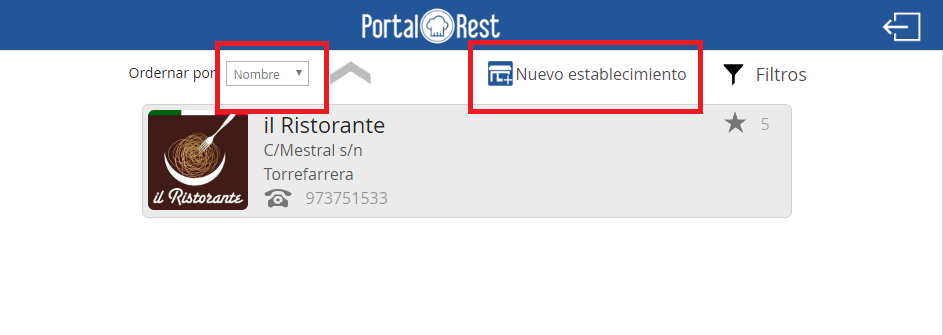
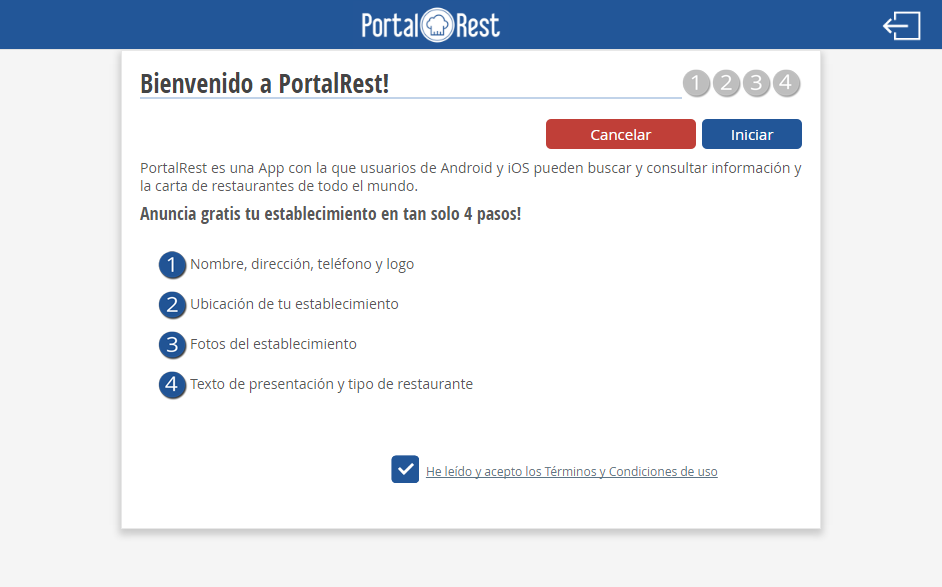
By selecting the new establishment option, the 'Welcome to PortalRest!' window will appear. To start the configuration in PortalRest, we will have to select 'start'. The application will ask us to provide a name, address, phone number, and logo; it will also ask us to provide the location of our establishment, upload up to 5 images, and provide an introductory text and restaurant type.
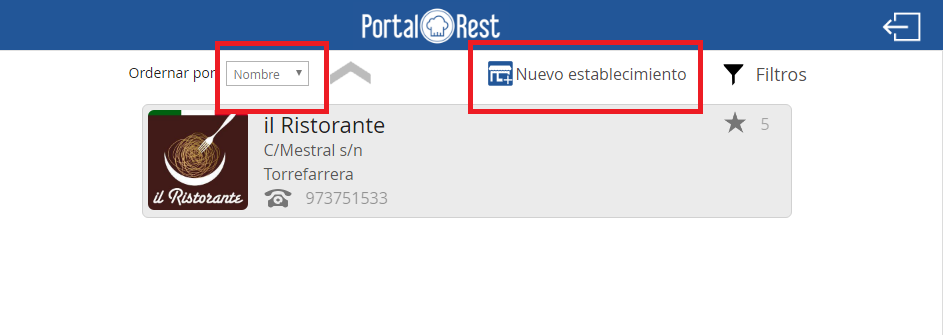
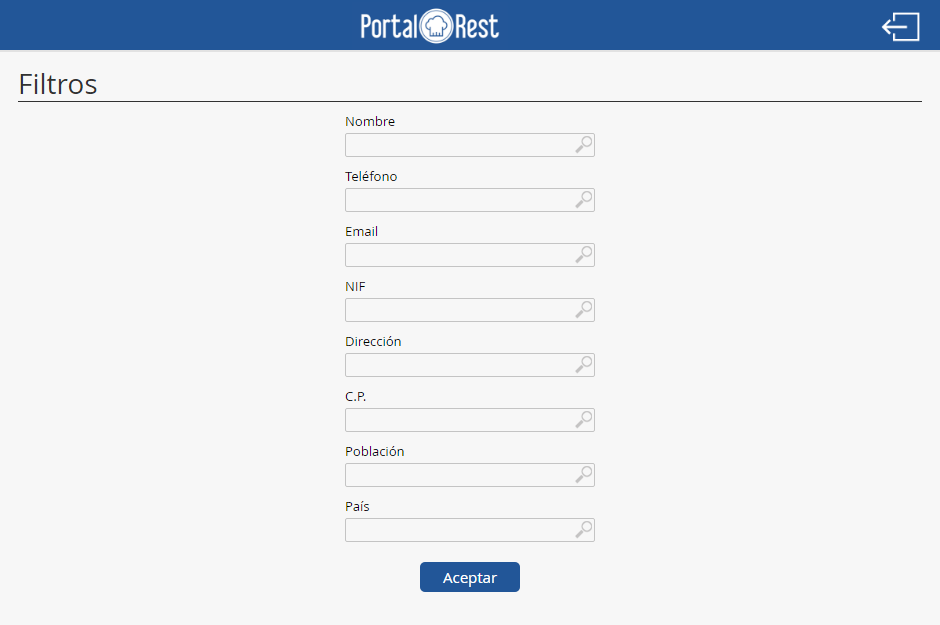
From PortalRest, we can also filter establishments by Name, Phone, Email, NIF, Address, Postal Code, Town, and Country. The establishments screen showing the filters is detailed below.
AI Assistant
Section summary
AI can generate inaccurate information; verify the results.