En esta sección
Accounting Firm
The Accounting Firm menu is headed by a text field to enter the Name. It contains the Basic Data, existing Fiscal Years, and the default Configuration for the Accounting Firms available to the business, divided into their respective tabs:
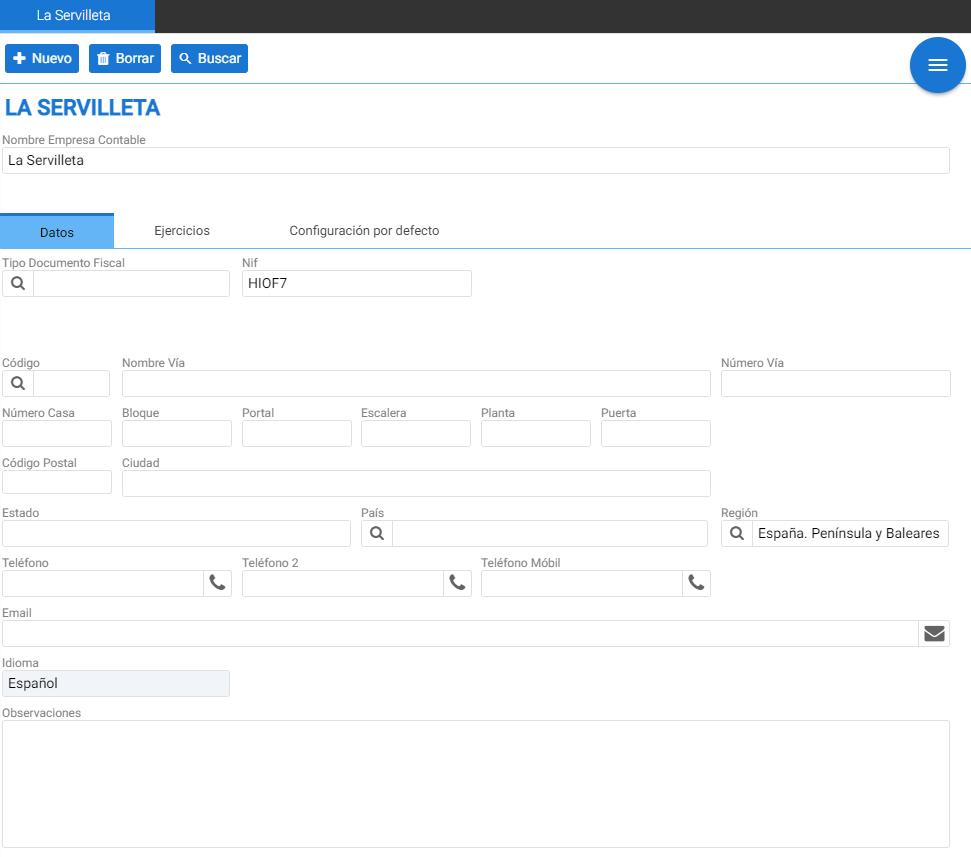
The functions of each tab are explained below.
Data:
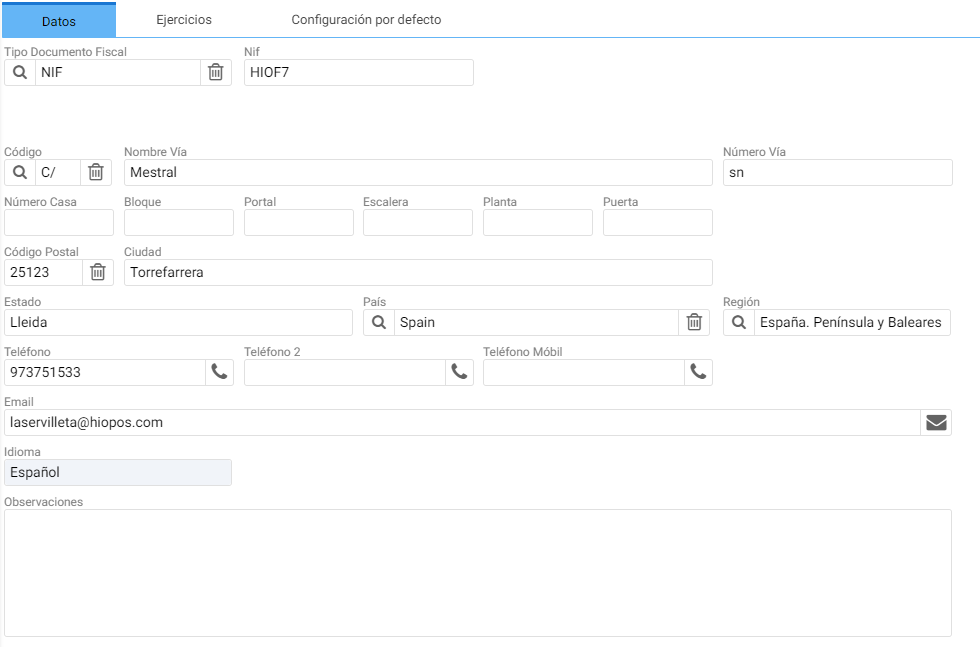
It contains the company's tax information. When an official tax return needs to be filed (i.e., Form 303), the data indicated on this tab will be used to complete the respective files.
Exercises:
The Exercises section has on the left a table with the following buttons:
• Add
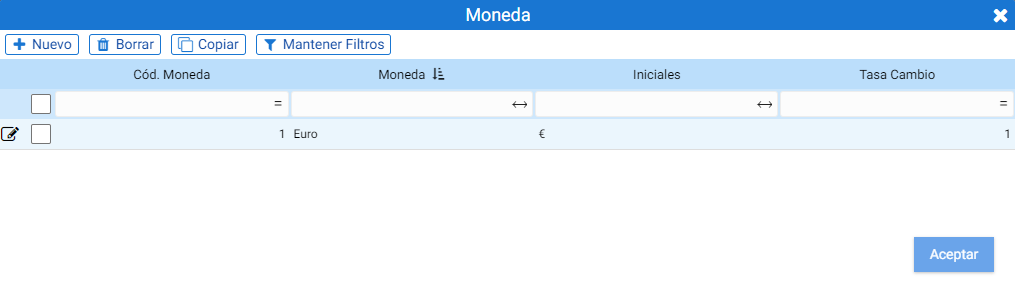
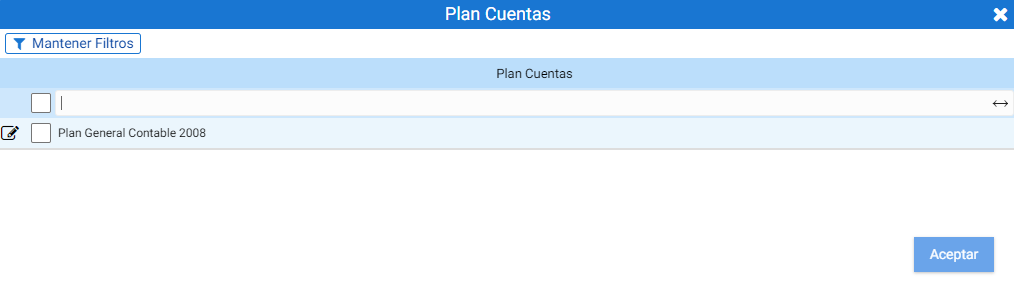
Enables the creation of new fiscal years. Clicking this function opens a pop-up window where you must select the currency for the new fiscal year. Upon accepting, a second screen is displayed to select the Chart of Accounts to which it will be assigned.
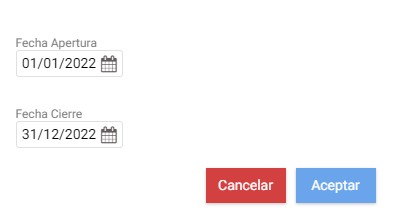
After accepting, the opening and closing dates of the fiscal year must be configured in the floating screen that is activated:
Once the three main parameters are indicated, the Accounting Exercise creation wizard opens.
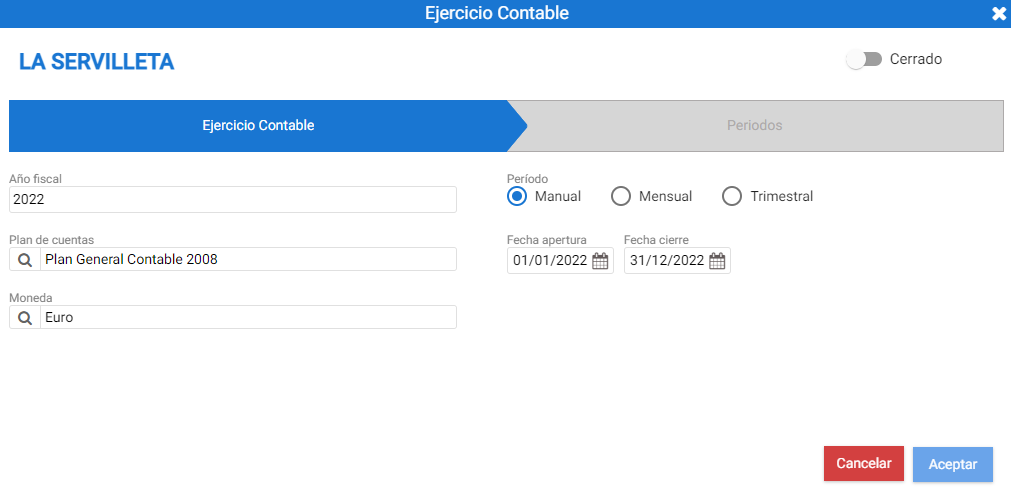
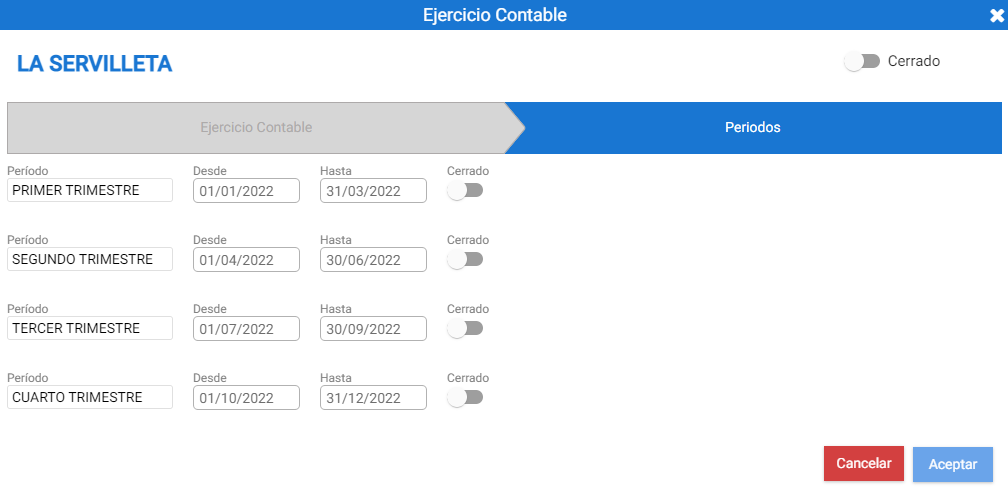
If the Period is defined as Manual in the first tab, it is not necessary to access the second tab; however, if a Monthly or Quarterly period is indicated, it is.
• Remove
Allows deleting an existing Exercise that is selected from the table.
• Close fiscal year
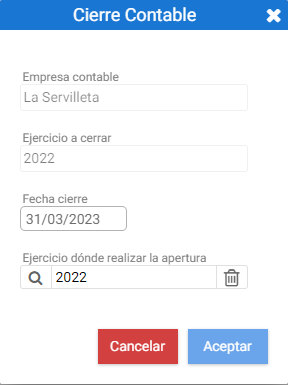
Tool that allows closing an accounting period based on an existing one.
This button opens a floating screen that displays the information of the exercise to be closed and a selector to choose which one will be used for the next opening.
• Renumber Seats
Automatic function to renumber the entries that make up the fiscal year.

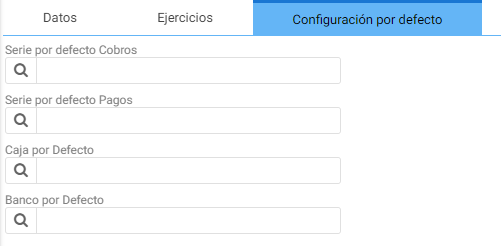
Default settings:
The default values for the Receipts and Payments Series, as well as the assigned Cash and Bank.
AI Assistant
Section summary
AI can generate inaccurate information; verify the results.