En esta sección
1.1
HIOFFICE
Taxes
Upon accessing Taxes, a list with all created taxes will open. From the list you can create a new one, copy one over another, or delete existing ones.
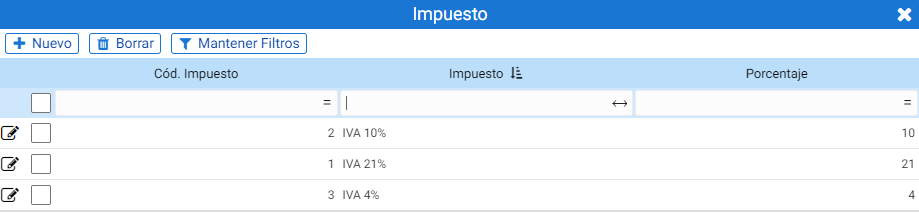
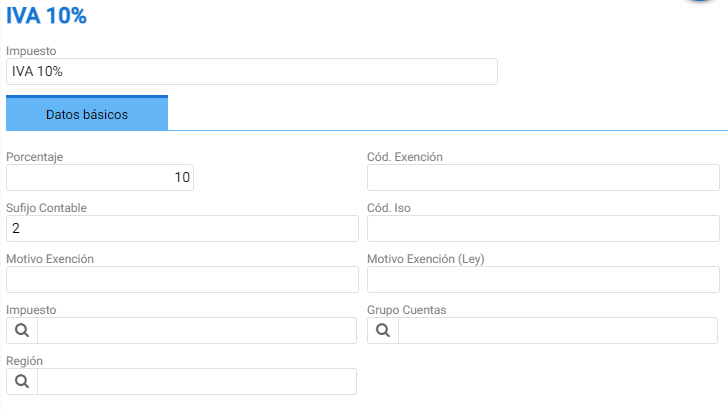
With a double click, the tax record is accessed. It consists of a header with the tax name and a series of text fields within the Basic Data tab:
- Percentage: The percentage tax.
- ISO Code: Alphabetic code for country identification.
- Reason for Exemption (Law): Field to complete in countries like Portugal or Angola.
- Exemption Code: Field to complete in countries like Portugal or Angola.
- Reason for Exemption: Field to complete in countries like Portugal or Angola
- Tax: To assign a surcharge (i.e.: equalization surcharge) on the tax itself
- Group of AccountsSelector for a group of accounting accounts from the country's General Chart of Accounts.
- RegionThe region of the country affected by the tax.
AI Assistant
Section summary
AI can generate inaccurate information; verify the results.