En esta sección
Coins
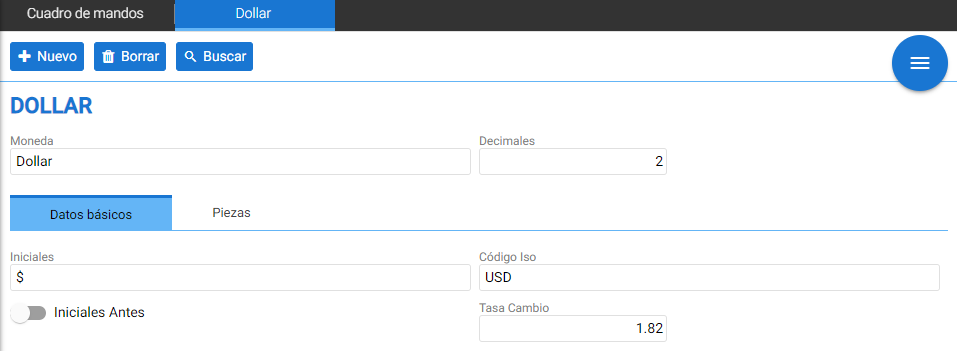
By accessing the Currencies option in Settings, you can again see a search filter with [+ New] and [Delete] buttons. Here, you can edit the currency's description or initials, or even the exchange rate.
Here's how to create the Dollars ($) currency: To do this, you must first enter basic currency information: in the [Decimals] field, enter the number of decimal places you want to be taken into account; in [Exchange Rate], you must enter the exchange rate amount of the new currency relative to the terminal's default currency, in this case €.
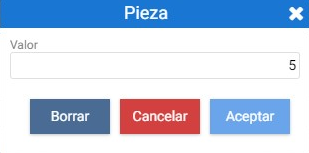
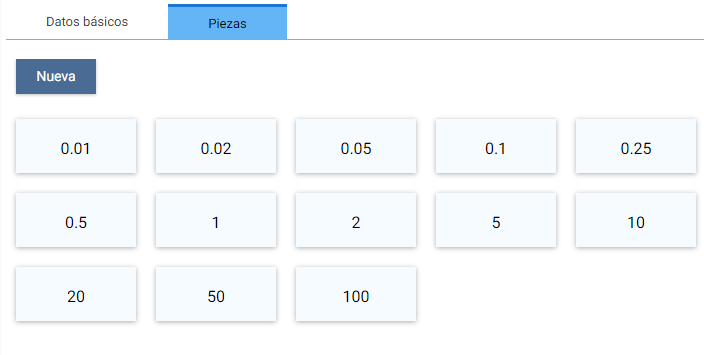
From the Pieces section, the different currency items can be created; for example, the image shows the different coins and banknotes from 1 cent to 100 dollars.
AI Assistant
Section summary
AI can generate inaccurate information; verify the results.