En esta sección
Boxes
Good till management allows for control of establishments through cash reconciliations, which is why it's important to have a very clear understanding of the till and series setup you want to configure.
Once the "Boxes" button in the Settings is selected, the search tool will open, from which you can select, delete, or create a new box.

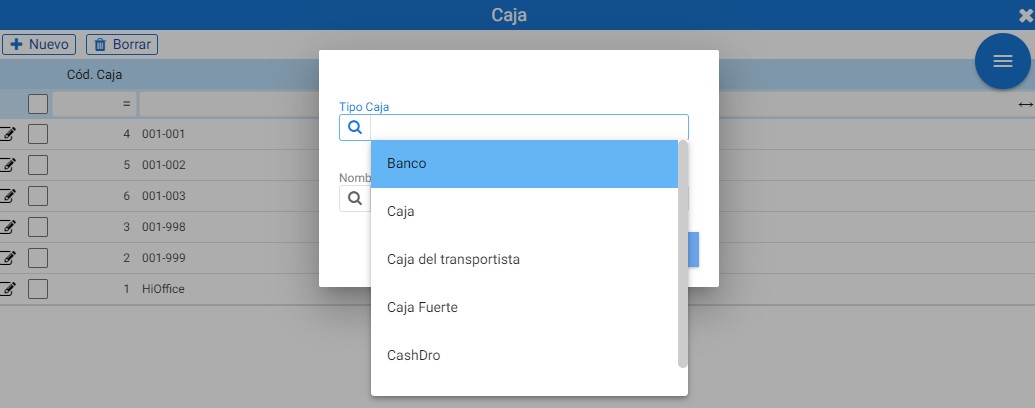
If the [+New] button is clicked, a pop-up screen will open where, before anything else, it is necessary to select a Box Type; if you type directly, the program suggests the available options:
In addition to the box type, the program asks for the accounting firm assigned to this box:
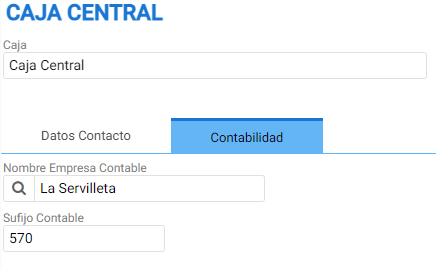
Once the [Accept] button is clicked, you are taken to the creation tab:
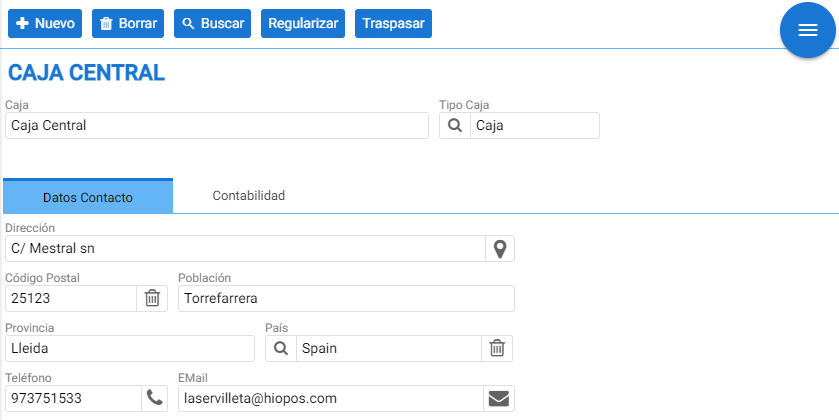
In the record header, the name and type of the box are displayed. Below is the tab with the contact and address details of the establishment/headquarters that contain the box.
Next to the tab of Contact Details is the one of Accounting.
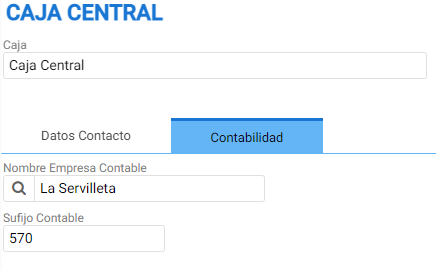
This section contains the accounting company assigned to the cash register and the Accounting Suffix field for the transactions made on it.
At the top are the creation, record deletion, and search buttons, as well as two additional options: Regularize and Transfer.
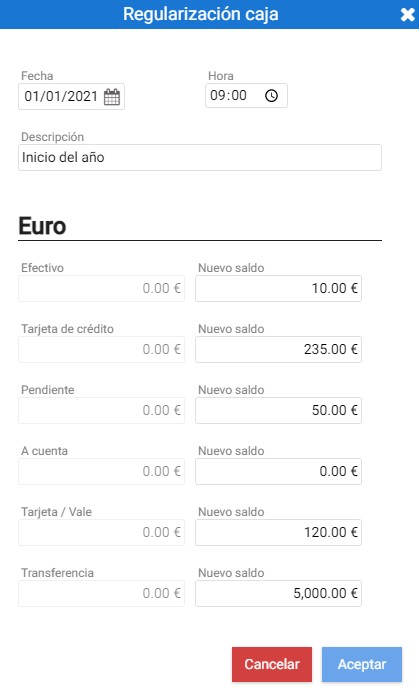
[Regularize] allows you to indicate the amount held in that till for each payment method on a specific date.
The [Transfer] function will move the amount from one box to another on a specific date.
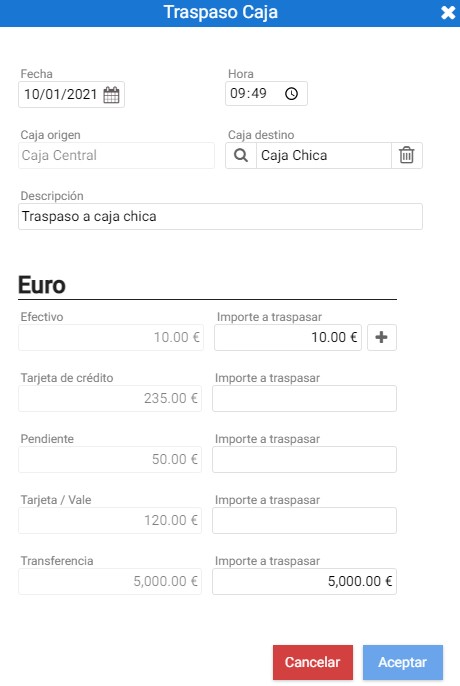
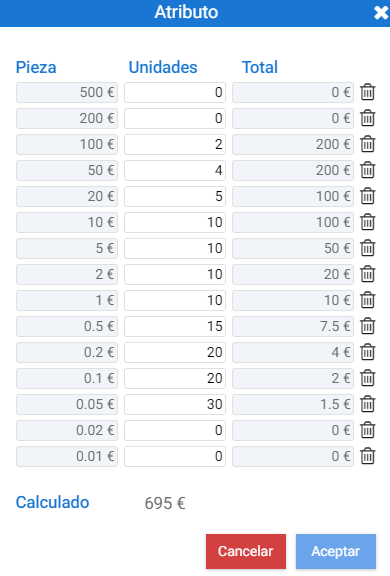
In the transfer tool, next to the Cash Amount, there is a button with a plus symbol (+) that allows you to indicate the number of coin pieces that will be moved to the destination till:
NOTE: It is important to create a Bank cash account with the bank details of our default bank account, so that banking operations can be performed through the Treasury. In the Company settings, within the Default Settings tab, you can associate the cash account that acts as the default bank.
AI Assistant
Section summary
AI can generate inaccurate information; verify the results.