En esta sección
Vendors
When user profiles are defined, you can create the sellers that will be used.
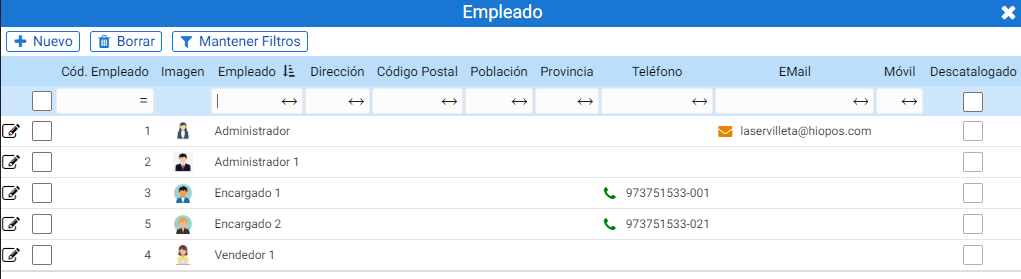
Clicking the [+ New] button opens a pop-up window asking you to select the previously defined user type. This option includes the [+] button to create a new profile:
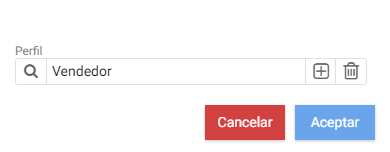
Clicking [Accept] accesses the employee's maintenance record.
The first fields to complete on the form are the Seller's name (this is the one that will be visible on the HioPos employee selection screen), the contact type, the NIF, and the phone number.
To delist the vendor, there is a button to the right of the header. You can add an image for the employee from the box to the left of the header.
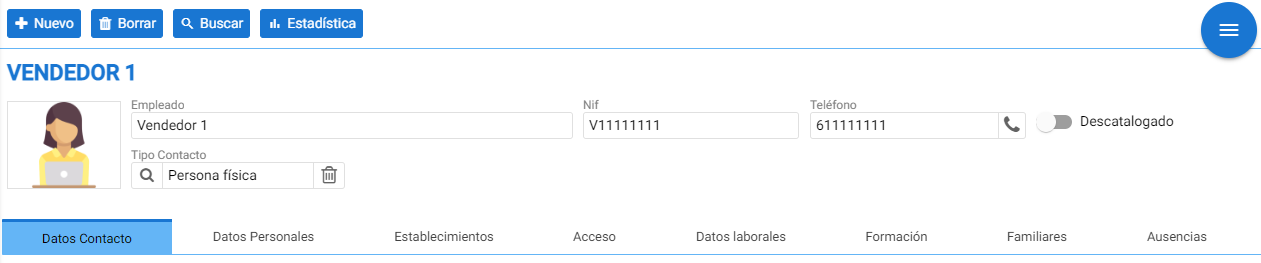
Below are eight tabs that define the employee's data, the establishment they belong to, and program access credentials, in addition to Employment Data, Training received, Family information, and Absences.
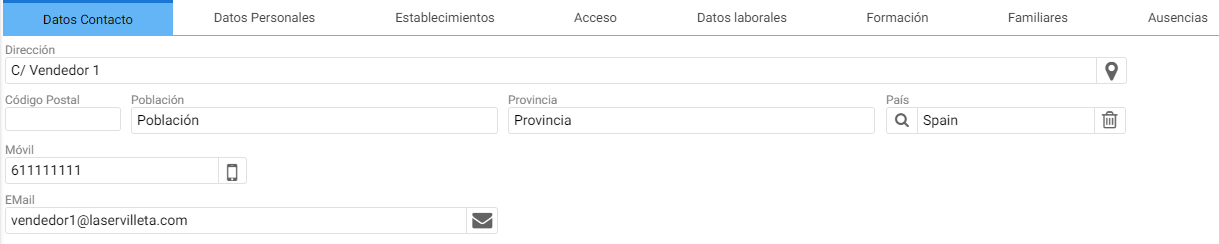
Contact details:
From the address to the mobile phone and email. In this section, the contact details for this employee are defined.
Personal data:
It allows adding information about the person in question. This is merely informational data.

Establishments:
On this tab, a table indicates the establishments this vendor has access to.

Access:
To define this worker's profile type and the access passwords for cloud programs, you must access this section.
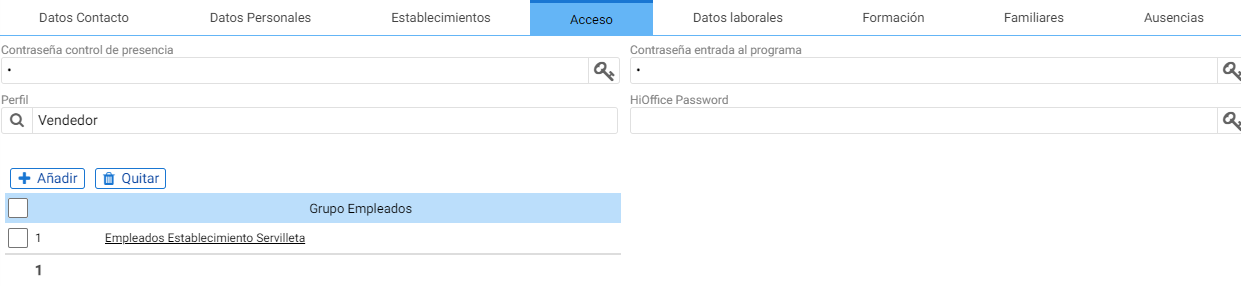
Password attendance controlTo work with attendance control and entry /
exit code.
Program entry password: For HioPos terminals.
HiOffice Password: The password to access HiOffice and Analytics.
Employment Details:
Tab where the start date of the employment contract with the company is configured, as well as the established working hours and salary conditions.

Training:
Where you can indicate the training provided by the company, along with the period and location.

Familiaries
Basic information about family members with the "Phone" field to be able to contact the family member in case of emergency.

Absences
Should the employee need to be absent, this can be indicated in this section, where the date, time, reason, and observations can be assigned.

NOTEAccess to HiOffice or Analytics requires three credentials: client code, email, and password. The password is your HiOffice password.
The customer code can be seen on the terminal, from the menu, on the right below the Cloud customer's name and email address.

The email is the one we define in the seller's record, in the [Contact details] tab.
AI Assistant
Section summary
AI can generate inaccurate information; verify the results.