Quick article creation
HioPOS Cloud organizes items into three main levels: these are Family, Subfamily, and Item. To create new items, you must first create a New family.

Once we have created the new family and given it a name, we can create a New subfamily or else Edit articles. We select the second option
New articles
On the article editing screen we can create a New the item and set its Price, Reference, and Barcode, also configure if it has stock.

On the article editing screen, you can select from the top menu the family whose articles you want to edit, as well as the rate you wish to modify. You can select if you want this family to be visible on the sales screen.
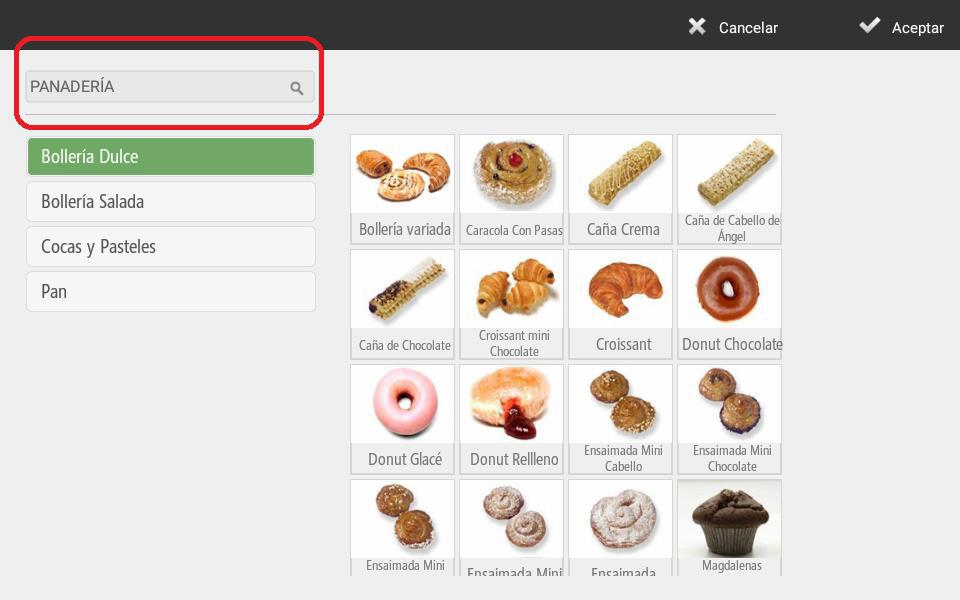
The option Gallery It provides us with article databases containing images that come pre-configured in HioPOS Cloud to facilitate your installation and setup, and also to more easily organize the images of the articles we are editing.

Select your Type of business And within this, you will find the corresponding families for your initial selection, as well as their items. Select the items you wish to add. HioPOS Cloud includes a wide variety of businesses created by default, which will allow you to configure your terminal quickly and easily.
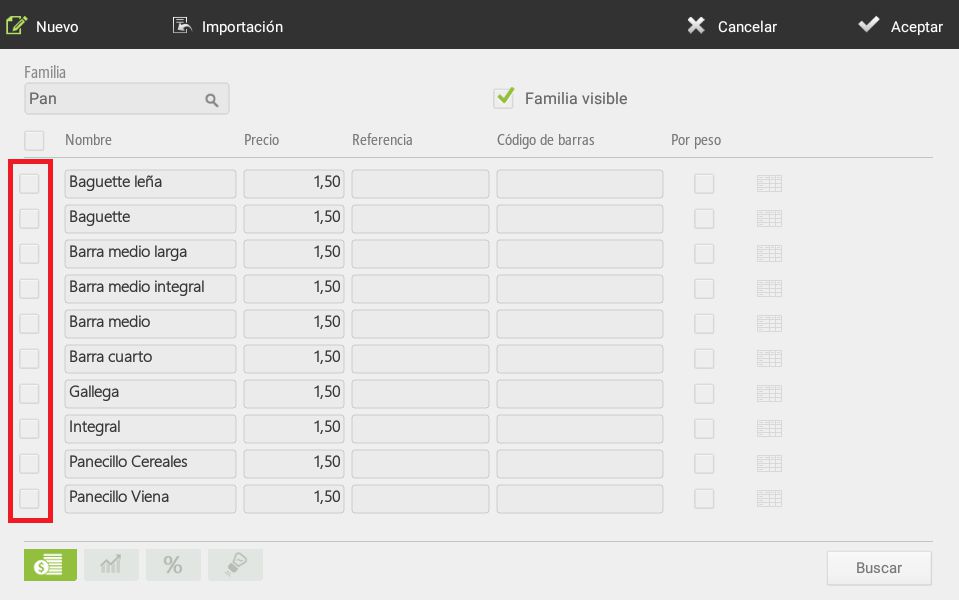
To modify more than one item at a time, simply check the boxes next to each item you wish to modify, then proceed with the modification.
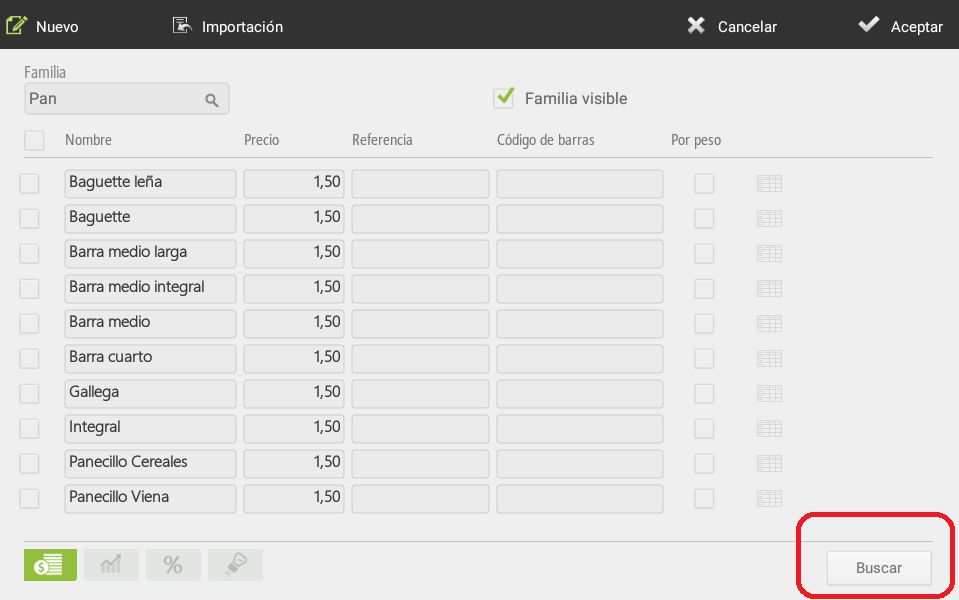
You can also search for articles using the button Search in the bottom right margin, to directly select the article we want
Margin calculation
The second option at the bottom of the screen allows us to calculate margins.
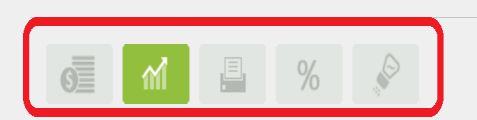
This option is designed to allow you to set product prices according to their cost and the margin, in real value or absolute value, that you wish to obtain.
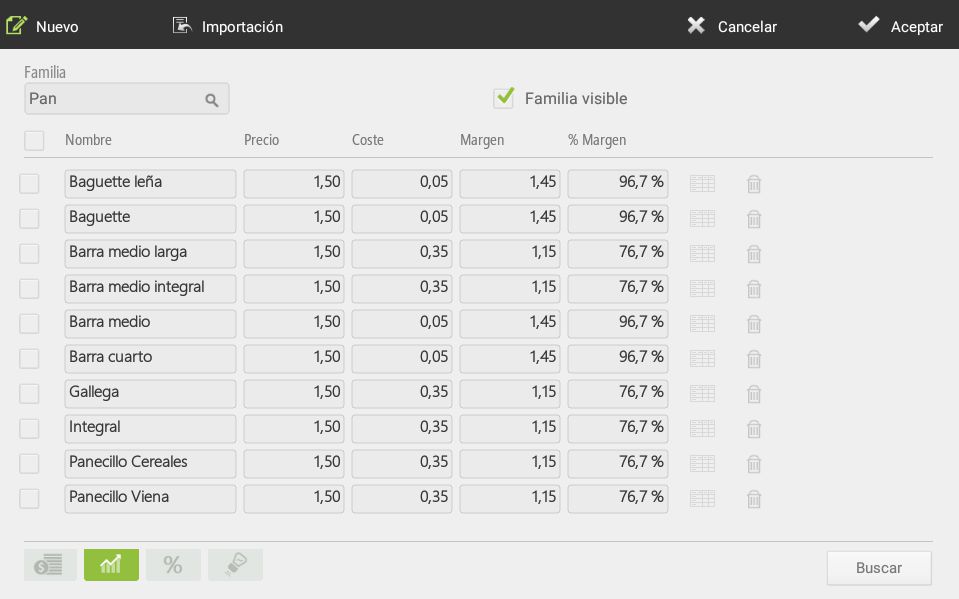
First, we will input the product's cost. To this cost, we will add the profit margin we wish to obtain from its sale; the margin can be a nominal value or a percentage of the product's cost. Once we have added the margin, the software itself will suggest the price at which we should sell it.
We can always modify this price, as well as the other options, so we can offer a price that aligns with the margins that are most beneficial to us.
As you enter purchases in HioPOS Cloud, the cost of the items will be updated.
AI Assistant
Section summary
AI can generate inaccurate information; verify the results.