En esta sección
Modifiers
Modifiers are items added to the initial product to customize the item they are applied to. These modifiers may or may not have a price supplement or increase, which would be added to the item's total.
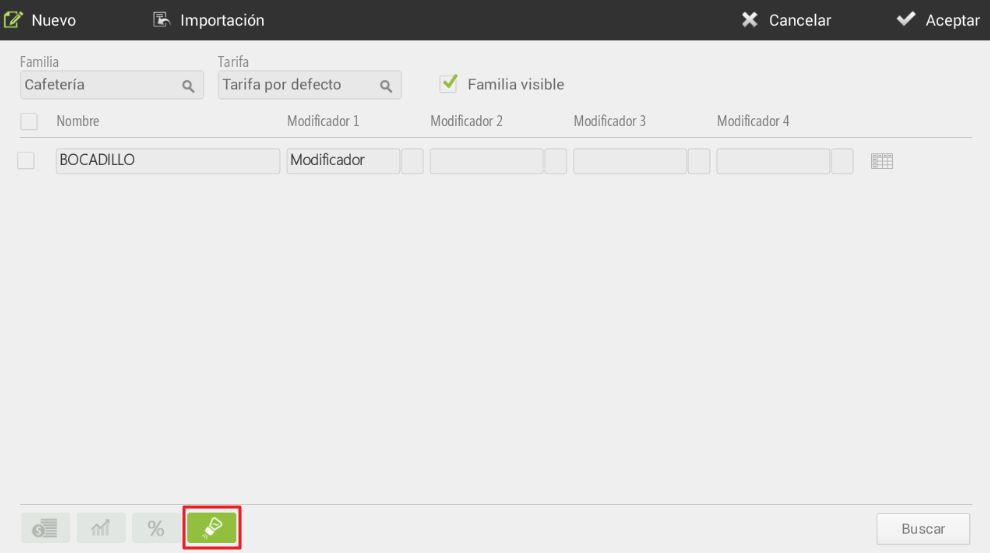
To add modifiers, they must first have been created in the section Modifiers from the initial setup. Modifiers are created in groups, so a group of modifiers will be added to an item instead of a single modifier.
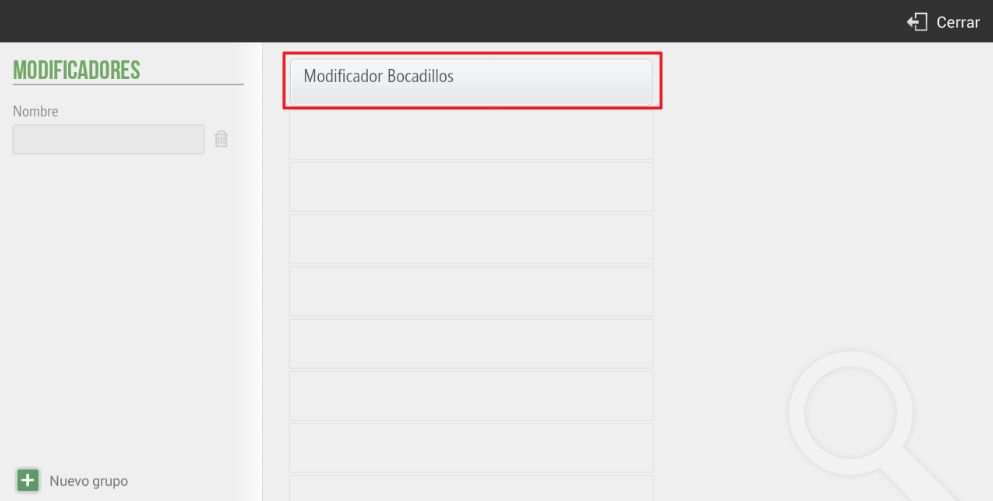
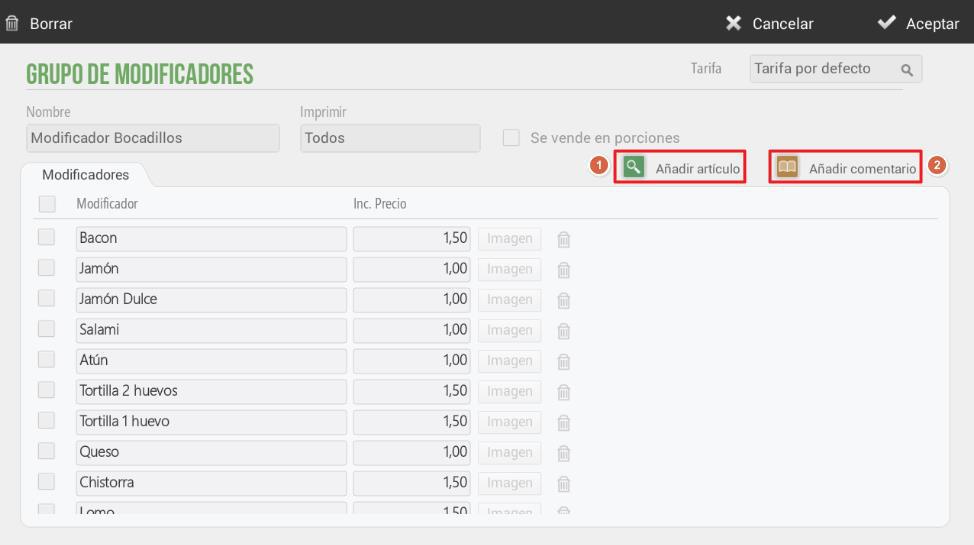
As many literals as desired can be added within a modifier group. They can be created using an item (1) already created in the database or using a free comment (2).
You can add as many literals as you want within a group of modifiers. They can be created using an article (1) already created in the database or using a free comment (2).
There is the possibility that selecting an ingredient as a modification includes a price increase. As can also be seen in the previous screenshot, an image can be added to the item so that it is displayed on the sales screen.
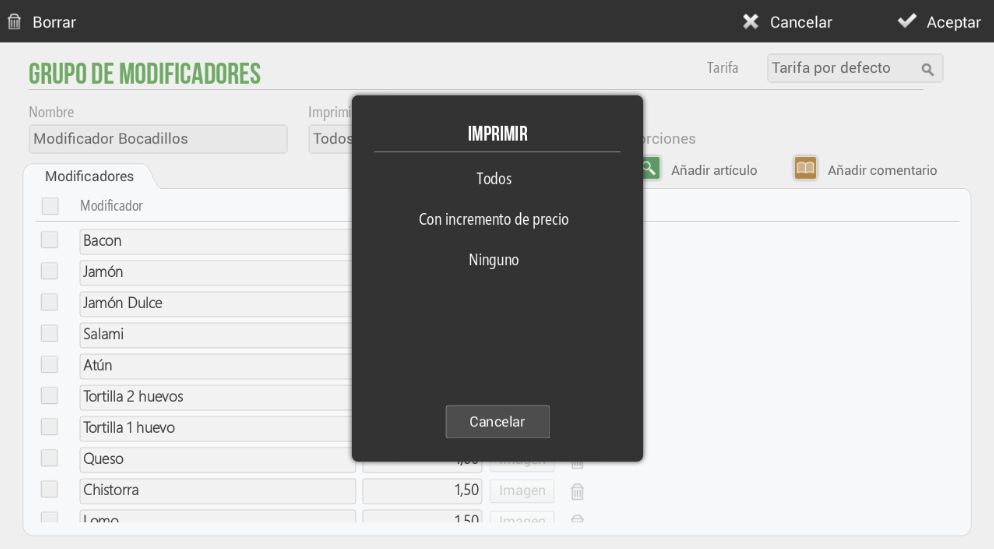
There is an option to select which modifiers you want to print to appear on the sales ticket: all, those with a price increase, or none, as can be seen in the following image.
AI Assistant
Section summary
AI can generate inaccurate information; verify the results.