En esta sección
Format an article
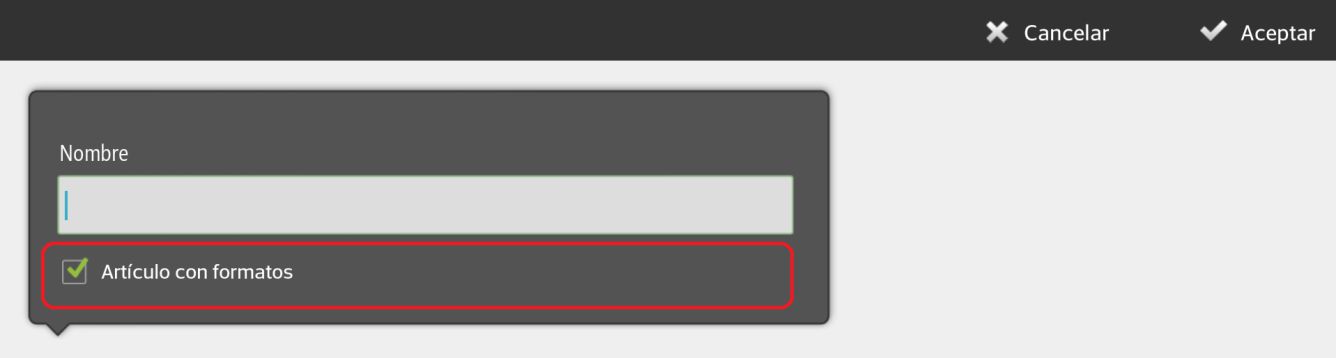
Let's go to the menu Articles English Configuration. There we select a family and create a new item, where we are going to check the option Article using formats when naming the article.
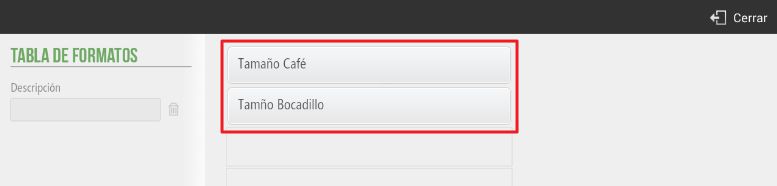
Once the article is created, select from the Table of Formats the one you want to apply, and you can create a new table with new formats at that very moment.
Next, enter the price and a new format-based item will be created. Once a new format-based item has been created, at the end of its line you will see a box with a table. This indicates that it is an item sold in formats.
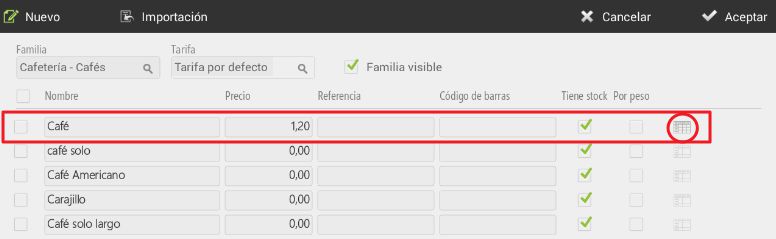
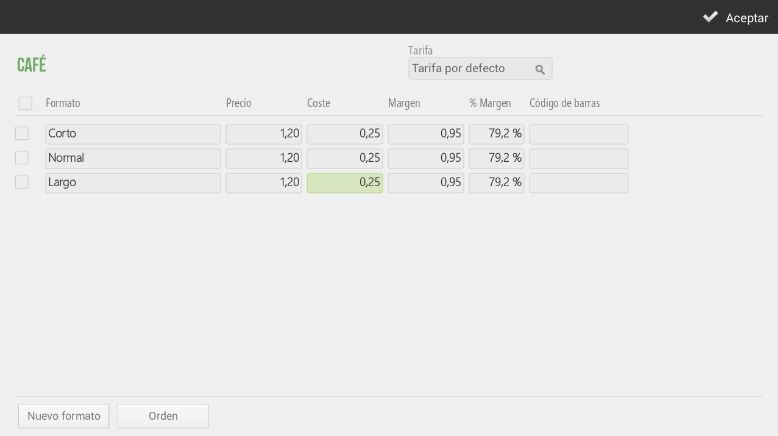
Click on the table to modify the prices according to the format, as well as the cost, the margin, the barcode, and the rate. You can also add a new size.
If, when creating a new article, nothing has been selected Article with formats", you will have to manually assign the formats to each article. We will go to the screen for Configuration, we will select Article, Edit articlesWe will select in the table that appears almost transparent at the end of an article's line, and there we can add various formats.
AI Assistant
Section summary
AI can generate inaccurate information; verify the results.