En esta sección
Deduct stock from inventory using Lots
How can we subtract Stock from our inventory using Batches?
We have several ways to deduct stock, all of which are configurable in COMPANY → DEFAULT CONFIGURATION ← DEFAULT VALUES ← BATCH DESTOCKING METHOD.
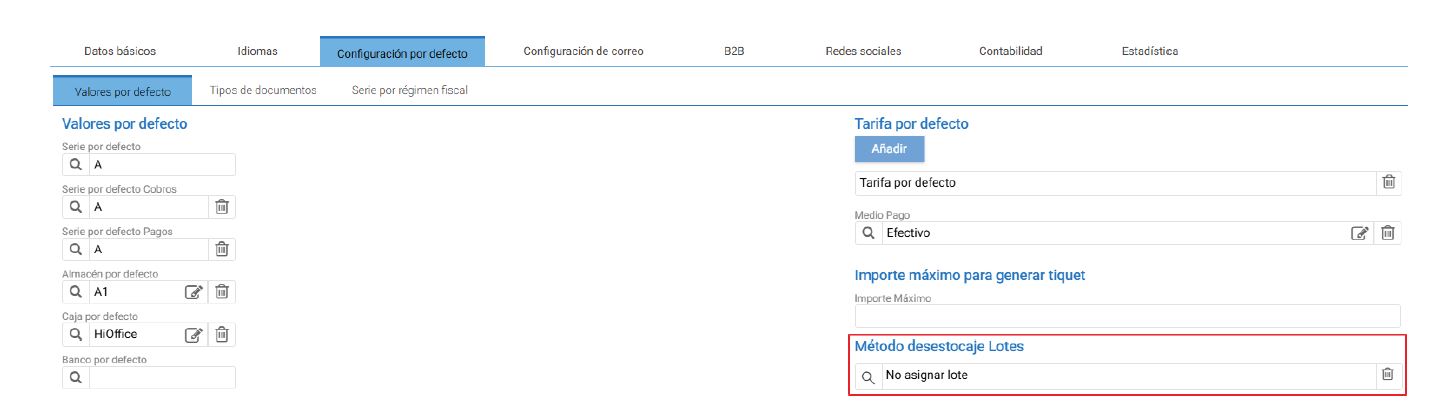
By default, it is configured as “No lot assignment,” which, as its name indicates, does not assign any lot even when working with a Lot-type Item. The assignment will be manual. If we explore more options, we can see that we can also use the methods:
- Prompt for Lot when selling an item
- Assign lot automatically by FIFO (First In, First Out)
- Assign lot automatically by LIFO (Last In, First Out)
Additionally, there are certain parameterizations regarding batches at the end of the Default Values → Options screen.
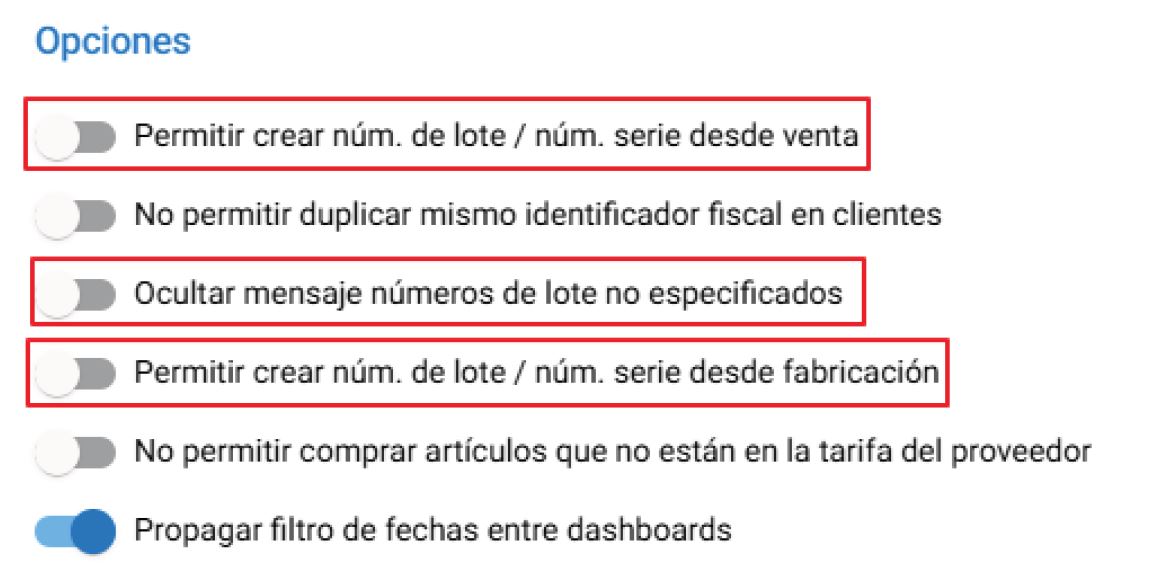
Allow creating batch number / serial number from sales:
This option allows you to create a lot number / serial number from a sale, without having to previously enter the lot number or serial number during the purchase.
Hide message unspecified batch number:
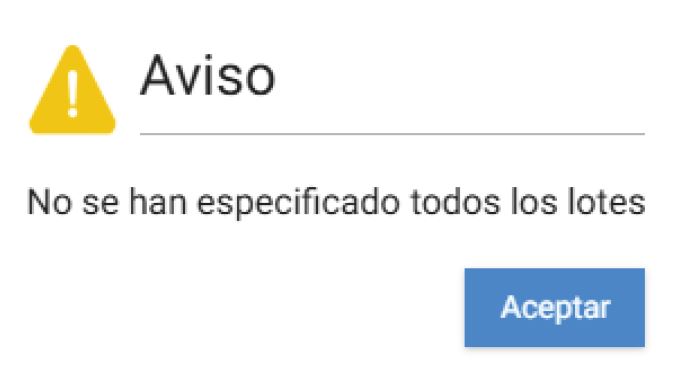
When you generate a document where an Item "uses lot", before closing the document, a pop-up will appear indicating that not all lots have been specified, as a Warning / Reminder. If this option is deactivated, the pop-up will be displayed; if it is activated, the pop-up will no longer be displayed. It does not prevent you from proceeding and closing the document.
Allow creating batch number / serial number from Manufacturing:
If Hioffice's proposed automatic batch generation is not used, with this option we can create any batch number or serial number we want for our manufacturing.
AI Assistant
Section summary
AI can generate inaccurate information; verify the results.